Instagram Story Downloader (2026): 7 Free Tools That Work Without Login
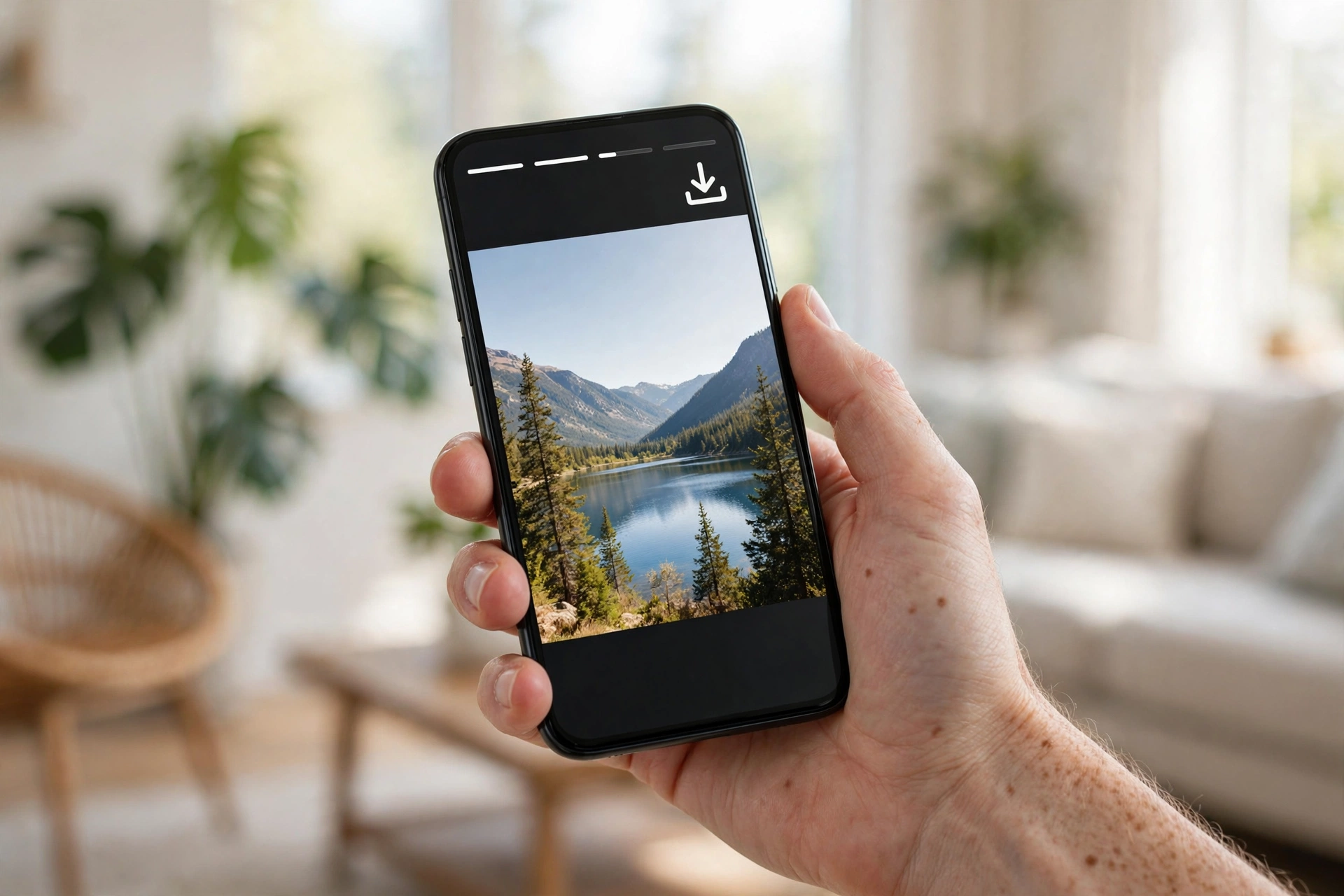
Instagram stories disappear after 24 hours, and Instagram gives you no built-in way to save someone else’s story to your phone. If the story is not yours, the app simply does not show a download button, and asking the person to send the clip to you is not always practical. An instagram story downloader closes that gap: you paste a username or a story link into a free online tool, and it saves the story photo or video straight to your device in a few seconds, with no login required. These tools work on public accounts, they keep the download anonymous so the story owner never gets a notification, and most of them also grab highlights, the pinned story collections that stay visible on a profile long after the 24-hour clock has run out. Since Meta owns Instagram and offers no official export option for other people’s stories, third-party downloaders have become the standard workaround for creators, marketers, and everyday users who want to keep the stories that matter to them.
Why People Use an Instagram Story Downloader
Story content is some of the most useful material on Instagram, precisely because it feels casual and temporary. People post workout routines, recipes, discount codes, event announcements, behind-the-scenes clips, and quick tutorials as stories, and all of it evaporates within a day. A story downloader turns that temporary content into something you can keep, rewatch, and reference later.
- Saving tutorials and how-to clips. Fitness trainers, chefs, and makeup artists often share step-by-step demonstrations only in stories. Downloading them means you can follow along at your own pace instead of screen-recording in a panic.
- Keeping memories. Friends post birthday shoutouts, trip montages, and family moments as stories. If someone featured you in theirs, a downloader lets you keep a clean copy without asking them to dig through their archive.
- Collecting social proof. Small businesses get tagged in customer stories every day. Downloading those mentions gives you ready-made testimonial material for your own highlights, your website, or your ad creatives.
- Market research. Marketers and creators quietly study how competitors run story polls, countdowns, and product launches. Saving competitor stories is a fast way to build a swipe file of formats that work in your niche.
- Offline access. Travelers, students, and anyone on a limited data plan download stories over Wi-Fi so they can watch them later without burning mobile data.
If you prefer doing everything inside the Instagram app instead of a browser, tweaked clients are another route. Tools like InstaUp APK add extra download options to the app experience on Android, which some users find more convenient than switching to a website every time a story is worth saving.
How Instagram Story Downloaders Work
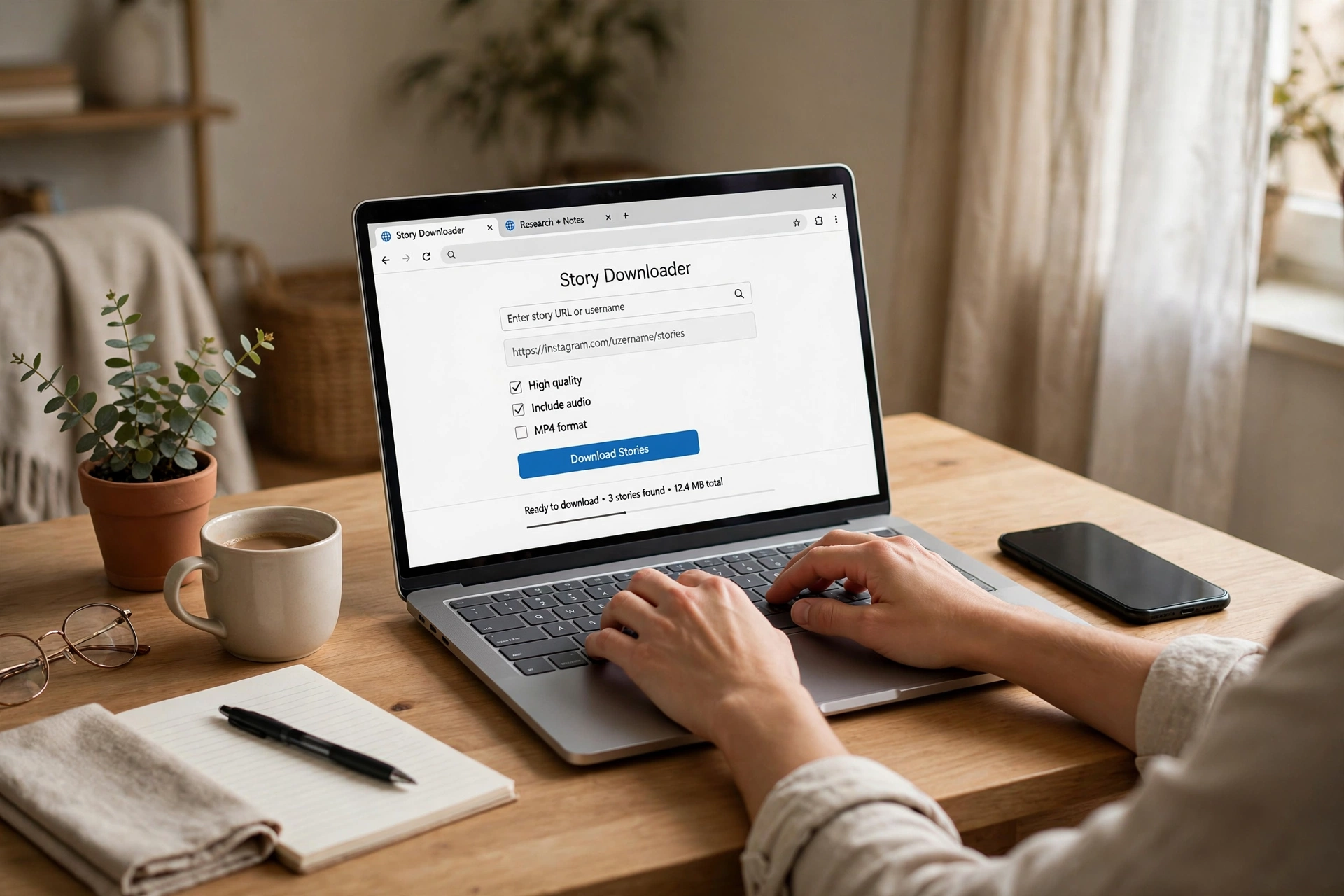
The mechanics are simpler than most people expect. Every public Instagram story is just a media file sitting on Instagram’s servers, and Instagram’s own app fetches it when you tap through someone’s story ring. A downloader tool does the same fetch on your behalf, then hands you a direct download link for the underlying photo or video file.
Here is the usual flow, which is nearly identical across the tools reviewed below:
- You enter a username or story link. Most tools accept a plain username like @nike; several also accept a direct link to a specific story or highlight.
- The tool looks up the public profile. It queries Instagram’s public-facing data for that account’s currently active stories. No password, no session, and no login on your side is involved.
- It lists the available media. You see thumbnails of each story segment, photos and videos separated, so you can pick exactly the ones you want instead of downloading everything.
- You hit download. Each item downloads as a JPG for photos or an MP4 for videos, in the same resolution Instagram stores it. The files land in your phone’s gallery or your computer’s downloads folder, ready to keep or repost.
The key limitation is baked into this design: the tool can only fetch what Instagram itself makes public. Stories from private accounts, close-friends lists, and expired stories that were never saved to highlights are invisible to every downloader, because Instagram never exposes those files publicly. Any site that claims to download private stories is either lying or asking for your login credentials, which is a red flag you should never ignore.
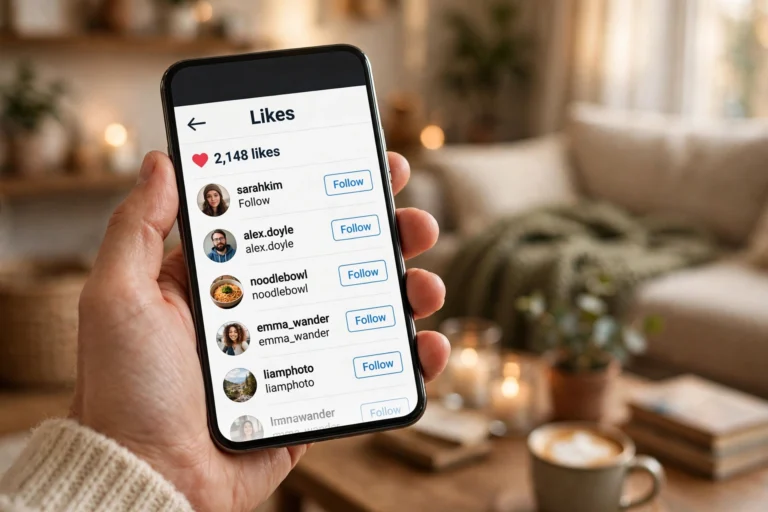
Downloaders sit inside a wider family of Instagram utility tools. If you are building a full toolkit, an instagram likes viewer pairs well with a story downloader, letting you check engagement on posts while you archive the story content around them.
What You Can and Cannot Download
Before you pick a tool, it helps to know exactly where the boundaries are. Getting this right saves you from wasting time on tools that promise the impossible.
- Public account stories: fully downloadable, photos and videos, usually with audio intact.
- Highlights: downloadable on most of the better tools, since highlights are just archived stories that remain public on the profile.
- Your own stories: always downloadable, and Instagram itself lets you save these from your archive without any third-party tool.
- Private account stories: not downloadable by any legitimate tool. The account must be public, or you must be an approved follower viewing through the official app.
- Close-friends stories: not downloadable through third-party tools, even if you are on the list, because Instagram restricts this content to in-app viewing.
- Expired stories with no highlight: gone for good. Once the 24-hour window passes and nothing was saved, the file is removed and no downloader can recover it.
- Story stickers and interactive elements: polls, quizzes, and question boxes do not come along. You get the underlying photo or video; the interactive layer stays inside Instagram.
File formats are refreshingly simple. Photos download as JPG files and videos as MP4 files, the two most compatible formats on any phone or computer. You can play MP4 story videos in your gallery app, edit them in CapCut or any video editor, and re-upload them anywhere without conversion. Photos open in every image viewer ever made. There is no proprietary format to wrestle with and no extra software needed to open what you saved.
Quality is one thing you rarely need to worry about. Downloaders pull the original file Instagram stores, so a story saved this way looks exactly as sharp as it did in the app. What you lose is only the interactive dressing around it, which was never part of the media file to begin with.
7 Best Instagram Story Downloader Tools That Work Without Login
Every tool below was checked against the same criteria: free to use, no Instagram login required, works on mobile and desktop browsers, and downloads actual files rather than showing you a preview you cannot keep. Beyond that baseline, I weighed highlight support, because stories older than a day live there; audio preservation on video downloads, because muted clips are half the value; and mobile usability, since most downloads happen on phones. They all handle the core job, but they differ in extras like batch downloading and how clean the interface is on a small screen.
Quick Comparison
| Tool | Login needed | Highlights | Audio | Watermark | Input (username or link) |
|---|---|---|---|---|---|
| Snapgram | No | Yes | Yes | No | Username or link |
| StorySaver.net | No | Yes | Yes | No | Username or link |
| Toolzu | No | Yes | Yes | No | Username |
| InstaStoris | No | Yes | Yes | No | Username or link |
| IGLoadr | No | Limited | Yes | No | Username or link |
| InstaLoadr | No | Limited | Yes | No | Username or link |
1. Snapgram
Snapgram is one of the most straightforward options in this space. You type a username, it shows the account’s active stories within seconds, and each item gets its own download button. The interface is clean on mobile, which matters because most people use these tools from their phones. It handles both photos and videos, keeps audio on video stories, and supports highlights, so older saved collections are reachable too. There is no account creation and no software to install, which keeps the whole process under a minute from search to saved file.
- Best for: beginners who want the fastest path from username to download.
- Watch out for: like most free tools, it runs ads, so tap the actual download button and not the banner around it.
2. StorySaver.net
StorySaver.net has been around longer than most competitors, and that age shows in its reliability. It accepts either a username or a direct story link, which is handy when someone sends you a specific story URL. Downloads come through as standard JPG and MP4 files with no watermark stamped on them. The site also covers highlights, making it a solid all-rounder if you regularly archive whole profiles rather than one-off stories. On desktop it lets you preview each segment before downloading, so you never save the wrong clip.
- Best for: users who get story links shared in chats and want to save exactly that story.
- Watch out for: the preview grid can be slow to load on weak connections; wait for thumbnails before tapping download.
3. SaveFromIns
SaveFromIns positions itself as a multi-format Instagram saver, and stories are one of its strongest categories. Paste a username or link, and it separates story photos from story videos into tidy lists. Video downloads retain their original audio track, which is important for music-backed stories and talking-head clips. The tool is fully web-based, so it works the same on Android, iPhone, and desktop browsers without any app install. It also handles highlights, which puts it a step above the bare-minimum downloaders that only touch the last 24 hours.
- Best for: saving video stories where the audio matters as much as the visuals.
- Watch out for: pop-up style ads on some pages; a browser with a basic ad blocker makes the experience smoother.
4. Toolzu
Toolzu takes a slightly different approach by bundling story downloading into a wider set of Instagram utilities. The story downloader itself is username-based: enter the handle, browse the active stories, and download what you need. Because it lives alongside profile and post tools, it suits people who do this kind of work regularly, such as social media managers archiving client mentions. Downloads are watermark-free, and highlight support means you can reach back beyond the current day’s stories. The trade-off is a busier interface than the single-purpose tools above, but everything still works without creating an account.
- Best for: marketers and managers who want story downloads plus other Instagram utilities in one place.
- Watch out for: stick to the story downloader section; the extra tools can be distracting if you only came to save one story.
5. InstaStoris (instastoris.com)
InstaStoris focuses on anonymous story viewing paired with downloading, which makes it popular with users who want both in one visit. You can watch someone’s stories through the site without logging in, then download any segment you want to keep. The download quality matches the original upload, and highlights are supported, so pinned collections are downloadable the same way as fresh stories. It is a good pick when your main concern is staying invisible while browsing and you only save the occasional standout story.
- Best for: anonymous browsing first, downloading second.
- Watch out for: viewer counts on the site are its own metric, not Instagram’s; ignore them and focus on the download buttons.
6. IGLoadr (igloadr.com)
IGLoadr keeps things minimal: a single input box, a fetch button, and a list of downloadable story items. That simplicity is its main selling point. It accepts both usernames and direct links, downloads photos as JPG and videos as MP4 with audio, and adds no watermark. Highlight support exists but is more limited than the top picks on this list, so treat it as a quick-grab tool for current stories rather than a deep archiving solution. When you want one story saved in under thirty seconds, this is the kind of tool you bookmark.
- Best for: fast one-off downloads with zero learning curve.
- Watch out for: use one of the tools above if you need reliable highlight downloads.
7. InstaLoadr (instaloadr.com)
InstaLoadr rounds out the list as another no-login, no-install web tool. Enter a username or paste a story link, and it returns the account’s available stories as individual downloadable files. Like IGLoadr it favors speed and simplicity over advanced features, which is fine for the most common use case: someone posted a story today and you want it on your phone today. Photos and videos download cleanly with no watermark, and audio is preserved on video clips.
- Best for: a backup option when your usual downloader is slow or temporarily down.
- Watch out for: highlight coverage is limited, so check the results before assuming an old collection is there.
How to Download Instagram Stories Anonymously
This is the question behind half of all story downloader searches: will the person know I saved their story? The answer is no. Instagram notifies users about story views inside the app, but downloading through a third-party website never touches your Instagram account at all. You never log in, so Instagram has no viewer identity to attach to the download, and the story owner sees nothing unusual in their viewer list.
That said, anonymity has one hard edge worth understanding. These tools only work on public accounts. If the profile is private, the downloader cannot see the stories, and there is no anonymous workaround, because Instagram itself restricts that content to approved followers inside the app. Anyone promising anonymous private-story downloads is selling something that does not exist.
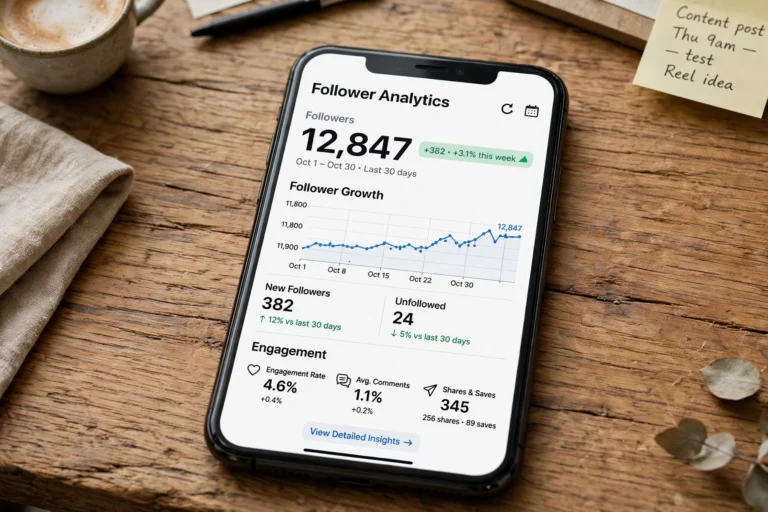
For viewing without downloading at all, a dedicated anonymous instagram viewer is the lighter option: it lets you watch public stories in your browser with no trace, and you only reach for a downloader on the stories worth keeping. And if you manage accounts professionally, pairing story archiving with an instagram follower tracker gives you the full picture, saved content plus audience movement, in one workflow.
How to Download Instagram Story Highlights
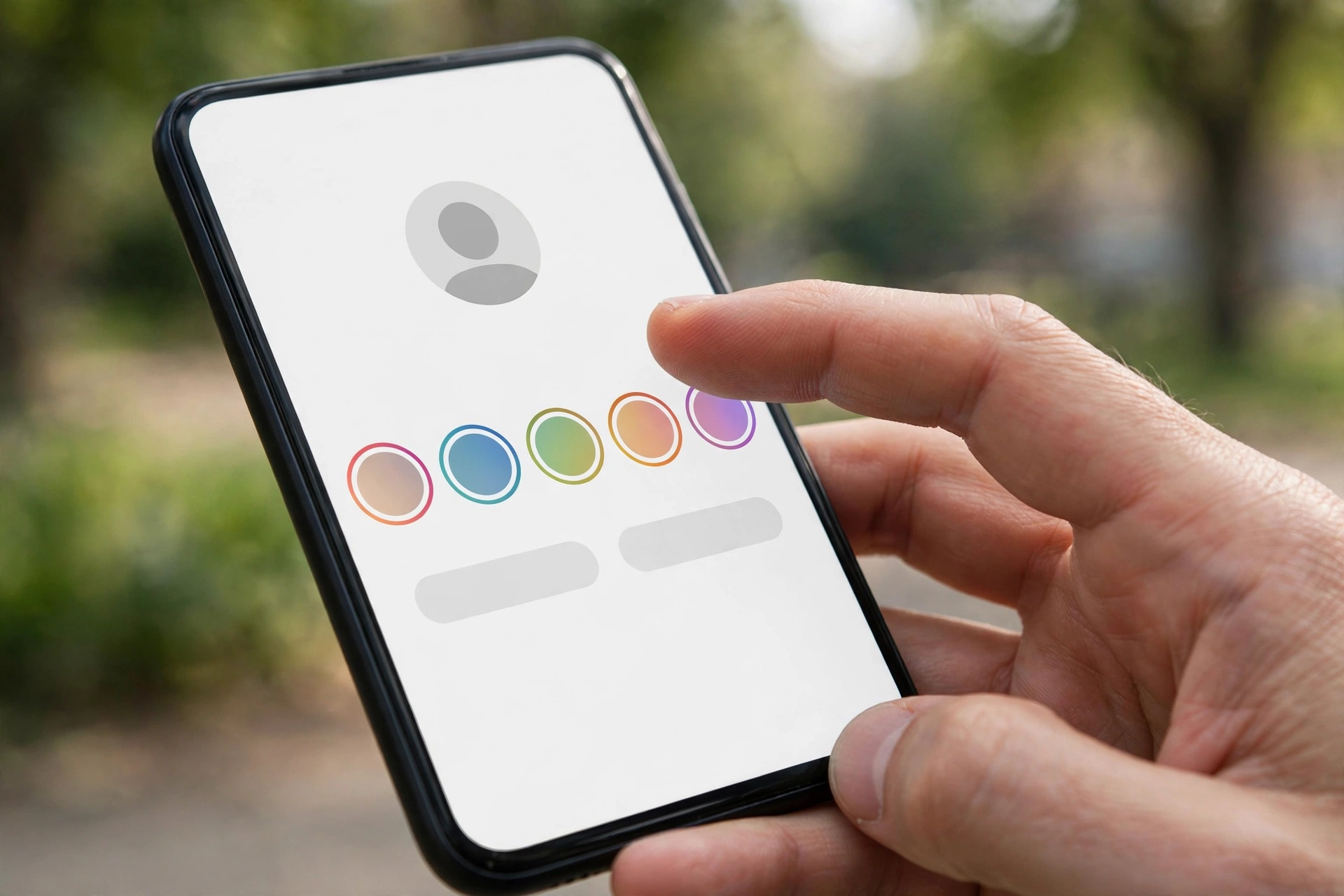
Highlights are where the real long-term value sits. A highlight is a saved collection of past stories pinned to a profile, and unlike regular stories it does not expire after 24 hours. Businesses pin product demos, menus, and reviews there; creators pin their best tutorials; travelers pin whole trip diaries. Downloading highlights works almost exactly like downloading stories, with one extra step: picking the highlight first.
- Open your chosen downloader and enter the profile username as usual.
- Look for a highlights tab or section next to the current stories. Tools with highlight support, like Snapgram, StorySaver.net, SaveFromIns, Toolzu, and InstaStoris, show each highlight as its own folder or row.
- Open the highlight you want. You will see every story segment saved inside it, often dozens for well-maintained profiles.
- Download individual segments, or use batch download where the tool offers it. Large highlights can contain a lot of video, so downloading over Wi-Fi is the sensible move.
One practical note: highlights can be long, and some tools paginate them or cap how many segments load at once. If a highlight looks incomplete, scroll through the tool’s results fully before assuming the rest is missing. And remember the same public-only rule applies, since highlights inherit the privacy setting of the account.
Saving Your Own Stories Without Third-Party Tools
Everything above covers other people’s stories. For your own, you do not need any downloader at all, and using Instagram’s built-in options keeps the quality perfect. After posting a story, tap the three dots on it and choose Save, then pick Story to save the single segment or download it straight to your camera roll. You can also turn on automatic saving: go to your profile, open the menu, tap Archiving and downloading, and enable Save story to gallery. From then on every story you post lands on your phone automatically.
Your archive is worth knowing about too. Instagram keeps every story you have ever posted in a private archive visible only to you, even years later. Open your profile, tap the menu, then Archive, and you can browse, re-download, or re-share any of it to highlights. Third-party downloaders are for everyone else’s content; your own content already has a first-class saving system built in.
Online Web Tools vs Mobile Apps
You will also find dedicated story saver apps on the Play Store and App Store. They work, but web tools win for most people, and it is worth understanding why before you install anything.
- No installation. Web tools run in the browser you already have. Apps take storage, need updates, and often ask for broad permissions.
- No login risk. The web tools in this guide never ask for your Instagram credentials. Many apps do ask you to log in, which hands your session to a third party and has gotten accounts flagged in the past.
- Cross-device. A web downloader works identically on Android, iPhone, Windows, and Mac. An app locks you to one platform.
- Faster for one-off saves. Opening a bookmark, pasting a username, and downloading beats installing an app you will use twice a month.
Apps make sense in exactly one scenario: you download stories daily and want push-style convenience, saved history, and batch queues inside a native interface. For everyone else, a bookmarked web tool is lighter, safer, and free of the permission requests that should make any privacy-conscious user pause. If you do go the app route, check its reviews and its requested permissions carefully, and never grant an app your Instagram password when a web tool could do the same job anonymously.
Are Instagram Story Downloaders Safe and Legal?
Safety first, because this is where people get burned. The tools listed here are safe in one specific sense: they never ask for your Instagram password, so there is nothing to steal. The danger zone is any site that demands your login before showing downloads. Handing your credentials to an unknown site risks account theft, spam DMs sent from your profile, or a straight-up hijack. Instagram itself warns against third-party logins, and accounts caught using shady automation have faced temporary locks. Rule of thumb: if a downloader asks you to log in, close the tab and use one from this list instead.
On legality, the picture is nuanced but practical. Downloading a story for personal use, like saving a recipe or a memory, sits in the same gray area as screenshotting, which Instagram has never penalized. Where you must be careful is republication. Re-uploading someone else’s story as your own, using it in ads, or monetizing it without permission can infringe copyright, because the creator owns their content the moment they post it. Saving for private reference is fine; publishing someone else’s work as yours is not. When in doubt, ask the creator, and always credit them if you share their content with permission.
Troubleshooting Common Problems
Most downloader failures come down to a handful of causes. Run through these before assuming the tool is broken.
- “No stories found” on an active profile. The account may have gone private, or its stories expired minutes ago. Check the profile in Instagram itself; if the story ring is gone there, there is nothing left to fetch.
- Video downloads without sound. Switch to a tool known for audio preservation, like SaveFromIns or StorySaver.net, and re-download. Some lightweight tools strip the audio track to save bandwidth.
- Download button does nothing. This is almost always an ad overlay intercepting your tap, or a pop-up blocker being overzealous. Tap carefully, or try the same tool in a different browser.
- Tool shows an error page. Free tools go down for maintenance or get rate-limited by Instagram. Wait an hour, or keep two bookmarked tools so you always have a fallback ready.
One more edge case worth knowing: if you are trying to figure out engagement around reposted content rather than stories, that is a different job entirely. For that, how to see who reposted your post on instagram walks through what Instagram actually reveals about reposts and what it keeps hidden.
Key Takeaways
- An instagram story downloader saves public stories and highlights as JPG or MP4 files with no login required.
- Downloads are anonymous: the story owner is never notified and sees nothing in their viewer list.
- Only public accounts work. Private accounts, close-friends stories, and expired unsaved stories are off limits to every tool.
- Snapgram, StorySaver.net, and SaveFromIns are the strongest all-rounders thanks to highlight support and audio preservation.
- Your own stories do not need a downloader: Instagram’s archive and auto-save to gallery cover them.
- Never enter your Instagram password on a downloader site; legitimate tools never ask for it.
- Saving for personal use is fine, but republishing someone else’s story without permission can infringe their copyright.
Growing on Instagram takes more than saving good content, of course. If your goal is audience growth rather than archiving, how to increase instagram followers covers the free strategies that actually move the needle in 2026.
Frequently Asked Questions
Is there a free instagram story downloader with no login?
Yes. All seven tools in this guide, including Snapgram, StorySaver.net, and Toolzu, are free and work without any Instagram login. You only need the public username or a story link.
Will someone know if I download their Instagram story?
No. Downloading through a third-party website never involves your Instagram account, so the story owner gets no notification and your name never appears on their viewer list.
Can I download stories from a private account?
No legitimate tool can do this. Downloaders only access content Instagram makes public. Any site claiming private-account downloads is either a scam or a credential phishing trap.
Do story downloaders save highlights too?
Most of the better ones do. Snapgram, StorySaver.net, SaveFromIns, Toolzu, and InstaStoris all support highlight downloads from public profiles. IGLoadr and InstaLoadr have more limited highlight coverage.
Is it legal to download Instagram stories?
Downloading for personal use is widely treated like screenshotting and carries no practical risk. Republishing someone else’s story, using it in ads, or monetizing it without permission can infringe copyright, so get the creator’s consent before sharing their content publicly.
Why do some downloaded story videos have no sound?
A few lightweight tools strip the audio track to keep files small. Re-download the same story with SaveFromIns or StorySaver.net, both of which preserve the original audio.