
Instagram Likes Viewer: See Who Liked Your Posts, Photos & Reels (2026 Guide)
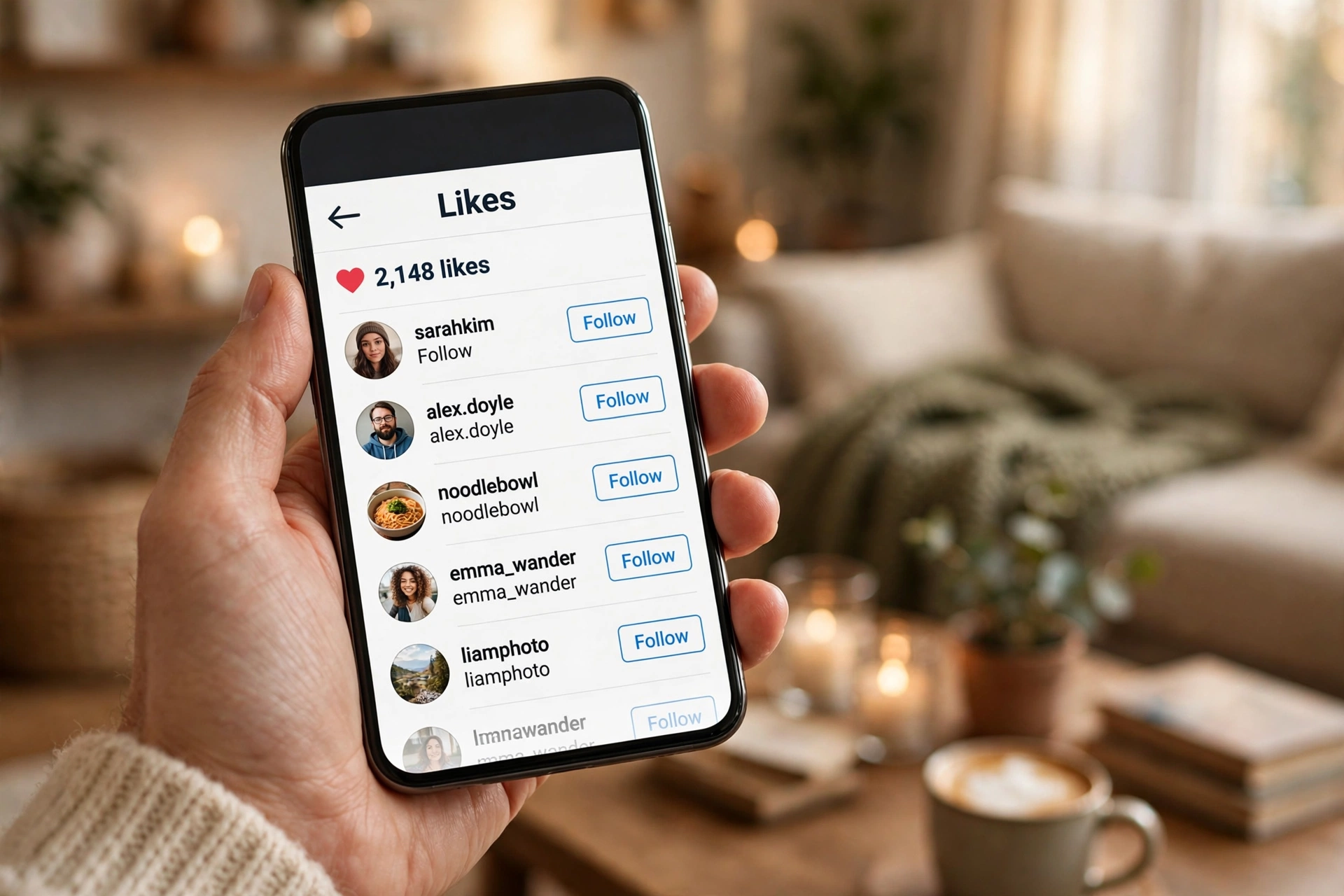
You open a post and see “1,248 likes” but cannot tell who a single one of them is. Or a friend mentions they liked your photo and you cannot find their name anywhere in the list. Instagram shows you the number first and hides the names behind an extra tap, and meanwhile dozens of sites are selling themselves as an instagram likes viewer that will supposedly reveal everything instantly.
The fix is simpler than those sites make it look. Most of what an instagram likes viewer does is already inside the app: tap the like count under any post, photo, carousel, or Reel and the full list of accounts that liked it opens up. And if you want your own side of the story, the “Your Activity” screen keeps a browsable list of every post you have ever liked.
This 2026 guide covers every angle of the search intent. You will learn how to see who liked your posts and photos, how to check likes on someone else’s posts, how to find the posts you have liked yourself, what the third-party instagram likes viewer apps actually do (and which ones are scams), and exactly what no tool on earth can show you. No login giveaways, no password traps, just what works.
What “Instagram Likes Viewer” Actually Means in 2026
The phrase “instagram likes viewer” gets used for four different things, and mixing them up is how people end up paying for tools they do not need. Before you download anything, it helps to know which version of the intent is actually yours.
- The built-in likes list. Tapping the like count under a post shows every account that liked it. This is what most searchers actually want, and it is free, instant, and already on your phone.
- Your own like history. The “Your Activity” screen shows every post you have liked, newest first. This is the instagram likes viewer for your own behavior: finding a post again, cleaning up old likes, or reviewing what you have been engaging with.
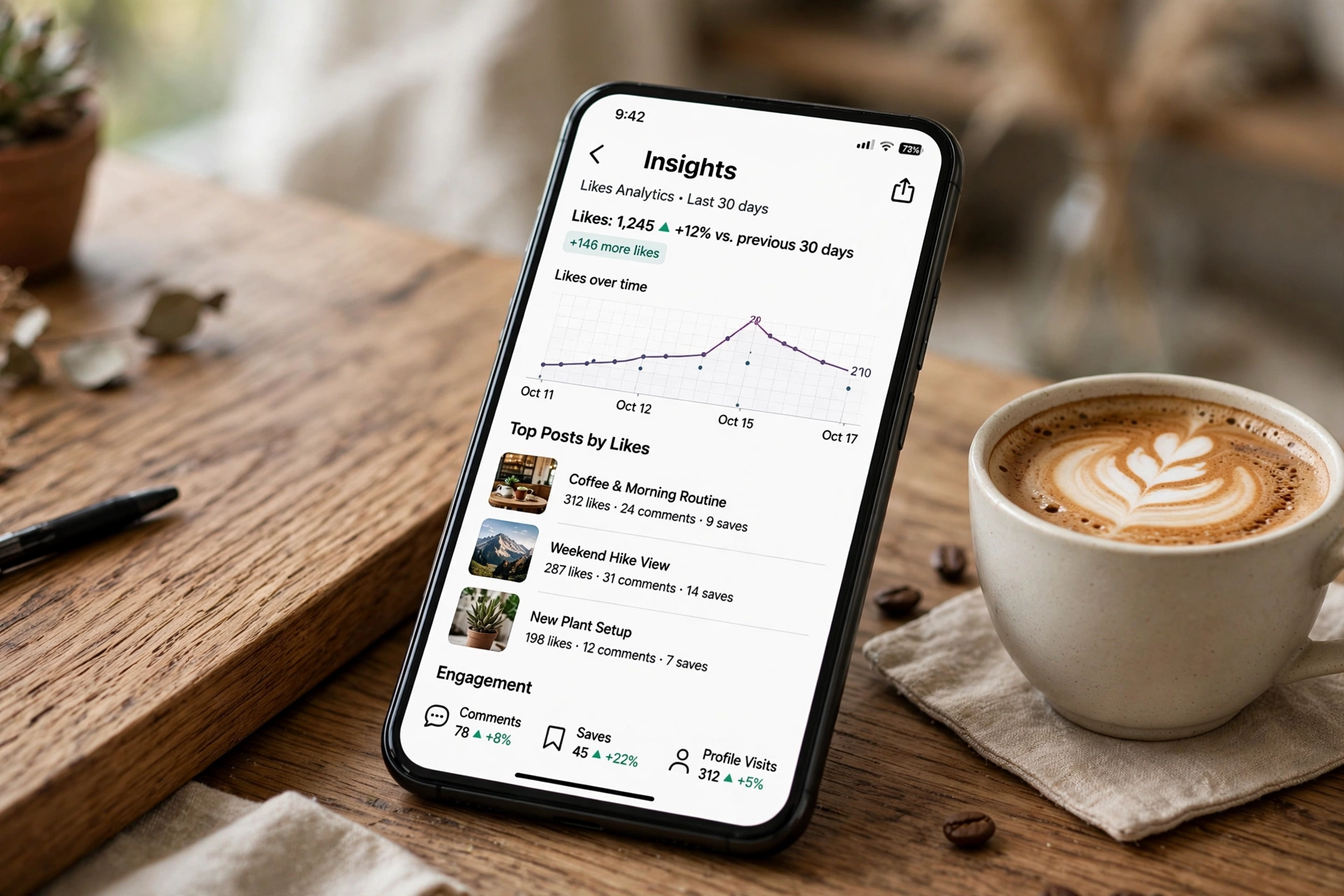
- Creator analytics. Professional accounts get like counts plus reach, profile visits, and follower growth in the Insights dashboard. This is how brands and creators read likes as data rather than names.
- Third-party viewer tools. Websites and monitoring apps that claim to show someone else’s like activity, often anonymously or across private accounts. Some do a little of what they promise. Many are pure scams built to harvest logins.
This guide goes through all four in order, starting with the free built-in methods that solve the problem for most people. The third-party tools get an honest breakdown later, because knowing where they cross the line into scam territory can save your account.
How to See Who Liked Your Own Instagram Post
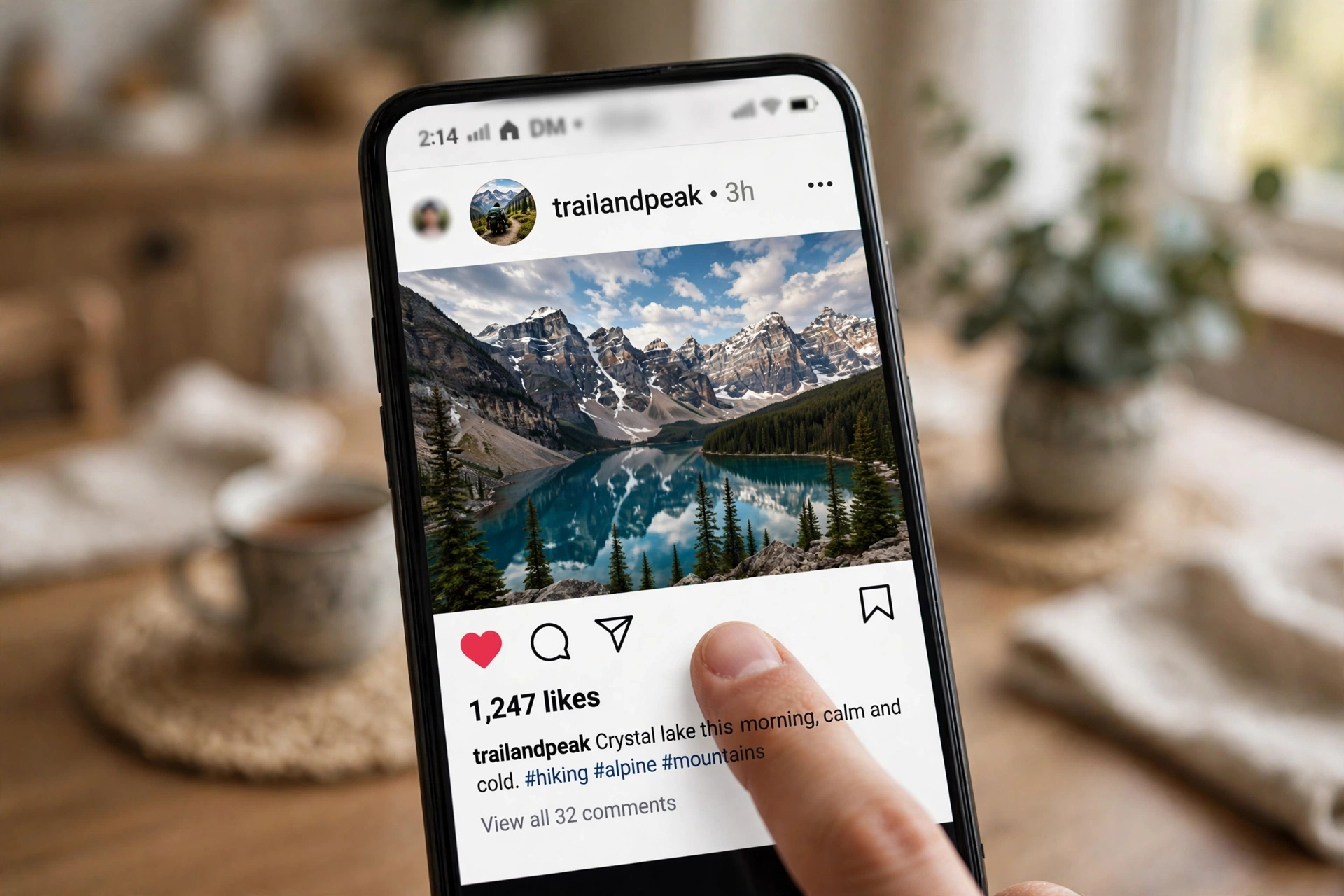
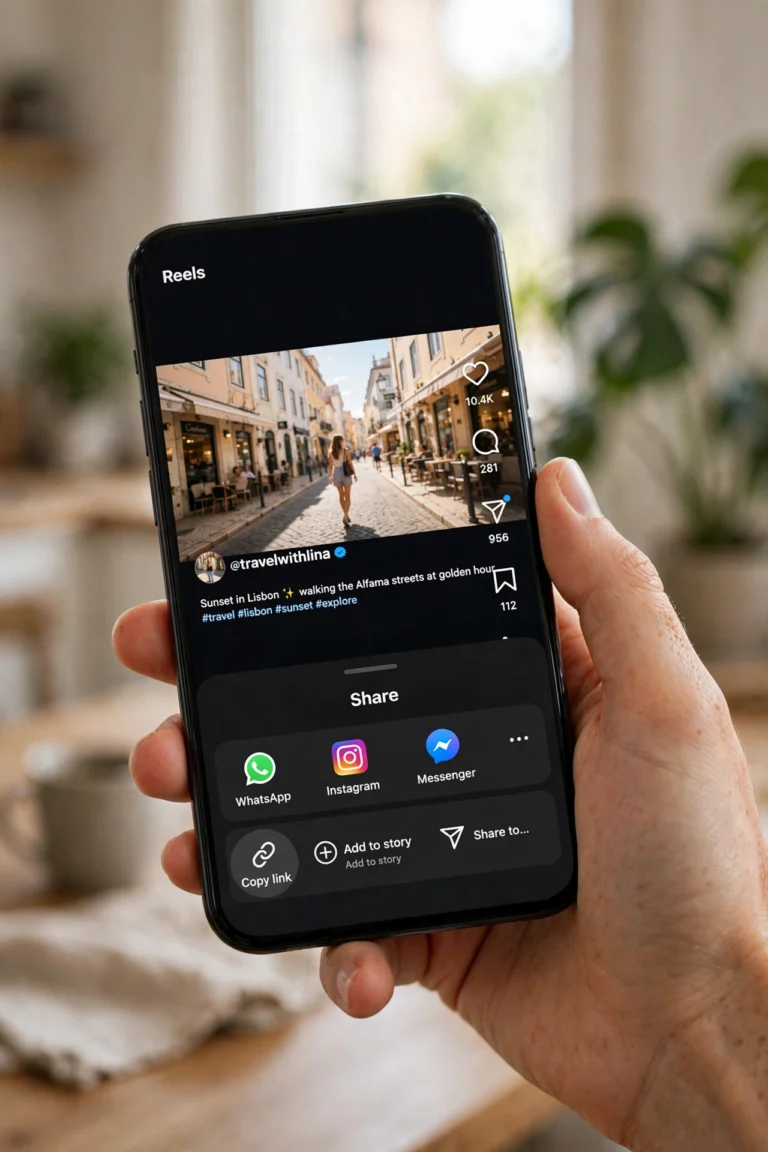
This is the most common instagram likes viewer need, and it takes about ten seconds. The steps are identical whether the post is a single photo, a carousel, or a Reel on your profile grid. Open your profile, open the post, and look under it for the likes line. It usually reads “Liked by username and others” or shows a plain number like “1,248 likes”. Tap it. The full list of accounts that liked the post opens immediately.
On iPhone
- Open the Instagram app and tap your profile picture in the bottom-right corner.
- Tap the post you want to check.
- Look under the photo, next to the heart icon, for the likes text (“Liked by…” or a number).
- Tap that likes text. The list of likers opens.
- Use the search bar at the top of the list to find one specific account fast.
On Android
- Open the Instagram app and go to your profile.
- Open the post in question.
- Tap the like count or the “Liked by” line under the post.
- Scroll the list or type a username into the search field to check one person.
Two details catch people out here. First, the list is not in strict chronological order. Instagram reorders it based on your relationship with each account, so people you follow and message often appear near the top. The first name shown is not necessarily the first person who liked the post. Second, after a post passes 4 likes, Instagram sometimes shows the number plus the names of a few people you follow instead of a plain count. Tapping through still opens the full list either way.
As the post owner, you always see the full count and the full list, even if you turned on hidden like counts for your posts. That setting only changes what other people see. Your own likes view is never restricted by it.
How to See Who Liked Someone Else’s Post
You can use the exact same tap as an instagram likes viewer on other people’s public posts. Open the post, tap the like count or the “Liked by… and others” line, and the list opens. It is the same list the owner sees, with one difference: if the owner hid the like count, you may see names without the total number.
For public accounts this works freely. For private accounts you must be an approved follower before you can open the post at all, and without that access there is no way to view the likes. Collaborative posts work the same as regular posts: open the collab post, tap the likes text, and the shared like list appears, subject to the same visibility rules.
How to Search for One Specific Person in the Likes List
Scrolling through thousands of names to answer “did Alex like this?” is a waste of time. The likes list has a search field at the top that checks for an exact match. Open the post, tap the likes text, tap the search field, and type the username or display name. If the account appears, they liked the post. If nothing appears, they did not like it, or they changed their username, deactivated, blocked you, or the list is restricted for that post.
This search is far more reliable than scanning the first screen of names, because Instagram personalizes the order and puts accounts you interact with near the top. A person buried at position 800 still shows up instantly in search. It is the closest thing to a precision instagram likes viewer that Instagram offers natively, and it works on both your own posts and anyone else’s visible posts.
How to See Who Liked Your Reels
Likes on Reels work the same as likes on posts, but the button sits in a different place depending on how you are watching. In the full-screen Reels view, the like count appears beside the heart icon on the right side of the screen. Tap the number next to the heart and the list of accounts that liked the Reel opens. If you open the same Reel from your profile grid instead, it behaves like a regular post: the likes text sits underneath the Reel and one tap opens the list.
If tapping the like number does nothing, three things are usually responsible. The account may be private and you are not a follower, Instagram may be limiting visibility for that particular Reel, or you opened it through an embedded view that does not support the full likes panel. Opening the Reel from the poster’s profile almost always fixes the third case.
How to See the Posts You Have Liked (Your Own Like History)
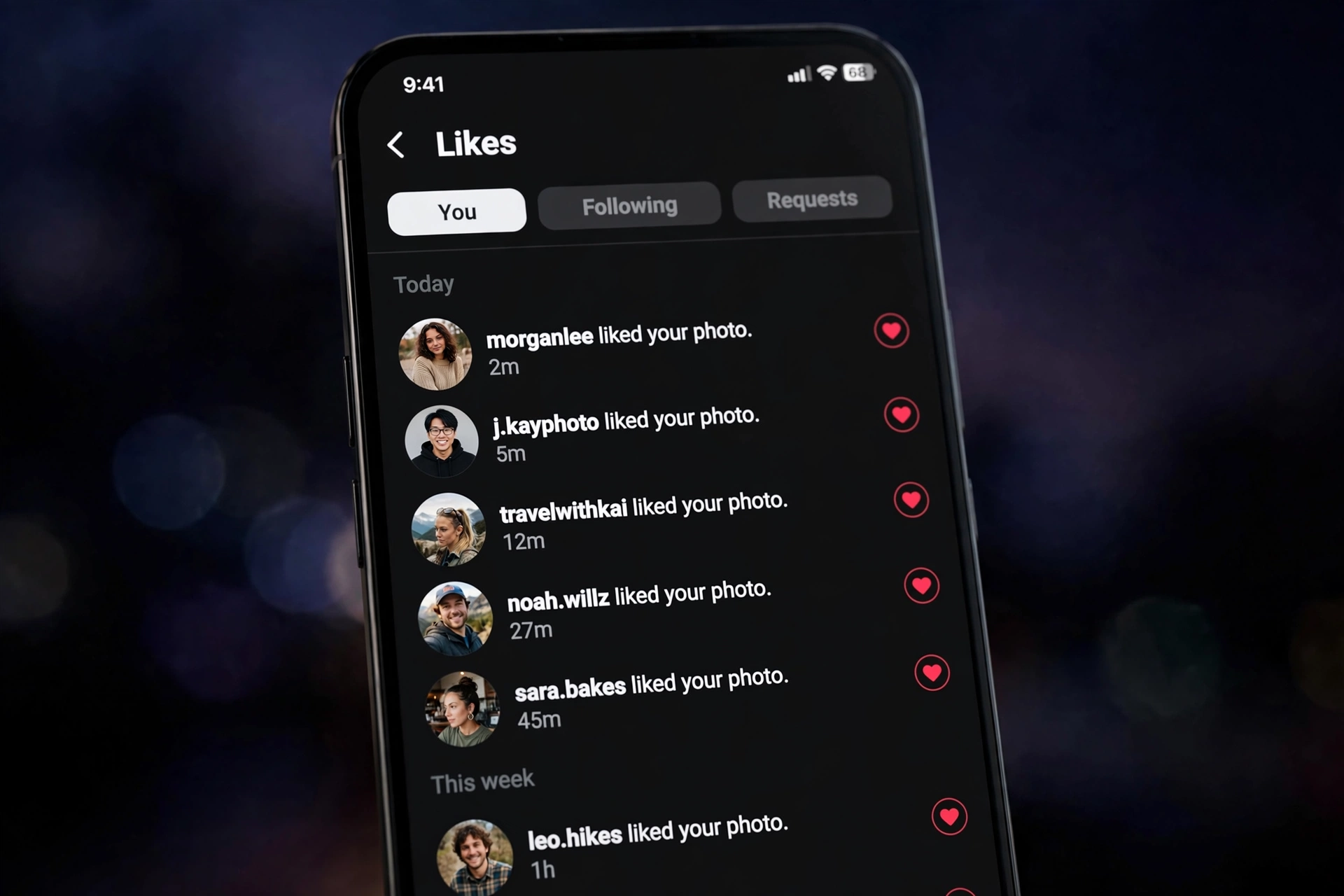
The other half of the instagram likes viewer intent is personal: finding posts you liked weeks ago, or reviewing what you have been engaging with. Instagram keeps the 300 most recent posts you liked in one screen. Go to your profile, tap the menu (three lines, top right), open “Your Activity”, tap “Interactions”, then tap “Likes”. Everything you liked appears newest first, and you can sort by account or filter by date range to hunt down something specific.
This screen doubles as a cleanup tool. Open any post from the list and tap the heart to unlike it, or select several at once and unlike them in bulk. A surprising number of people use this as a monthly digital-footprint audit: old likes on controversial posts, ex-partner content, or irrelevant brand posts all sit here waiting to be reviewed. Nobody else can see this list. Your complete like history is visible only to you.
How to See Who Liked a Post on Desktop (Instagram.com)
The desktop site works as an instagram likes viewer too, though the mobile app still gives the smoothest experience. Log in at instagram.com, open the post you want to check, and click the likes text under it. A pop-up panel opens with the accounts that liked the post, and you can scroll or search it the same way as in the app.
Desktop has a few quirks worth knowing. Some Reels layouts on the web open in a simplified player where the likes panel does not appear; opening the Reel from the poster’s profile grid usually restores it. Embedded Instagram posts on other websites show the like count but never open the liker list, so you need the real instagram.com page for names. And if a list refuses to load on desktop while the same post works fine on your phone, it is almost always a browser-side hiccup: hard-refresh the page or try a different browser before assuming the account restricted something.
How to See Who Liked Your Instagram Story
Stories have their own version of the instagram likes viewer, and it works differently from post likes. Open your own story and swipe up (or tap the viewer count at the bottom left). You get the full viewer list plus a separate row of story likes, the people who tapped the heart on your story. Unlike post likes, story likes are private: only you can see who liked your story. Your followers never see that list.
The window is short. Story viewers and story likes are visible for about 48 hours after posting, and highlights keep the viewer data only while the story is still inside that window. After that, the names are gone for good, so check anything time-sensitive the same day. And the reverse is equally strict: there is no way to see who liked someone else’s story. Story engagement is a one-way mirror by design, which is why no legitimate instagram likes viewer advertises story-like lists for other people’s accounts.
The Full Visibility Map: What You Can and Cannot See
Not every like on Instagram is visible to everyone. The rules depend on the account type, the owner’s settings, and your relationship to the account. This table is the complete map, so you can stop guessing why a list is empty.
| Situation | What you see |
|---|---|
| Your own post | Full like count and full liker list, always |
| Public account’s post | Full list by tapping the like count |
| Private account you follow | Full list, same as a public post |
| Private account you do not follow | Nothing, you cannot open the post at all |
| Like count hidden by the owner | Names visible, total number hidden |
| You hid counts in your own settings | Numbers hidden on posts you view, tap still opens names |
| Deleted or archived post | Nothing, the likes disappear with the post |
| Someone else’s full like history | Not visible, Instagram removed this in 2019 |
Two rows in that table deserve extra attention. First, a private account liking a public post does not hide the name. If your private account likes a photo on a public page, anyone who opens that post can see your name in the likes list. Privacy only protects your own posts. Second, blocking does not erase public likes either. A blocked person can still see your likes on public posts or on posts from accounts they follow.
Instagram Likes Viewer Tools and Apps: The Honest Breakdown
Now the part that ranks at the top of Google: the third-party instagram likes viewer tools. These fall into three honest categories, and only the first two do anything real. Knowing which is which keeps you away from the scams.
1. Browser-based anonymous viewers
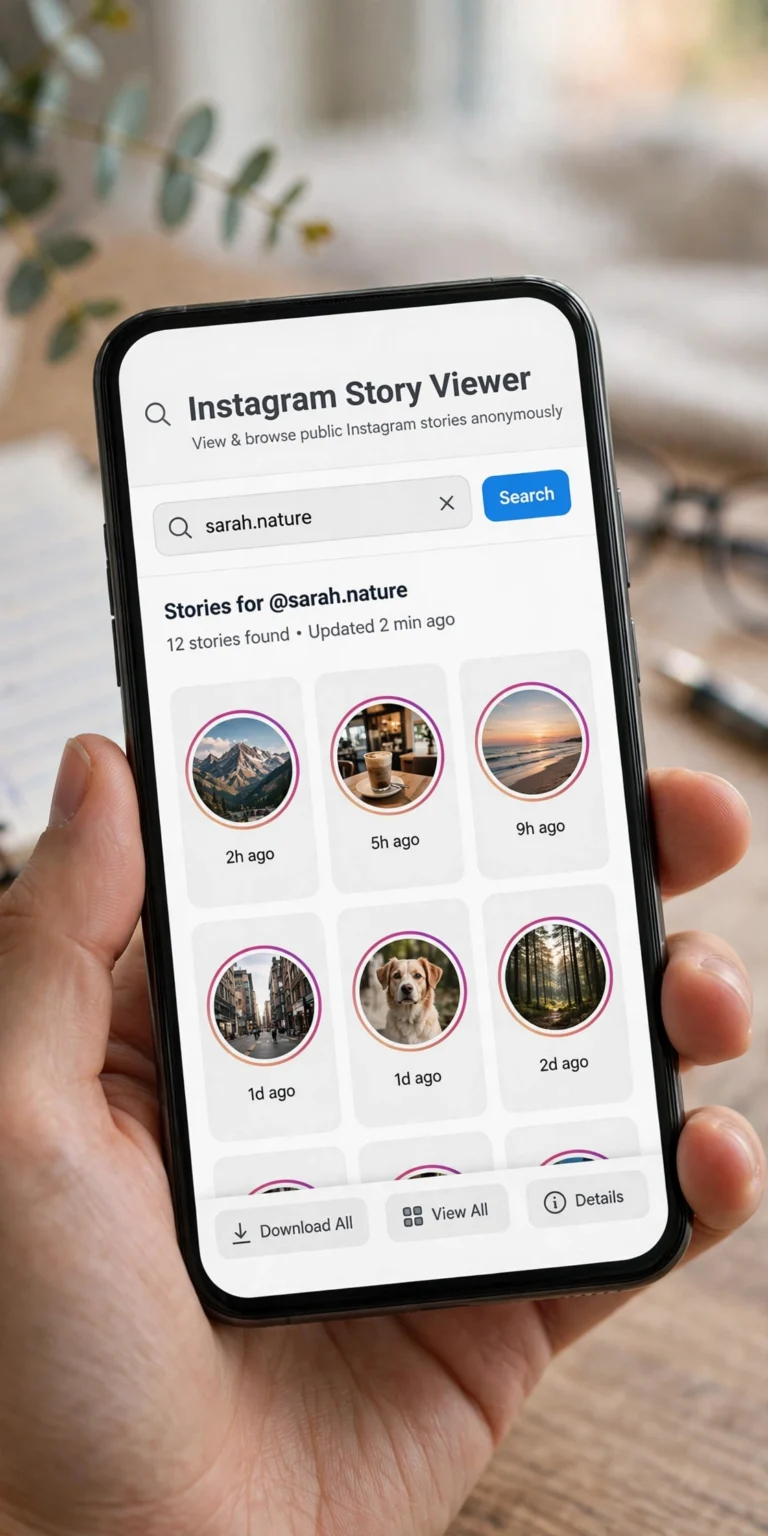
These are websites where you type a username and see public posts, stories, and engagement without logging in. They work because the content is public anyway, so there is nothing technically magical happening. They are genuinely useful for a quick anonymous check of a public profile. Their hard limit is private accounts: any site promising instant private likes access with zero setup is lying. The legitimate ones, like the well-known anonymous viewers, simply do not touch private content.
2. Monitoring apps with dashboards
A different breed entirely: apps installed on a device (with the device owner’s consent) that log Instagram activity into a private dashboard. These are marketed to parents monitoring their children’s phones. They capture engagement data over time rather than showing a one-off like list. They are real products with real support, but they require device access and a subscription, and installing one on someone else’s phone without permission crosses legal lines in most countries.
3. “Free private likes viewer” sites
This is the scam category, and it is by far the biggest. A typical site promises to unlock any private account’s likes instantly, asks you to “verify” by completing surveys or downloading apps, and then either harvests your email, installs adware, or asks for your Instagram login. No website can bypass Instagram’s privacy settings. If a tool could actually do that, it would be an Instagram security incident, not a free web tool. Treat every “view private likes free” claim as a scam until proven otherwise.
| Tool type | What it really does | Login needed | Private accounts |
|---|---|---|---|
| Built-in Instagram likes list | Shows likers per post | Your own account | Only if you follow |
| Browser-based viewer | Anonymous public profile browsing | No | No access |
| Monitoring app | Logs activity from an installed device | Device access | Only with consent |
| “Free private viewer” site | Surveys, adware, credential theft | Often asks | Fake claims |
Users who want more from Instagram than the official app offers usually look at modified clients instead of viewer scams. The InstaUp APK is one of the better-known options, a tweaked Instagram build with extras like media downloading and added privacy controls. A lighter alternative in the same space is the Insta Thunder APK, which focuses on a faster, cleaner modified experience. Neither of these can show you private likes either, and that is the point: no legitimate app can.
How to Spot a Fake Instagram Likes Viewer in 30 Seconds
Before you trust any likes viewer tool, run it through this checklist. Any single yes is a red flag. Two or more means walk away.
- It asks for your Instagram password. Legitimate viewers never need your login. A password field on a “viewer” site exists for one reason: stealing accounts.
- It promises private account access with no setup. Technically impossible without the account owner’s cooperation. The promise itself is the proof it is fake.
- It demands “human verification” surveys or app downloads. This is the classic monetization loop: you complete offers, they earn affiliate money, you get nothing.
- It pushes an APK from outside any app store. Sideloaded “viewer” APKs are a top malware vector. Even real modified clients should only come from sources you have researched independently.
- It has no company name, support, or refund policy. Real monitoring tools have all three. Scam sites have a contact form that goes nowhere.
The safest instagram likes viewer will always be the one already on your phone. Instagram’s own lists are instant, accurate, and cannot get your account banned. Every third-party shortcut you take past that point adds risk for very little extra information.
Why the Likes List Is Empty, Missing, or Not Loading
Sometimes you tap and nothing useful happens. Each cause has a different fix, so match your symptom before you start reinstalling the app.
The owner hid the like count
If a post shows “Liked by maya and others” with no number, the owner turned on hidden like counts. You can still tap through to the names. The total is the only thing withheld, and the owner can still see it on their own side. To see numbers again on posts you view, go to Settings, then “Like and share counts” under “What you see”, and turn the hiding off.
The account is private and you are not a follower
No list, no count, no post at all. Private accounts keep everything, likes included, behind the follower gate. No instagram likes viewer, free or paid, changes this without the account owner’s approval.
The post was deleted or archived
Likes die with the post. If someone deletes or archives a photo, its entire like list disappears from public view. The only exception is the owner’s own archive, where their posts keep their data privately.
You or the other account blocked someone
Blocking scrambles visibility in both directions. If an account blocked you, you lose normal access to their posts and their names may vanish from lists you can otherwise see. If you blocked them, their activity is hidden from you, so a blocked account that liked a post might not appear in your view of the likes list.
The app is glitching
When the list opens but stays blank or spins forever, it is usually the app, not the account. Update Instagram to the latest version, force-close and reopen it, and check your connection. Clearing the app cache fixes most stubborn cases. If it happens only on one post while others load fine, that post is likely the problem, not your phone.
What No Instagram Likes Viewer Can Ever Show You
Setting honest limits matters more than promising tricks. These are hard walls built into Instagram’s design, and no tool, method, or workaround crosses them.
- Another person’s complete like history. Instagram removed the Following activity tab in 2019. There is no feed anywhere, official or third-party, showing everything a specific user has liked. You can only check post by post.
- Who viewed your Reel. Reels show plays as a total and likes as names, but there is no viewer list for Reel watches the way stories have one.
- Who viewed your profile. Profile visits produce no names for regular accounts, and professional Insights show them only as a total number. Anyone selling a “profile viewers” list is selling fiction.
- Likes on posts you cannot access. Private accounts you do not follow, deleted posts, and blocked content are invisible to every viewer equally.
- How many times one person liked a post. An account can like a post exactly once. Unlike and re-like still counts as one, and the name appears once.
If a tool claims any of the above, you already know which category it belongs to from the breakdown in the previous section. The honest instagram likes viewer shows what Instagram makes visible and admits the rest is off limits.
Turn Like Data Into Growth: What to Do With the Lists
Seeing the names is only half the value. The other half is reading the pattern. Open your last ten posts, check who appears in the likes lists again and again, and you have just found your core audience: the people whose engagement actually moves your reach. Posts where familiar names cluster tell you what content format to repeat. Posts where only strangers appear tell you the algorithm carried it somewhere new.
That core-audience read is also the foundation of every growth move worth making. If the lists show you are reaching the wrong crowd, our guide on How to Increase Instagram Followers walks through twenty free methods to rebuild reach with the right people. To watch the audience side of the same data over time, an instagram follower tracker shows who follows and unfollows you as those likes turn into lasting followers.
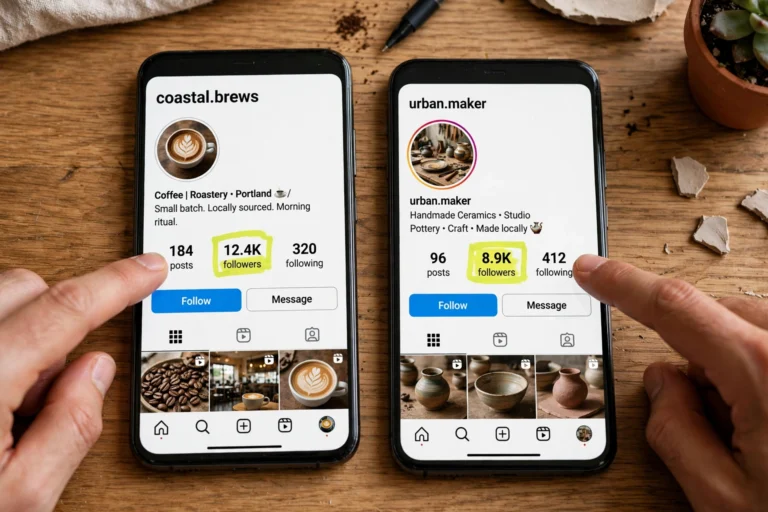
Likes also expose dead weight. Accounts that never appear in your likes lists across dozens of posts are not engaging with you at all, and many creators periodically clean house. Our breakdown of mass unfollow instagram methods covers the safe way to do that without triggering Instagram’s limits. And before any collaboration or shoutout swap, compare instagram followers of both accounts side by side, because overlapping like lists between two accounts are the strongest signal that the audiences actually match.
Instagram Likes Viewer FAQ
Can I see who liked my Instagram post?
Yes. Open the post and tap the like count or the “Liked by” line under it. The full list of accounts that liked it opens, and you can search it for a specific username.
Can I see who liked someone else’s post?
Yes, as long as you can see the post. Tap the like count on any public post and the list opens. For private accounts you must be an approved follower first.
Is there a free instagram likes viewer that works without login?
For public profiles, yes: anonymous browser-based viewers let you browse public posts and engagement without an account. None of them can access private accounts, and any site claiming otherwise is a scam.
Can an instagram likes viewer show private account likes?
No. Private account content, including likes, is visible only to approved followers. No website or app can bypass that without the account owner’s cooperation. Claims to the contrary are the number one scam signal in this space.
How do I see posts I have liked on Instagram?
Go to your profile, tap the menu, open “Your Activity”, tap “Interactions”, then “Likes”. Instagram shows your 300 most recent liked posts, newest first, with sort and date filters.
Why can’t I see the like count on a post?
Either the owner hid it on that post, or you turned on “Hide like and share counts” in your own settings. Owners always see the full count on their own posts regardless.
Does Instagram notify someone when I check their likes?
No. Viewing a likes list is completely silent. Instagram sends notifications for likes, comments, follows, and mentions, not for browsing who liked what.
Can I see who liked my Reel?
Yes. Tap the number next to the heart icon in the full-screen Reels view, or open the Reel from your profile grid and tap the likes text underneath it. The liker list opens the same way as on photo posts.
Are instagram likes viewer apps safe to use?
The built-in lists and reputable anonymous viewers for public profiles are safe. Avoid anything that asks for your Instagram password, promises private access with no setup, or pushes downloads through “human verification” surveys. Those are built to steal accounts or install malware.
Why is the likes list in a weird order?
Instagram reorders the list based on your relationship with each account, not by time. People you follow and interact with appear near the top. Use the search field to find a specific person instead of trusting the order.
Final Word
The best instagram likes viewer was never a third-party tool. It is the tap you already know: the like count under every post, the Your Activity screen for your own history, and Insights if you run a professional account. Those three cover every legitimate version of the intent, they are free, and they cannot get your account stolen or banned.
Save the third-party tools for the narrow jobs they actually do: anonymous browsing of public profiles, and consented parental monitoring with a real dashboard. Everything else in this niche, especially the sites promising private likes for free, is noise designed to separate you from your login. Now you know exactly where the line is, and you know how to read the like lists you already had all along.
2 Comments