
Mass Unfollow Instagram: How to Unfollow Everyone Without Getting Restricted (2026 Guide)
Your Instagram Following count says 3,200, but your feed reads like a stranger’s explore page. Old giveaway accounts you followed for a contest in 2022, meme pages that died two years ago, creators who switched niches three times since you hit follow, and a hundred usernames you do not even recognize. Every scroll buries the posts from people you actually care about under content you never asked to keep seeing.
The fix is to mass unfollow Instagram accounts in one focused cleanup instead of tapping away for months. There is a catch: Instagram never built a one-click unfollow-everyone button, and doing it the wrong way triggers action blocks that freeze your account for hours or days. This guide shows the safe manual method that real users and social media managers rely on, how many accounts you can unfollow per day without a warning, and which bulk unfollow apps are not worth the risk.
Inside, you will find Instagram’s actual unfollow rules, the daily limit estimates users reported in 2026, how to use the sort and Least interacted with tools inside your Following list, how to pull a followers-versus-following data export to spot dead accounts fast, and exactly what to do if Instagram interrupts you with a limit message. Whether you want to unfollow everyone and start fresh or just trim the fat, the steps below keep your account safe.
Can You Mass Unfollow on Instagram?
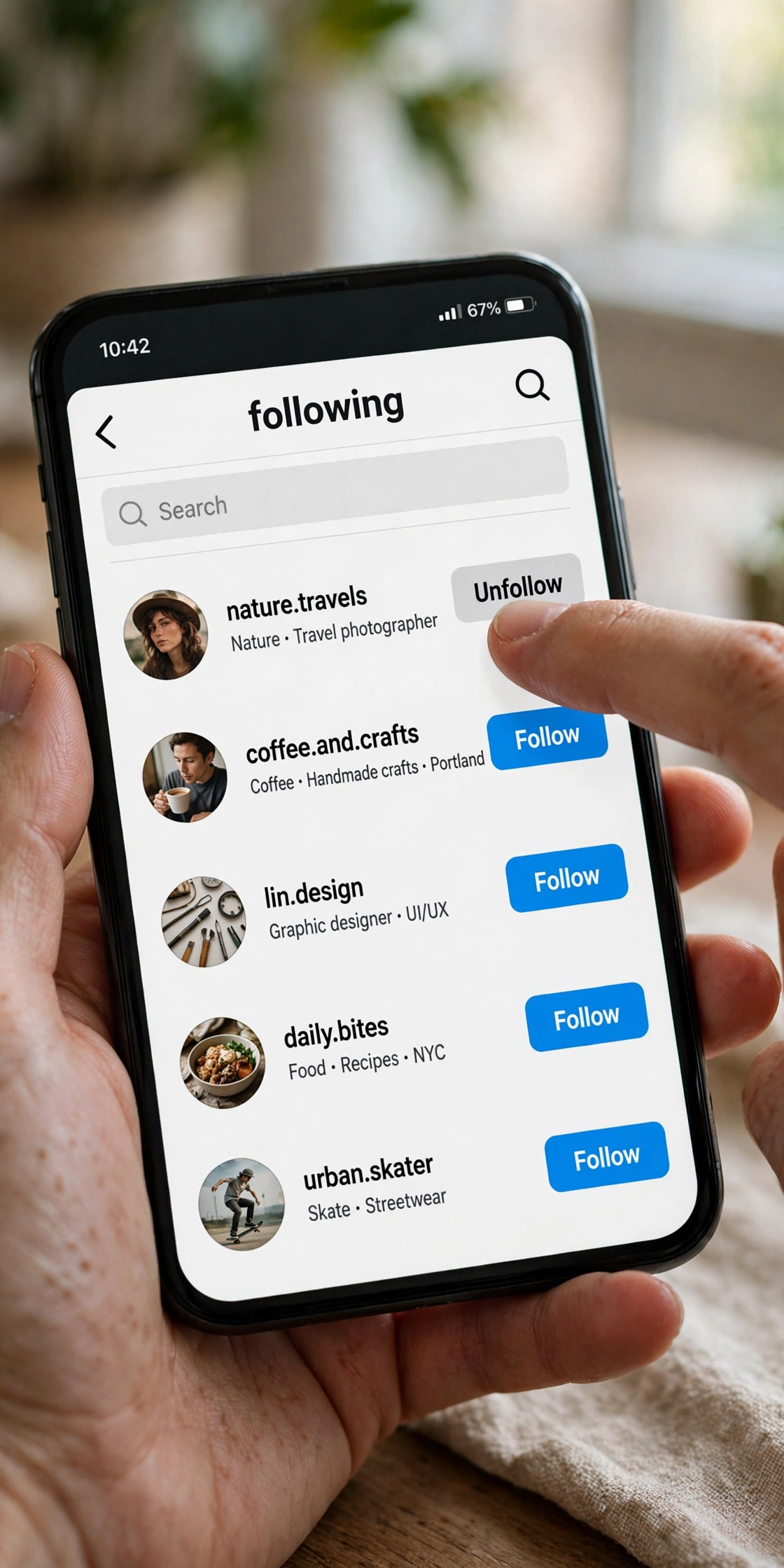
Short answer: there is no native mass unfollow on Instagram. The app’s only documented unfollow flow works one account at a time. You open a profile, tap Following, tap Unfollow to confirm, and the button flips back to Follow. The other person gets no notification, though they can notice later if they check their followers list.
That missing bulk button is the whole reason third-party mass unfollow tools exist. They log in as you (or piggyback on your browser session) and fire off unfollows one after another to simulate what you would do by hand. Instagram’s Terms of Use prohibit automated access without its permission, which is why these tools sit in a gray zone that can end with a restricted account. A tool that helps you read your lists is very different from a tool that acts on them, but neither is an official Instagram feature.
Before you start, get clear on which list you actually want to shrink, because the two get mixed up constantly:
- Following: the accounts you chose to follow. Unfollowing changes this connection, and this is what a mass unfollow cleans up.
- Followers: the people who follow you. Removing a follower is a separate action found under your Followers list, not something the Unfollow button does.
People run a mass unfollow for a handful of honest reasons. A personal account turns into a business and the old follow list no longer matches the brand. An influencer rebrands and wants the Following list to reflect the new niche. A spam wave or an old follow-for-follow phase leaves hundreds of dead or irrelevant accounts behind. Or the feed is simply unusable and nothing short of a full reset will fix it. Whatever your reason, the safest path is manual, paced, and deliberate, which the next sections lay out step by step.
Instagram Unfollow Limit: How Many Accounts Per Day?
Instagram does not publish an official unfollow limit, and that silence is the source of most confusion. The only hard number in Instagram’s Help Center is on the following side: no account can follow more than 7,500 people. There is no documented hourly or daily quota for unfollowing, so every number you read online is someone’s estimate drawn from their own account’s experience.
The estimates cluster in a familiar range. Most user reports and tool listings cite roughly 100 to 200 unfollows per day for established accounts, with some claiming up to 150 to 200 per hour as a ceiling they would not cross. Those numbers are not permission slips. Instagram’s detection looks at velocity and pattern, not just totals: 180 unfollows in five minutes looks like a bot, while 180 spread across three sessions over a day looks like a human doing cleanup.
Your account’s age and history change the math. A five-year-old account with steady activity tolerates faster cleanup than a three-month-old account that suddenly unfollows 400 people in an hour. New accounts, accounts with past violations, and accounts already flagged for suspicious activity get restricted sooner. When in doubt, assume your account is the cautious type and work at half the speed you think is fine.
The practical rule that keeps accounts safe is simple: stay well under 100 to 150 unfollows per day, split into two or three short sessions with hours between them, and stop immediately at the first limit message. A “Try again later” notice means Instagram has already decided your pace looks automated. Tapping Unfollow harder through it only extends the restriction. The cleanup of a few thousand accounts takes days, not an afternoon, and planning for that from the start is what separates a clean reset from a locked account.
How to Mass Unfollow Instagram Manually: The Safe Method
Manual cleanup sounds slow until you realize it is the only method that never risks your login or your account standing. The tapping is the easy part. The real work is knowing who to unfollow and where you stopped yesterday, so build a small system around those two problems and the unfollows take care of themselves.
Step 1: Write a keep list before you touch anything
Open your notes app and write down the accounts you must keep: close friends and family, work contacts, clients, useful creators, news accounts you actually read, and any private accounts whose content you would lose access to if you unfollowed (refollowing a private account means sending a new request and waiting for approval). If your goal is to unfollow everyone and restart from zero, skip the list, but still glance at each username before you tap. Ten minutes here prevents the classic regret of unfollowing a friend whose posts you quietly enjoyed.
Step 2: Work from your own Following list, not individual profiles
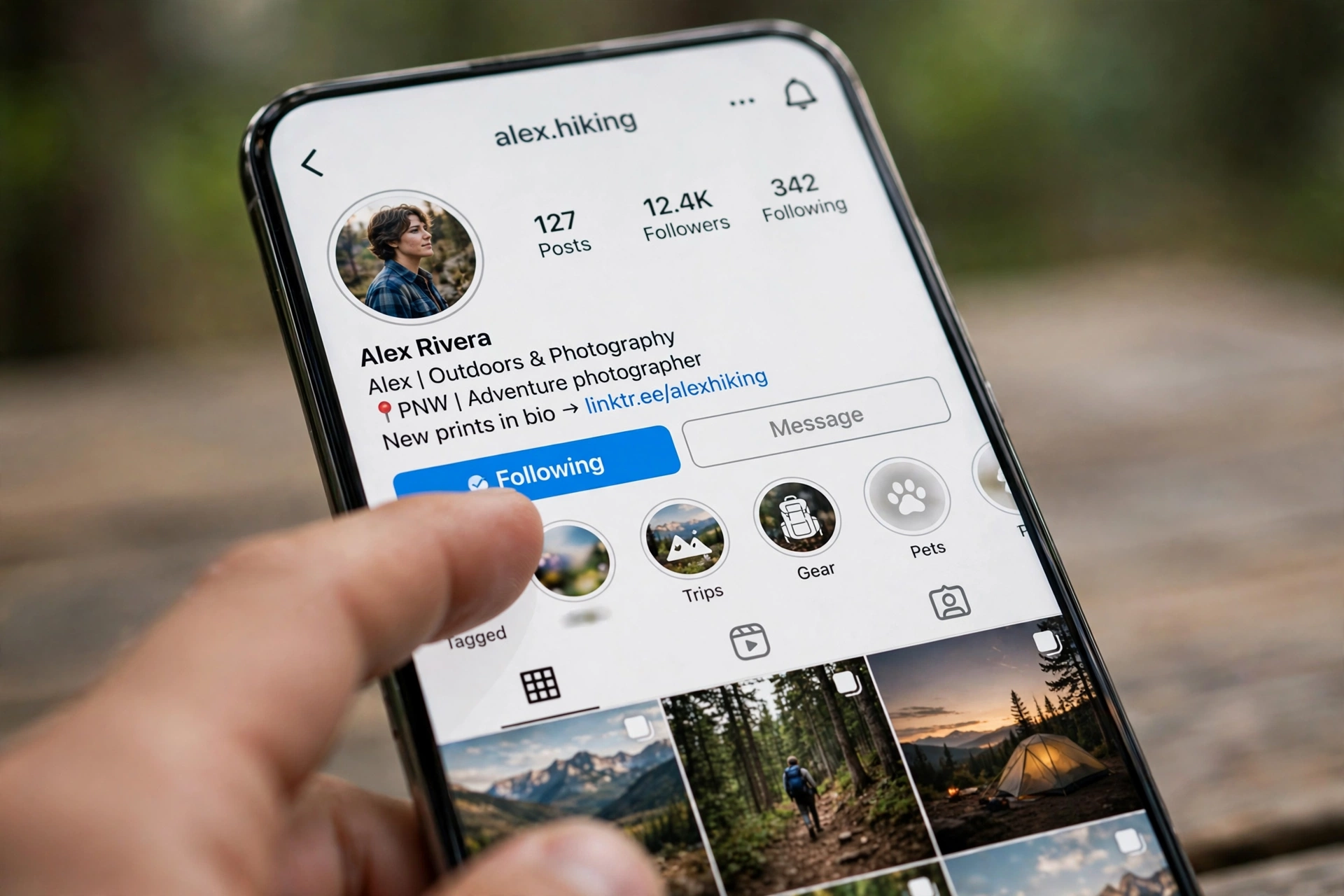
Opening each profile one by one is the slowest possible route. Instead, open your own profile, tap Following near the top, and work through the list directly. If your app version still shows an unfollow control inside the list, use the search field at the top to jump to specific usernames when you are hunting known dead accounts. If it only opens profiles, tap through, confirm, and come back. The search shortcut alone cuts the time per account in half when you are clearing named spam accounts or old giveaway pages.
If you browse Instagram through the InstaUp APK app, the same screens apply: profile, Following list, tap, confirm. Modified apps do not add a bulk unfollow button, so expect the identical one-by-one flow there too.
Step 3: Sort oldest first and use Least interacted with
Instagram added two genuinely useful tools to the Following list years ago, and they still matter for cleanup. First, sort by date followed with oldest first: the accounts at the top are the ones you followed years ago and probably forgot, which makes them the richest hunting ground for dead weight. Second, the Least interacted with category groups accounts you rarely engage with, which surfaces the people filling your feed without earning the space. Instagram has redesigned this screen several times and the exact labels vary by app version, but on most current versions both options still exist. If yours are missing, the manual review still works, it just takes longer.
Step 4: Unfollow in short daily sessions, never marathons
This is where cleanups succeed or fail. Decide your pace before you start: a safe working range is 30 to 50 unfollows per session, two or three sessions a day, with several hours of normal activity between them. Normal activity means liking posts, watching stories, replying to a comment, the ordinary things a human does, because an account that only unfollows for an hour straight looks automated even to a simple rate check. At the first “Try again later” or action-limit message, stop for the day, no exceptions. A 2,000-account cleanup at this pace takes about two weeks, which feels slow on day one and feels smart on day fourteen when your account is still fully functional.
Step 5: Track progress with a followers-versus-following export
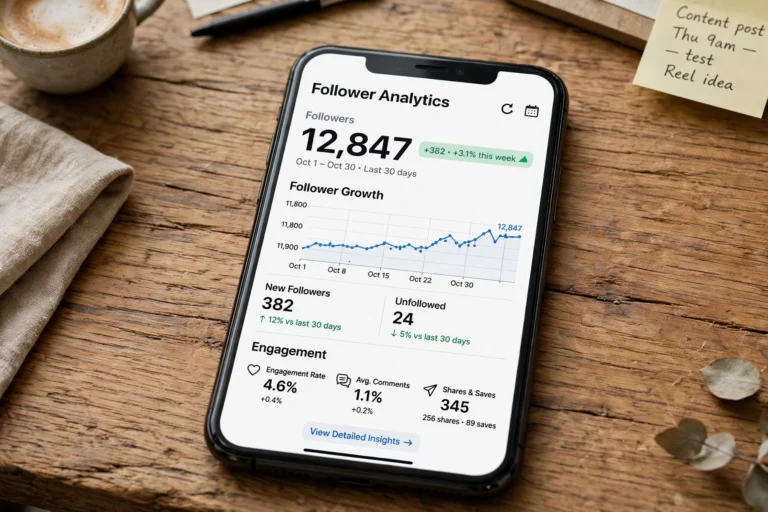
The hardest part of a multi-day cleanup is remembering where you stopped. Instagram lets you export your own data, and that export doubles as a checklist. Go to Settings, Accounts Center, Your information and permissions, Download your information, create an export for your Instagram profile, and under the customize option select only Followers and following with the format set to JSON. Small exports are often ready within minutes to a few hours.
Open the file and compare the two lists. Anyone in your Following list who is not in your Followers list never followed you back, which is the single fastest filter for dead weight. Mark your keepers in a spreadsheet, then work through the rest in your daily sessions. When the list gets stale after a few days of unfollowing, request a fresh export. If spreadsheets are not your thing, an instagram follower tracker app does the same comparison with a friendlier interface and can flag unfollowers and inactive accounts while your cleanup runs.
Who to Unfollow First: The Smart Cleanup Order
Not all follows are equal, and the order you clear them in decides how much your feed improves per session. Work through these groups in order and you will feel the difference after the first day:
- Dead and inactive accounts. No posts in 6 to 12 months, abandoned projects, discontinued brands. These add nothing and risk nothing to remove.
- Accounts that never followed you back. The export from Step 5 finds these instantly. A personal account that followed you back once and then quietly unfollowed (the classic follow-unfollow trick) is an easy cut.
- Niche changers. The fitness coach who now posts crypto signals, the travel page that became a meme aggregator. If the content no longer matches why you followed, it goes.
- Spam and bot-looking accounts. Zero posts, thousands of follows, generic usernames, engagement-bait comments on your photos. Removing these also tidies your own follower quality.
- Outgrown entertainment. Meme pages, fan accounts, and trends from phases of your life that ended. Your 2021 self had different taste, and that is fine.
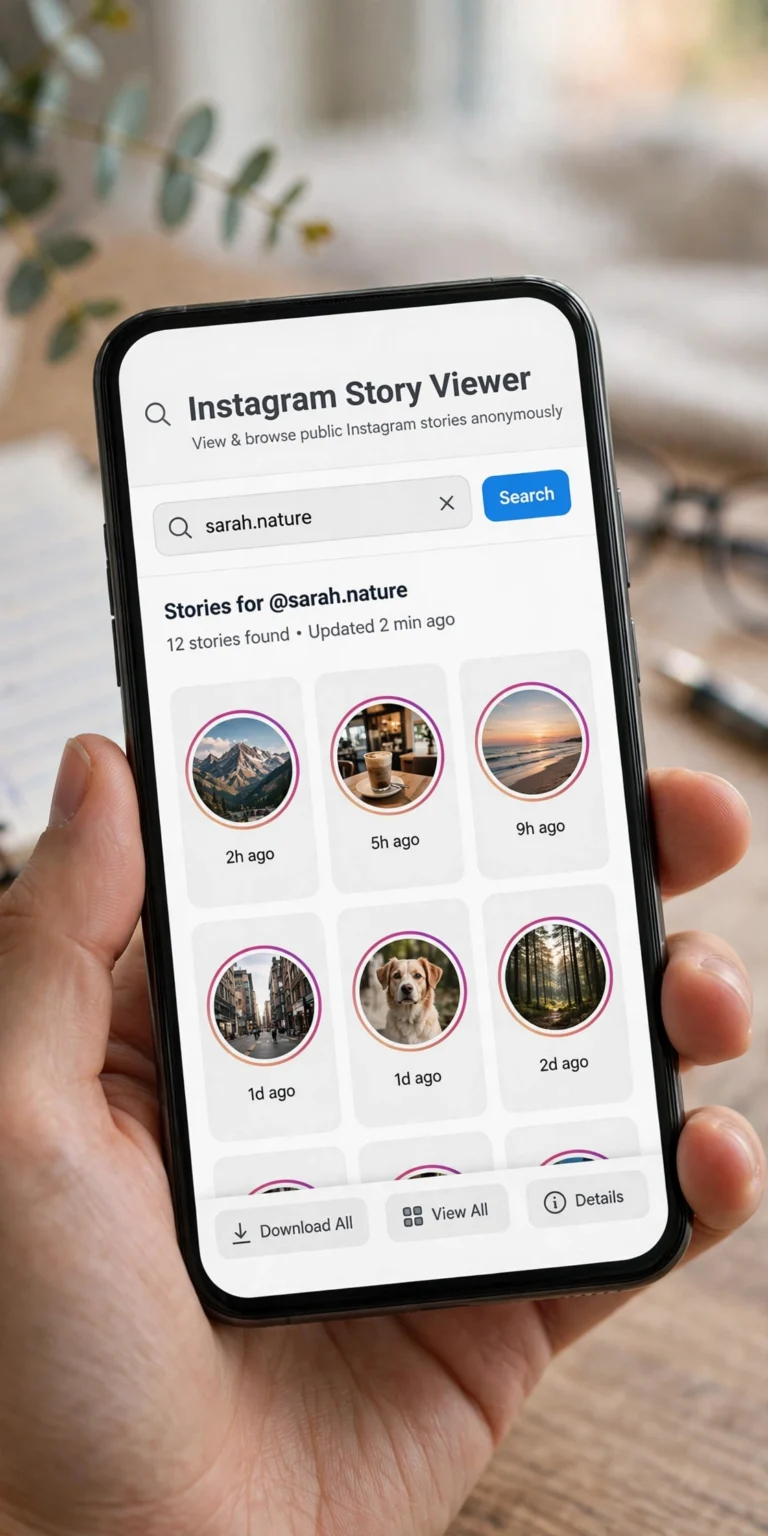
Before you cut an account you are unsure about, take thirty seconds to check whether it is actually dead. Open its profile, look at the date of the latest post, and skim a few recent stories. If you want to preview stories without the account knowing you are watching while you decide, Insta Navigation explains how anonymous story viewing works. Keep the accounts whose posts you genuinely enjoy, including caption and quote pages worth revisiting later through lists like Classy Captions for Insta. The goal is a Following list that reflects your current interests, not a graveyard of old ones.
Are Mass Unfollow Apps and Extensions Safe?
Every few months a new app promises one-tap mass unfollowing, and every few months its reviews fill up with the same two stories: accounts that got restricted after the first batch, and subscriptions that kept charging after the app stopped working. Here is how these tools actually operate so you can judge the risk honestly.
A mass unfollow app can only act on your behalf if it is signed in as you. Phone apps typically ask for your Instagram username and password or an access token. Browser extensions piggyback on your logged-in instagram.com session and send unfollows through it. Bookmarklet and shortcut scripts do the same thing with extra steps. In all three setups, unfollows reach Instagram as actions from your account performed by software instead of by you, which is exactly what Instagram’s automation rules prohibit. “No password required” does not make an extension authorized; it just changes which credential it borrows.
The practical downsides stack up fast. Reviews for cleaner apps regularly report runs that stopped after one batch, apps that crashed mid-cleanup, and paid plans that delivered nothing. Most are free to install and charge for real use through weekly or monthly subscriptions. And handing any third-party service your Instagram login means it can, in principle, access your messages and account settings too. Instagram itself warns that an app holding your login can gain complete access to your account.
If you decide to use one anyway, treat it like handling a spare key to your house: use a unique password for Instagram, turn on two-factor authentication first, never pay for a long subscription before testing a small batch, and change your password the moment you are done so every session the app held dies with it. For most people, though, the manual method above is faster than it looks and carries zero of this baggage.
What Happens If Instagram Restricts Your Account
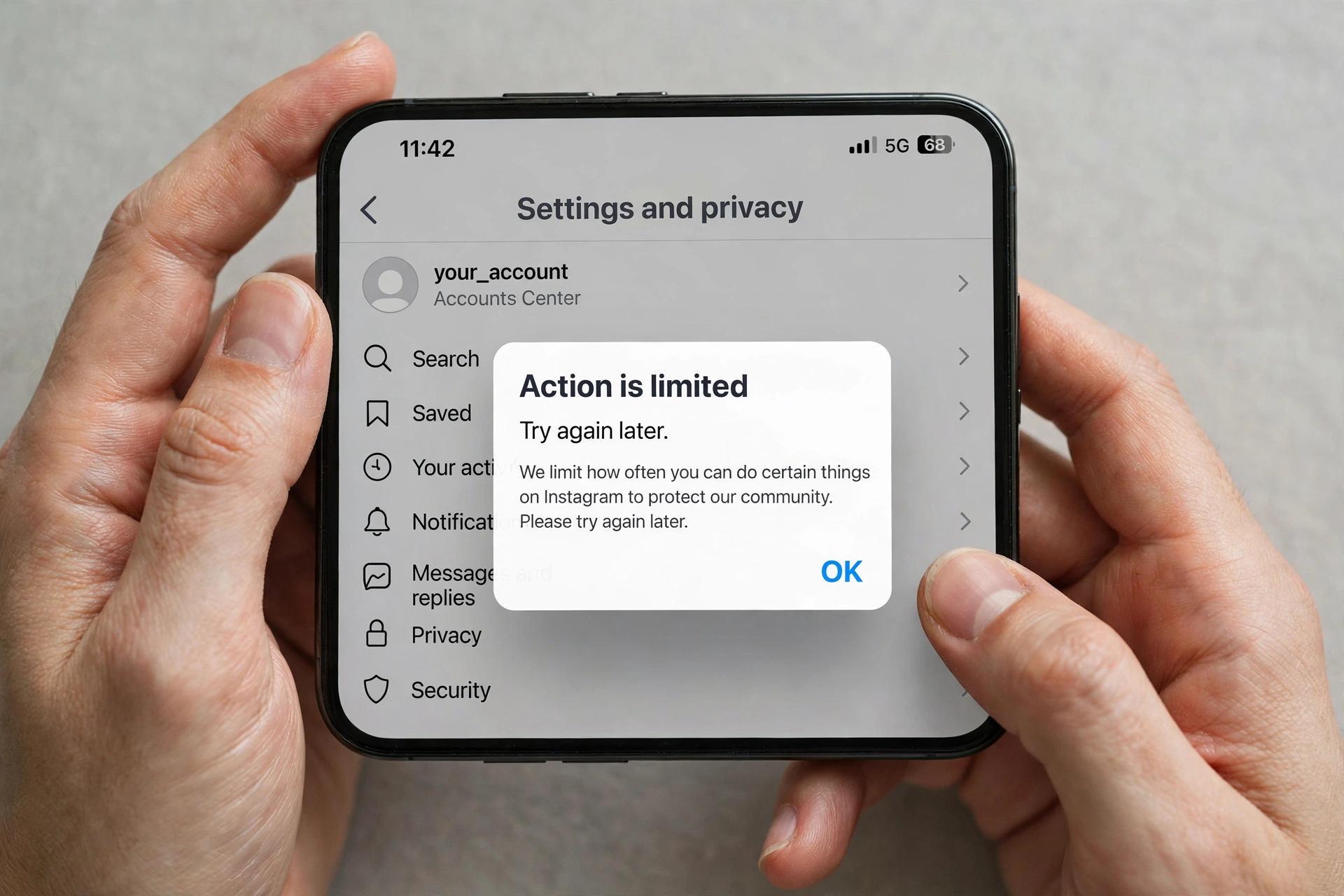
Unfollow too fast and Instagram interrupts with a message saying it limits how often you can do certain things, or asking you to try again later. Users call this an action block. While it lasts, your unfollow taps do not go through, and pushing through the warning usually extends it. Instagram does not publish how long these blocks last, so treat every duration you read online as a guess; most are measured in hours, occasionally stretching to a day or two for repeat offenses.
When it happens, do four things in order. First, stop the cleanup for the day, completely, no “just a few more.” Second, check Account Status (profile menu, then More info and support) to see whether Instagram lists a restricted feature and what it suggests. Third, if any third-party app or extension ever touched your account, revoke it now and change your password, since Instagram can restrict accounts for automated access and for sharing login details with third-party apps. Fourth, resume tomorrow with smaller sessions and longer breaks. If the button looks broken with no warning at all, update the app first and use Help, Report a Problem to tell Instagram exactly what happens when you tap.
Alternatives to a Mass Unfollow on Instagram
Sometimes the problem is not the Following list at all, and a lighter touch fixes it. Run through these before committing to a full cleanup:
- Mute instead of unfollow. Muting hides an account’s posts and stories without ending the follow, and Instagram never tells the person. Use it for friends, colleagues, and family whose content you want less of without the social cost of an unfollow. You can unmute anytime.
- Switch feed views. Instagram’s Following view shows posts from accounts you follow in chronological order without suggested posts, and Favorites gives you a dedicated feed of chosen accounts. If your default Home feed feels noisy, the view might be the problem, not your follow list.
- Reset suggested content. A big share of feed noise comes from accounts you do not follow at all. Under Content preferences you can reset recommendations across Feed, Reels, and Explore, which addresses the algorithm’s guesses about you rather than your actual connections.
- Restrict or remove specific followers. If the issue is who follows you, that is a different toolset: remove followers from your Followers list or restrict problem accounts instead of shrinking your Following list.
The same manual review steps work no matter which Instagram client you prefer. If you use the Insta Thunder APK build, the profile, Following list, and confirm dialogs behave the same way, so follow the identical session limits and stop-at-warning rule there too.
Mass Unfollow vs Remove Follower vs Block: What Each Does
These three actions get confused constantly. Here is the clean distinction:
| Action | What changes | Are they notified? | Bulk option in the app |
|---|---|---|---|
| Unfollow | You stop following them | No | None; one account at a time |
| Remove follower | They stop following you | No | Remove all spam followers, for the Potential spam list only |
| Block | They stop following you and cannot find your profile or posts | No | None; one account at a time |
On a private account, a removed follower must send a new follow request to follow you again. Unfollowing someone never affects whether they follow you, which is why “mass unfollow” and “removing followers” solve two different problems.
Mass Unfollow Instagram: Frequently Asked Questions
Can I unfollow everyone on Instagram at once?
No. Instagram offers no select-all or unfollow-everyone button. Every unfollow is an individual action, and any app promising one-tap clearing is automating your account against Instagram’s rules.
Will people know I unfollowed them?
Instagram sends no unfollow notification. But the change is not invisible: someone who checks their followers list or your profile can notice, so do not treat a quiet unfollow as a guaranteed secret.
How many people can I unfollow per hour?
Instagram publishes no hourly number. Working guides cite 30 to 50 per session with hours between sessions as a safe human pace. Chasing a daily quota is how accounts get restricted; stop at the first warning instead.
Can I undo a mass unfollow?
There is no bulk undo. You would need to revisit each profile and tap Follow again, which is exactly why the keep list in Step 1 matters. For private accounts you will also wait on each new follow request being approved.
Does mass unfollowing hurt my reach or engagement?
Unfollowing does not penalize your own posts. If anything, a cleaner Following list improves your feed signals and the relevance of what you see. The risk is only in the pace: manual and paced is safe, automated is not.
Final Word
A mass unfollow on Instagram is a reset button for your feed, and the manual method is the only one that never puts your account at risk. Make your keep list, sort oldest first, work in short daily sessions under the limit estimates, track with a data export, and stop the moment Instagram warns you. Two quiet weeks of cleanup beats one aggressive afternoon that ends in a restriction. Once the list reflects who you actually want to hear from, you can start rebuilding intentionally, and our guide on How to Increase Instagram Followers shows free ways to grow the audience side back up with real, engaged followers.


3 Comments