How to Delete Instagram Account: Deactivate or Delete Permanently on iPhone & Android (2026)
Your Instagram account feels more like a burden than a fun place, and you have decided it is time to walk away for good. The good news is that learning how to delete Instagram account data permanently is straightforward once you know where Meta hid the option. In 2026 the delete button lives inside the Accounts Center, not the old standalone delete page, and Instagram now gives every deletion a 30-day grace period before the account, posts, followers, and messages are wiped for good.
This guide covers the full path on iPhone, Android, and the web, the real difference between deactivation and deletion, what happens to your username and DMs after you confirm, and how to download your photos before they are gone forever. It also clears up the outdated tutorials floating around that still point to settings that no longer exist.
Quick Answer: How to Delete Your Instagram Account
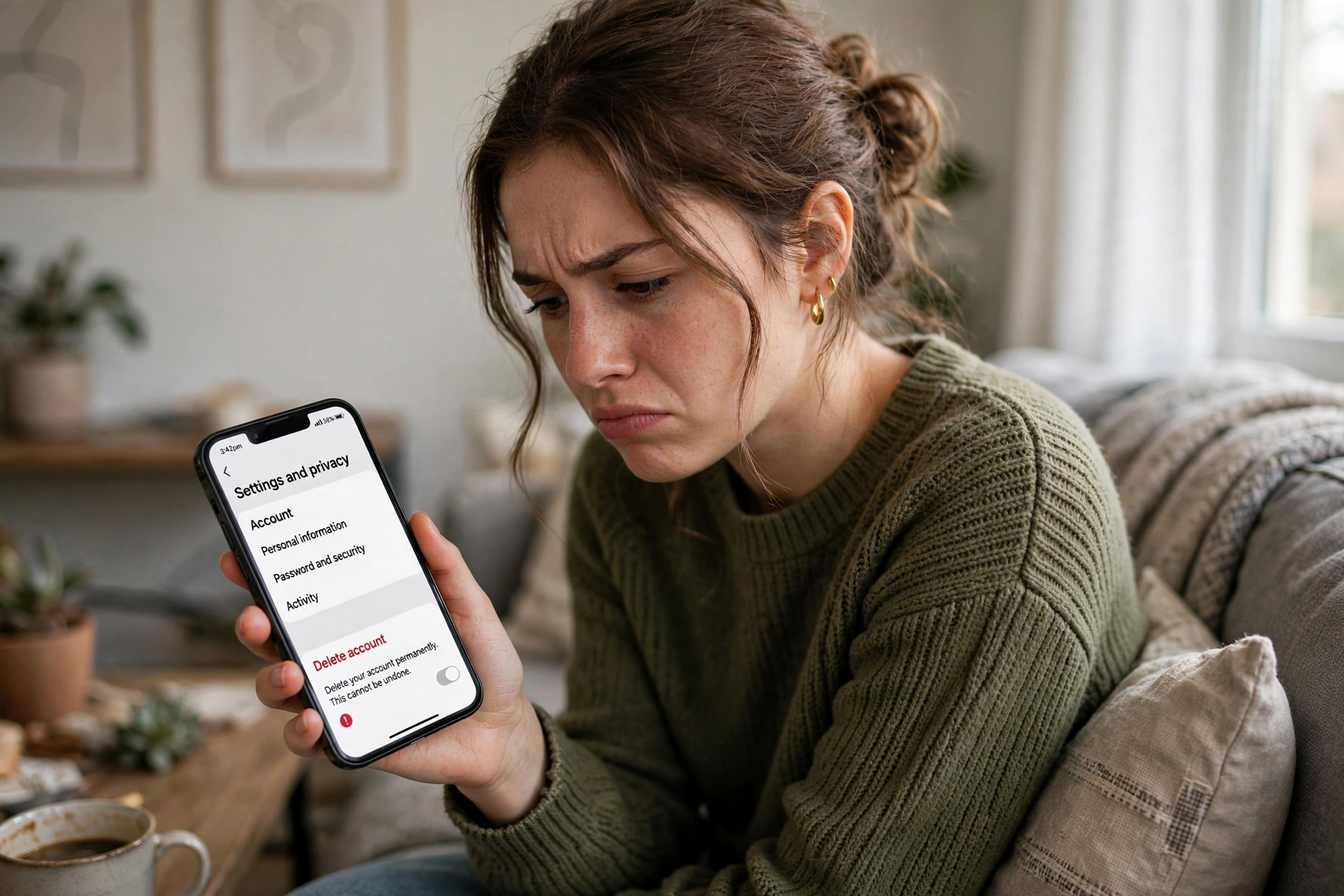
Open the Instagram app, tap your profile picture, then the menu icon, and go to Settings and privacy. Tap Accounts Center at the top, then Personal details, then Account ownership and control, then Deactivation or deletion. Pick the Instagram profile you want to remove, choose Delete account instead of Deactivate, select a reason, enter your password, and confirm. Instagram hides your profile immediately and starts a 30-day countdown. If you log back in during those 30 days, the deletion is canceled and everything returns. After the 30 days pass, your account is gone permanently.
Delete vs. Deactivate: Know the Difference First
Before you tap anything, make sure you are choosing the right option, because the two are very different. Deactivation hides your profile temporarily and keeps all your data on Meta’s servers, while deletion erases everything after the grace period. Plenty of people pick deletion when they only wanted a break, then panic when they realize what is gone.
| Feature | Delete Account (Permanent) | Deactivate Account (Temporary) |
|---|---|---|
| Profile visibility | Hidden immediately, erased after 30 days | Hidden until you log back in |
| Posts, photos, reels | Permanently wiped | Saved, restored on login |
| Followers and following | All removed forever | Kept exactly as they were |
| DMs and comments | Deleted from your side | Stay hidden with your account |
| Username | Usually stays reserved, not released quickly | Kept for you |
| Recovery | Only by logging in within 30 days | Anytime by logging in |
| Best for | Leaving Instagram forever | Taking a break or detox |
If you are on the fence, deactivation is the safer move. You can always delete later, but you cannot undo a deletion after the 30-day window closes. And if your frustration is really about how confusing the app feels lately, the complete guide to how to use instagram might solve the actual problem without losing anything.
Before You Delete: 5 Things to Do First
Deleting is permanent, so run through this short checklist before you confirm. It takes about ten minutes and can save you real regret later.
1. Download your Instagram data
Your photos, videos, messages, and contacts belong to you, and once the account is deleted Meta owes you no copy. In the Instagram app go to Settings and privacy, then Accounts Center, then Your information and permissions, then Download your information. Request a full copy in your preferred format and wait for the download link to arrive by email. This can take a few minutes or up to 48 hours depending on how much content you have, so do this first and delete later.
2. Check which apps use Instagram login
Many people sign into other apps and websites with their Instagram account. Before deleting, go to Settings and privacy, then Accounts Center, then Your information and permissions, then Apps and websites, and review the list. Switch any important service to email login first, or you could lock yourself out of accounts that depend on Instagram for sign-in.
3. Tell people how to reach you
If friends, clients, or a small business contact you only through Instagram DMs, post a story or send a message with your phone number or another contact method before you delete. Once the account is gone, people cannot find a new way to reach you through Instagram.
4. Unlink Facebook if it is connected
Deleting your Instagram does not delete your Facebook account, because the two are separate profiles inside the Accounts Center even when linked. Still, if you used the same login, review your Facebook settings after deletion to make sure nothing shared breaks. Deleting one profile never touches the other, but double checking takes a minute.
5. Save your favorite content
The data download covers your own posts, but anything you saved from other accounts disappears with your account too. Screenshot the saved posts, captions, and reel ideas you want to keep, because there is no way to retrieve your Saved collection after deletion.
How to Delete Instagram Account on iPhone and Android
The steps are identical on iPhone and Android because the delete option now lives in Meta’s Accounts Center, which looks the same on both platforms. Follow these steps exactly.
- Open the Instagram app and make sure you are logged in to the account you want to delete. If you manage several accounts, switch to the right one first.
- Tap your profile picture in the bottom right corner to open your profile.
- Tap the menu icon (three horizontal lines) in the top right corner.
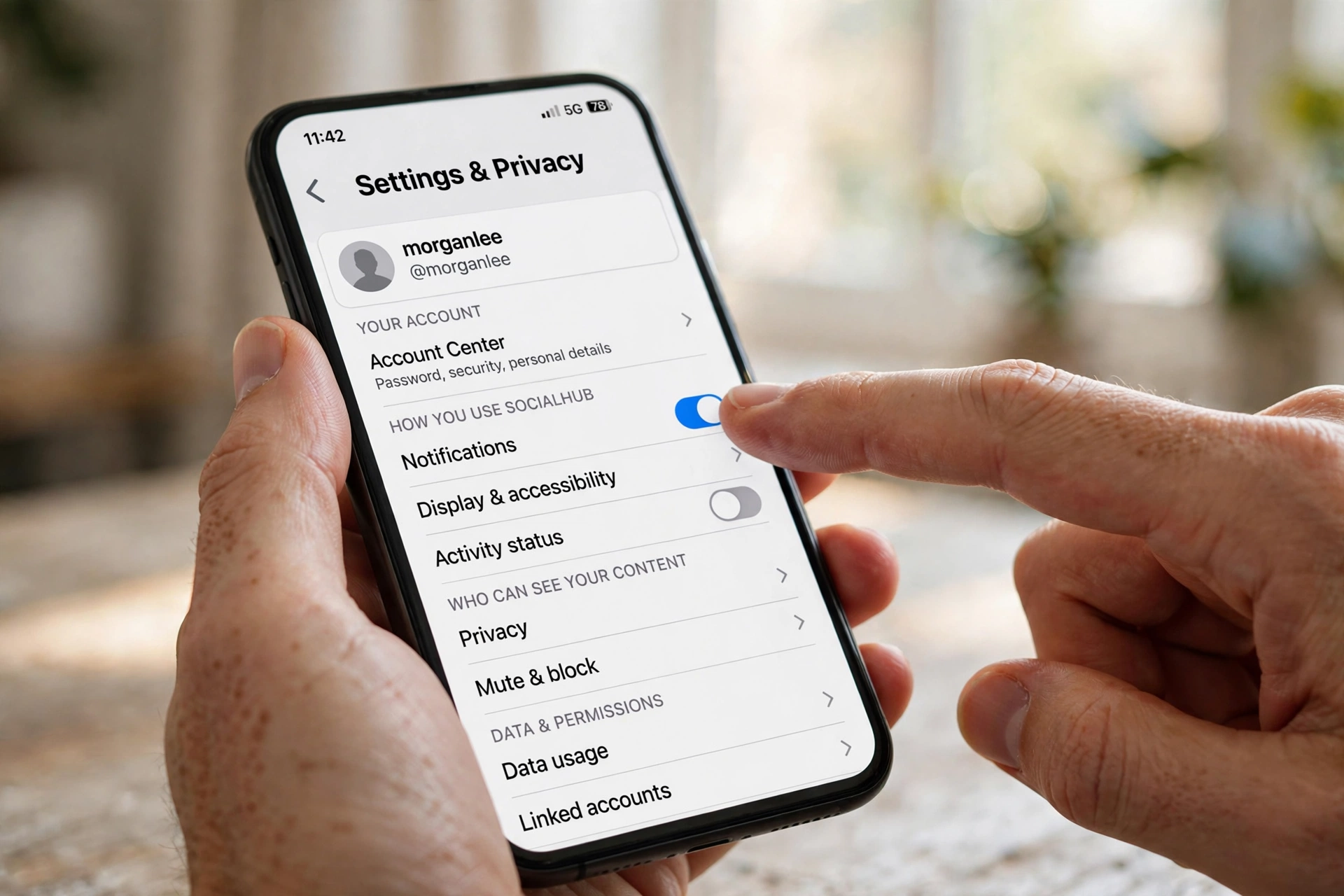
- Tap Settings and privacy, then tap Accounts Center at the top of the screen.
- Tap Personal details, then tap Account ownership and control.
- Tap Deactivation or deletion and select the Instagram profile you want to remove. Be careful here if you also have a Facebook profile in the same Accounts Center.
- Choose Delete account and tap Continue. Do not choose Deactivate account by mistake.
- Pick a reason for leaving from the list. Instagram requires this, but your answer does not affect the deletion.
- Re-enter your password when asked, then tap Delete your username to confirm. Instagram will show the date when your account will be permanently deleted, exactly 30 days from now.
How to Delete Instagram Account on Web (Desktop or Mobile Browser)
Prefer a bigger screen or cannot find the option in the app? The web route reaches the same Accounts Center and works on any desktop or mobile browser.
- Go to instagram.com and log in to the account you want to delete.
- Click More in the bottom left menu (on mobile web, tap your profile picture, then the menu icon).
- Click Settings, then click Accounts Center.
- Go to Personal details, then Account ownership and control, then Deactivation or deletion.
- Select your Instagram profile, choose Delete account, and tap Continue.
- Select a reason, re-enter your password, and confirm the deletion.
The old direct delete page (instagram.com/accounts/remove/request/permanent/) no longer works the way it used to, which is why so many old tutorials fail now. Always go through the Accounts Center path above, because that is the only current official route.
How to Temporarily Deactivate Your Instagram Account
Deactivation is the better choice if you want a digital detox, need a break from drama, or are simply not sure you want to leave forever. Your profile, posts, likes, and comments disappear from public view, but everything is restored the moment you log back in.
- Open the Instagram app and go to your profile, then tap the menu icon.
- Tap Settings and privacy, then Accounts Center.
- Go to Personal details, then Account ownership and control, then Deactivation or deletion.
- Select your profile and choose Deactivate account, then tap Continue.
- Select a reason, enter your password, and confirm. Your account vanishes from Instagram immediately.
To reactivate, just log in again with your usual username and password. There is no time limit on deactivation, so you can stay away for a week, a month, or a year, and your account will be exactly as you left it.

What Happens After You Delete: The 30-Day Grace Period
The moment you confirm deletion, your profile becomes invisible. Nobody can find your account in search, your posts disappear from feeds and hashtags, and your profile link shows nothing. But behind the scenes, Instagram starts a 30-day countdown instead of erasing everything instantly.
During the 30 days
Your account sits in a hidden state. You can change your mind at any point by simply logging back in with your username and password. Instagram will ask you to confirm that you want to keep the account, and everything comes back exactly as it was: posts, followers, following list, saved items, and DMs. This safety net exists because accidental deletions and hacked-account deletions are common.
After the 30 days
The deletion becomes final and irreversible. Meta states that it may take up to 90 days for your information to be fully removed from backup systems, but your profile is permanently gone from the public platform. Your posts, reels, stories, comments, likes, followers, and messages are all wiped. Instagram’s support team cannot bring the account back after this point, no matter the reason.
What happens to your username
This surprises many people. Your username is usually NOT released for others to claim right away. Instagram keeps deleted usernames reserved for a long time, so do not delete your account just to free up a username for a new one. You will likely find it still taken when you check later.
What happens to your DMs
Messages you sent stay visible in the other person’s inbox, because deletion removes your side of the account, not copies already delivered to others. Your name will appear as a generic “Instagram user” in those threads, and tapping it leads nowhere. Group chats you were part of keep your messages too.
Cannot Delete? Fix These Common Problems
Sometimes the delete button seems to fight back. These are the most common reasons people get stuck, and how to get past each one.
Forgot your password
You cannot delete an account you cannot log into, because Instagram always asks for the password at the final confirmation step. On the login screen, tap Forgot password and follow the reset link sent to your email or phone. Reset it first, log in, then start the deletion steps.
Account was hacked
If a hacker changed your email and password, you need to recover the account before you can delete it. On the login page, tap Get help logging in and follow the identity verification steps. Instagram also sends security emails when account details change, and those emails include a “this wasn’t me” link that can reverse the changes. Recover first, then delete.
Wrong account selected
If you manage multiple Instagram accounts or have a Facebook profile in the same Accounts Center, double check that the profile you picked at the Deactivation or deletion screen is the right one. The name is shown clearly at each step, but people rushing through have deleted the wrong account. Slow down at this screen.
Delete option not showing
An outdated app version can hide the current settings layout. Update Instagram from the Play Store or App Store, then look again. If the option is still missing, try the web route on a desktop browser, which uses the same Accounts Center and almost always works.
Alternatives to Deleting Your Account
Deleting is the nuclear option, and many people who consider it actually want something smaller: fewer notifications, more privacy, or a fresh start. Try these first.
Clean up your follower list instead
A messy follower list full of strangers, bots, and old acquaintances can make Instagram feel toxic. Running an instagram unfollow checker shows you exactly who is not following you back, so you can remove the accounts that make your feed unpleasant instead of abandoning the whole platform.
Switch to a private account
Making your account private means only approved followers see your posts and stories. Combined with removing unwanted followers, this gives you a quiet, controlled space without losing years of photos and connections.
Take a proper break first
Temporary deactivation costs you nothing and loses you nothing. Delete the app from your phone as well, so the habit loop breaks. Many people discover after two or three weeks offline that they did not miss Instagram at all, which makes the final delete decision much easier and more confident.
Post one last time before leaving
If you have real connections on Instagram, a short farewell post with your new contact details is a kind final move. The collection of classy captions for insta has elegant options that work well for a graceful goodbye post without sounding dramatic.

Can You Still Watch Instagram After Deleting Your Account?
Yes, partially. Public profiles, posts, and reels remain viewable in a web browser without any account, though stories and full profiles are locked behind a login. If you only want to peek at stories or highlights occasionally without the temptation of an account, an anonymous instagram viewer lets you watch public stories without logging in at all.
And if your real reason for leaving is slow growth rather than privacy, deleting solves nothing. An instagram follower tracker shows exactly where your followers come and go, and tools like InstaUp APK exist specifically to grow real engagement. Fixing the growth problem often removes the urge to quit entirely.
FAQs About Deleting Your Instagram Account
Can I delete my Instagram account permanently right now?
Yes. Go to Settings and privacy, then Accounts Center, then Personal details, then Account ownership and control, then Deactivation or deletion. Choose Delete account, pick a reason, enter your password, and confirm. Your profile hides immediately and is permanently erased after the 30-day grace period.
How do I delete my Instagram account on iPhone?
Open the Instagram app on your iPhone, tap your profile picture, then the menu icon, then Settings and privacy. From there go to Accounts Center, Personal details, Account ownership and control, and Deactivation or deletion. Select your profile, choose Delete account, and confirm with your password. The iPhone steps are identical to Android.
Can I recover a deleted Instagram account?
Only within 30 days of requesting deletion. Log back in during that window and Instagram cancels the deletion. After 30 days, recovery is impossible and support cannot restore the account under any circumstances.
Does deleting Instagram also delete my Facebook?
No. Instagram and Facebook are separate profiles inside the Accounts Center. Deleting one never deletes the other, even when they share the same login credentials.
Can someone else take my username after I delete?
Usually not, at least not for a long time. Instagram reserves deleted usernames instead of releasing them, so deleting to free up a name for a new account rarely works.
Will my DMs disappear when I delete my account?
Not from the other person’s side. Messages you already sent stay in their inbox, shown under the name Instagram user. Deletion only removes your profile and your access to the conversations.
How long does Instagram keep my data after deletion?
Your profile disappears immediately, is erased from the live platform after 30 days, and Meta says backup copies can take up to 90 days to be fully removed. You cannot see or control those backups.
Can I delete my Instagram account without the password?
No. The final confirmation step always requires your password as a security check. Reset your password first using the Forgot password link on the login screen.
Is deactivating better than deleting?
For most people, yes as a first step. Deactivation hides everything but keeps your data safe, and you can come back anytime by logging in. Deletion is only better when you are completely sure you will never want the account back.
What Deleting Will NOT Fix
Before you confirm, be honest about what you expect deletion to solve. Many people delete Instagram hoping the underlying problem disappears with it, then realize a month later that nothing really changed. Deleting your account will not stop other people from posting photos of you, because their accounts are untouched. It will not erase your data from data brokers and third party sites that already scraped it. It will not end the habit of doomscrolling either, because most people simply migrate the same habit to another app within days.
If your real problem is screen time, deleting Instagram without addressing the habit usually fails. A more honest fix is deactivation plus removing the app from your phone, combined with a weekly screen time limit on your remaining apps. If your problem is privacy, tightening your account settings, removing unknown followers, and switching to a private profile protects you more effectively than deletion, because your data stays under your own control instead of sitting in Meta’s backup systems for months. And if your problem is comparison anxiety, remember that every social app is engineered the same way. Deleting one platform while installing another is just changing the scenery.
This does not mean deleting is pointless. For people who have genuinely outgrown the platform, who run a business that moved elsewhere, or who simply want a cleaner digital life, deletion is the right and healthy choice. Just make sure you are deleting for the right reason, not using it as a shortcut around a problem that will follow you to the next app.
Final Verdict
Deleting your Instagram account in 2026 is a clear, step-by-step process through the Accounts Center, and the 30-day grace period gives you a genuine safety net. The people who regret deletion are almost always the ones who skipped the checklist: they never downloaded their data, never told contacts how to reach them, or picked Delete when they only wanted a break. Run through the five steps in this guide first, try deactivation for a few weeks if you have any doubt at all, and only then hit the final confirm. Your future self will thank you for the caution.