
Insta Navigation: How to View Instagram Stories Anonymously (2026 Guide)
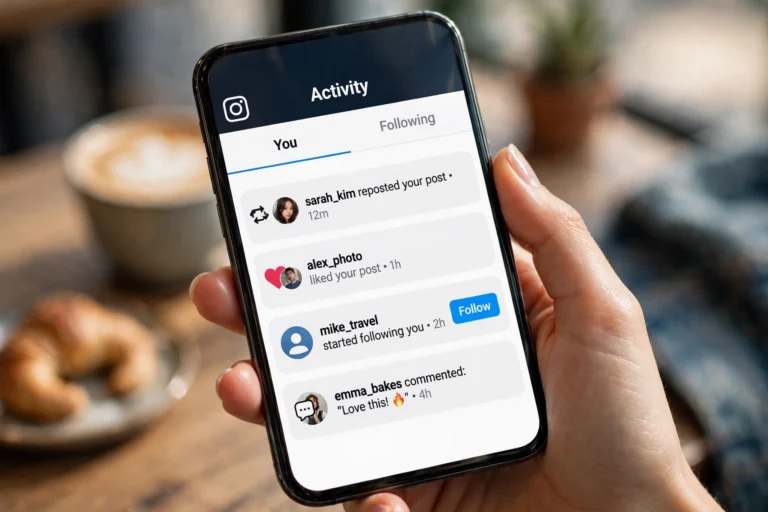
You open someone's Instagram story, and instantly regret it. Now your name sits in their viewer list, and there is no way to take it back. Maybe it was a competitor you were researching, an old friend you were curious about, or a public figure you follow quietly. Whatever the reason, Instagram gives viewers zero privacy: every story view is tracked and shown to the account owner. Insta Navigation exists to solve exactly this problem. It is a free web tool that lets you view Instagram stories, highlights, and posts anonymously, without logging in and without ever appearing in anyone's viewer list. This guide explains what Insta Navigation is, how it actually works, how to use it step by step, whether it is safe, and which alternatives are worth knowing in 2026.
What Is Insta Navigation?
Insta Navigation, often written as InstaNavigation, is a web-based anonymous Instagram story viewer. You enter any public Instagram username on its website, and it fetches that account's stories, highlights, and posts for you to browse privately. The account owner never sees your name, because you never interact with Instagram directly.
The key thing to understand is that Insta Navigation acts as a middleman. When you view a story through it, the request to Instagram's servers comes from Insta Navigation's system, not from your device or your Instagram account. Instagram only sees the tool's servers, so your identity stays hidden. There is no app to download, no account to create, and no payment required for the core features.
How Insta Navigation Actually Works
The process is simpler than most people expect, and understanding it helps you use the tool with realistic expectations.
When you type a username into Insta Navigation, the tool queries Instagram's publicly available data for that profile. Instagram makes stories and posts from public accounts accessible without login through its web interface, and viewer tools simply display that public data in their own layout. Because the fetch happens server-side, your browser never touches Instagram's viewer tracking.
This is also why the tool has a hard limit: it can only show content that Instagram already makes public. If an account is private, its stories are locked behind the follower relationship, and no legitimate viewer tool can bypass that. Any site claiming otherwise is either lying or trying to steal your login.
How to Use Insta Navigation Step by Step
Using the tool takes less than a minute. Here is the exact process.
Step 1: Open the Insta Navigation website. Go to the tool's official site in your browser. You do not need to log in or create any account.
Step 2: Enter the Instagram username. Type the exact username of the account whose stories you want to view. Spelling matters here. A single wrong character will show a "user not found" error, so double check before submitting.
Step 3: Browse the stories anonymously. The tool loads the account's current stories, and you can tap through them just like in the Instagram app. Use the on-screen arrows to move between stories.
Step 4: Check highlights and posts. Most versions of the tool also show story highlights and recent posts in separate tabs. This is useful when you want context beyond the last 24 hours.
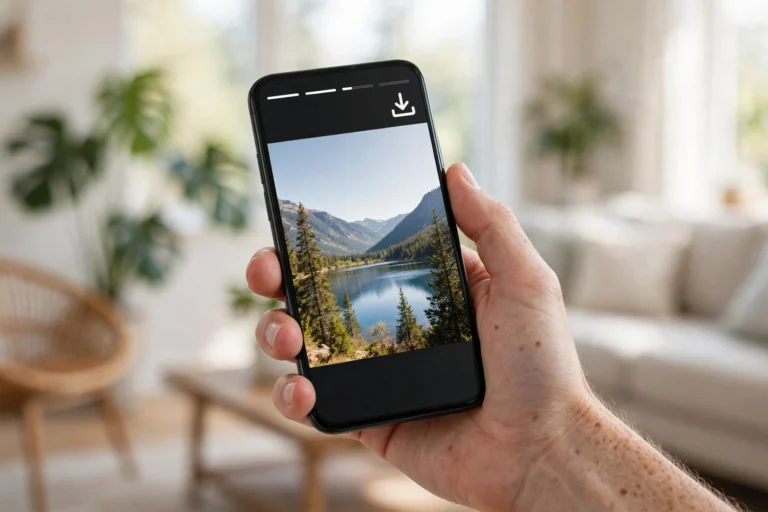
Step 5: Download anything you want to keep. If the tool offers a download button, you can save stories or highlights to your device for offline viewing. Only download content you have the right to keep, especially if you plan to repost it.
Key Features of Insta Navigation
The reason this tool became so widely searched is its feature set, which covers everything a casual anonymous viewer needs.
Complete anonymity. Your views never appear in anyone's viewer list, and the tool does not ask for your Instagram login, so there is nothing linking the session to you.
No login required. You can start viewing immediately. This is also a safety advantage: a tool that never asks for your credentials cannot steal them.
Story and highlight downloads. Save stories and highlights directly instead of taking screenshots, which preserves the original quality.
Username search. Find any public account quickly without scrolling through Instagram's own search.
Works on any device. Because it is web-based, it runs in any modern browser on phones, tablets, laptops, and desktops. The desktop version generally performs the smoothest.
Insta Navigation vs Watching Stories Normally
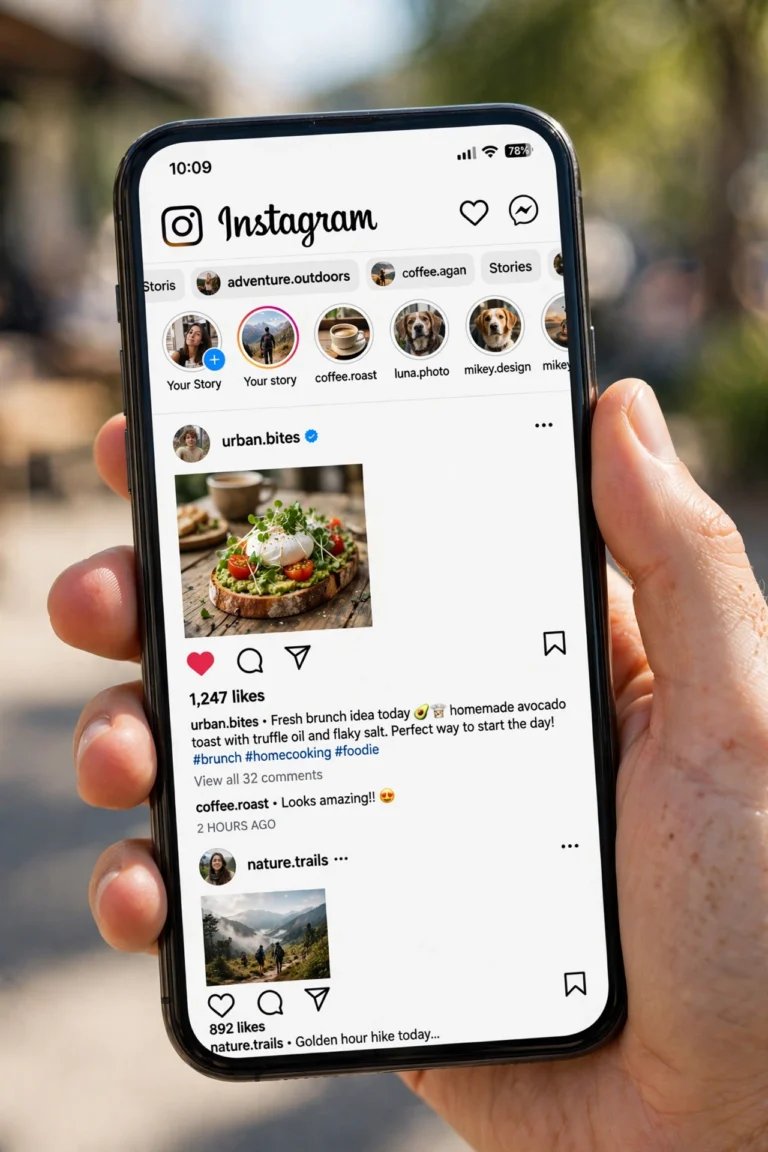
The difference comes down to one thing: visibility. When you watch a story inside the Instagram app, your username is recorded in the viewer list, which the account owner can open at any time. Creators check these lists far more often than viewers realize, especially business accounts that track engagement.
With Insta Navigation, that entire tracking layer disappears. You get the same content with none of the social footprint. The tradeoff is convenience: you lose Instagram's native interface, interactive stickers, and the ability to reply or react. For pure viewing, though, the tool wins on privacy every time.
There is one more difference worth noting. The Instagram app personalizes everything around your account: suggested content, ads, algorithmic ordering. A viewer tool shows you a clean, neutral view of one profile at a time, which some people actually prefer for focused research.
Is Insta Navigation Safe to Use?
Safety has two parts: safety for your device and safety for your Instagram account. On both counts, the design of the tool works in your favor, with some caveats.
You never hand over your login. This is the single biggest safety factor. The most common way people get their Instagram accounts stolen is by typing their password into fake tools. Insta Navigation does not ask for it, so that entire attack vector does not exist here.
No software to install. Because it runs in the browser, there is nothing to download and no chance of bundled malware. This alone makes it safer than the many "anonymous viewer" apps in unofficial app stores, which are a minefield.
Connection security. The legitimate versions of the tool use encrypted HTTPS connections, so your browsing cannot be snooped on public WiFi.
The caveats matter too. Only use the official domain, because copycat sites with similar names exist specifically to serve ads, phishing pages, or malware. Never enter your Instagram password anywhere except Instagram itself. And treat the tool's privacy claims sensibly: it does not log your views on Instagram, but like any website, it can see basic visit data, so do not use it for anything you would not do on a normal website.

The Legal and Ethical Side
Viewing publicly available content through a third-party interface sits in a gray area that is worth understanding honestly.
Legally, looking at content someone chose to publish publicly is not a crime. You are not hacking anything; the stories are already visible to the entire internet. Where it gets murky is Instagram's Terms of Service, which prohibit accessing the platform through unauthorized third-party tools. In practice, Instagram enforces this against the tool operators, not against individual viewers, and there is no realistic scenario where a casual viewer faces legal trouble for watching a public story.
Ethically, the question is personal. People use anonymous viewers for harmless reasons: market research, checking on competitors, curiosity about public figures, or simply avoiding awkward social situations. Problems start when anonymity enables harassment, stalking, or stealing someone's content to repost without credit. The tool itself is neutral. Use it the way you would want others to use it on your own profile.
Common Problems and How to Fix Them
Most issues with Insta Navigation have simple causes. Here is how to fix the frequent ones.
"User not found" error. Almost always a typo in the username. Copy the exact username from Instagram, including underscores and dots, and paste it in.
Stories not loading. The account may have no active stories right now, or the tool's servers may be temporarily rate-limited by Instagram. Wait a few minutes and retry. Switching browsers also helps more often than you would expect.
Only some content shows. Highlights and older posts depend on what Instagram's public endpoints expose at that moment. If something is missing, it is usually a temporary fetching issue, not a problem with your input.
Private accounts show nothing. This is by design. No legitimate tool can display private account content without following the account. Sites that promise otherwise are scams.
The site looks different than expected. The tool has changed domains over time, and several clones exist. If the page is covered in aggressive popups or asks for your Instagram login, close it. That is not the real tool.
Best Alternatives to Insta Navigation
Insta Navigation is popular, but it is not the only anonymous viewer. Knowing the alternatives helps when the main tool is down or when you need a specific feature.
StoriesDown focuses on fast anonymous story viewing with downloads, and has one of the cleanest interfaces in this category.
AnonStories offers browsing plus downloads, and is frequently recommended as a backup when other viewers are rate-limited.
Mollygram is another solid option that covers stories, posts, and highlights without requiring login.
Insanony keeps things minimal: paste a username, view stories, done. Good for people who want zero clutter.
When comparing them, check four things: whether login is required (it should not be), whether downloads work, how often the service goes down, and how aggressive the advertising is. The best tool is the one that stays simple and stays online.
Tips for Getting the Most Out of Anonymous Viewing
A few habits make the experience smoother and safer.
Bookmark the official site. This protects you from clone sites more effectively than anything else. One bookmark, used every time.
Use desktop when possible. The larger layout loads faster, navigation is easier, and downloads save exactly where you expect them.
Double check usernames before searching. Usernames with similar spellings are common, and viewing the wrong account's stories is an easy mistake.
Clear cache if stories stop loading. Stale browser data causes a surprising number of "broken tool" reports. A quick cache clear fixes most of them.
Download responsibly. Saving a story for personal reference is one thing. Reposting someone's content without permission or credit is another. Keep the distinction clear.
Upgrade your own profile too. Anonymous viewing often starts with curiosity about how others present themselves. If you are auditing profiles, take the chance to improve your own. These instagram bio for boys ideas and a fresh insta dp for boys can make your own profile stand out the next time someone checks it.
InstaUp APK and Anonymous Viewing: A Quick Note
Readers of this site often ask how Insta Navigation relates to InstaUp APK. They solve different problems. Insta Navigation is for privately viewing other people's public stories without an account. InstaUp APK is a modified Instagram client that adds extra features inside your own Instagram experience, such as media downloads and customization. If your goal is watching stories without appearing in viewer lists, use Insta Navigation. If your goal is a more powerful Instagram app on your own device, that is where InstaUp APK fits.
Frequently Asked Questions
Will the account owner know I viewed their story through Insta Navigation?
No. Your view is never recorded in their viewer list because the request comes from the tool's servers, not from your Instagram account.
Do I need an Instagram account to use it?
No. That is one of its main advantages. You do not need to log in anywhere.
Can it view private accounts?
No. Legitimate viewer tools only work with public accounts. Any site claiming private access is a scam.
Is it free?
The core viewing features are free. Some clones push paid "premium" tiers, which is usually a sign you are on the wrong site.
Can I download stories with it?
Yes, most versions include a download button for stories and highlights.
Does it work on mobile?
Yes, it runs in any mobile browser, though the desktop experience is generally smoother.
Is using it legal?
Viewing publicly published content is not illegal. It does sit outside Instagram's official Terms of Service, which is a policy matter between Instagram and the tool operators, not individual viewers.
Final Verdict
Insta Navigation solves a real and common problem: Instagram's viewer tracking gives you no privacy, and sometimes you have legitimate reasons to look without being seen. The tool is free, requires no login, and does exactly what it promises for public accounts. Just use the official site, never enter your Instagram password anywhere, keep your expectations realistic about private accounts, and use the anonymity responsibly. For casual anonymous viewing in 2026, it remains one of the most straightforward options available.

2 Comments