
Insta Thunder APK v43 Download (Latest Version 2026): Features & Install Guide
The official Instagram app puts walls around basic things. You cannot download a reel you like, stories disappear before you save them, ads interrupt your scrolling, and every photo you upload gets compressed. Insta Thunder APK, a modded Instagram client built by developer SamMods, knocks those walls down. It adds one-tap downloads for reels, stories and photos, ghost mode privacy controls that hide your online activity, a fully ad-free feed, and full-resolution uploads, all inside the familiar Instagram interface on Android. This guide covers what Insta Thunder is, the major features of v43, how to install it, the real risks, and how it compares with official Instagram and rival mods like InstaUp and Instander.
What Is Insta Thunder APK?
Insta Thunder is a modified (mod) version of the official Instagram app for Android. Developed by SamMods (also behind the InstaPro mod), it keeps Instagram’s original layout and login system while unlocking features Meta never shipped: media downloading, advanced privacy controls, ad blocking, and deep customization.
The latest release is v43, distributed as an APK file because modded apps are not allowed on the Google Play Store. It ships in two package variants: com.thunder, which installs alongside the official Instagram app so you can run both, and com.instagram.android, which replaces the official app entirely. On Uptodown it holds a 4.3 out of 5 rating with more than 560,000 downloads, making it one of the most widely used Instagram mods in 2026.
Key Features of Insta Thunder
One-Tap Media Downloader
The headline feature. Insta Thunder lets you download photos, reels, stories and IGTV videos directly inside the app with a single tap. Downloads are sorted into folders by username, so your gallery stays organized. The official app simply does not offer this.
Ghost Mode Privacy Controls
Ghost mode is a bundle of privacy switches. You can hide read receipts so people never know you saw their messages, hide typing indicators, and view stories without appearing in the viewer list. For quiet browsing, this is the biggest reason to switch.
App Lock and Chat Lock
Insta Thunder has a built-in PIN lock for the whole app, plus a separate chat lock for individual conversations. You do not need a third-party locker app. Set a PIN once and your DMs stay private even if someone picks up your phone.
Ad-Free Feed and Stories
Sponsored posts and story ads are stripped out. Your feed and stories scroll without interruptions, which also cuts data usage a little on limited mobile plans.
Full-Quality Photo Uploads
Official Instagram compresses every upload. Insta Thunder lets you push photos at full resolution, so your posts keep their sharpness. If you run a page where image quality matters, this alone is worth the install.
Profile Picture Zoom and Save
Long-press any profile picture to zoom in and save it. The official app only shows a tiny cropped circle. insta dp for boys
Unfollower Tracker
The app tracks who unfollows you and tags accounts with a “Follows You” label, so you can see at a glance which follows are not mutual. Basic compared to dedicated analytics apps, but built in and free.
Built-in Translation
Captions, comments and DMs can be translated in place using Google and Yandex engines, with support for dozens of languages. Useful if you follow creators who post in other languages.
Themes, Fonts and Customization
Change themes, fonts and accent colors, including a proper dark mode. You can also rearrange parts of the interface to taste. None of this exists in the official app.
Smaller extras worth knowing: an in-app browser, a Do Not Disturb chat mode, and a message bomber for pranks between friends.
Insta Thunder vs Official Instagram
| Feature | Insta Thunder (v43) | Official Instagram |
|---|---|---|
| Media downloads | Yes, one tap | No |
| Ad-free feed | Yes | No, sponsored posts and story ads |
| Ghost mode (hide read/typing/story views) | Yes | No |
| App and chat PIN lock | Built in | No |
| Full-quality uploads | Yes | Compressed |
| Profile picture zoom and save | Yes | No |
| Unfollower tracker | Yes | No |
| In-app translation | Yes | Limited |
| Themes and fonts | Yes | No |
| Developer | SamMods (third party) | Meta Platforms |
| Play Store availability | No, APK only | Yes |
| Account ban risk | Possible | None |
| Updates | Manual, developer dependent | Automatic |
Insta Thunder vs Other Instagram Mods
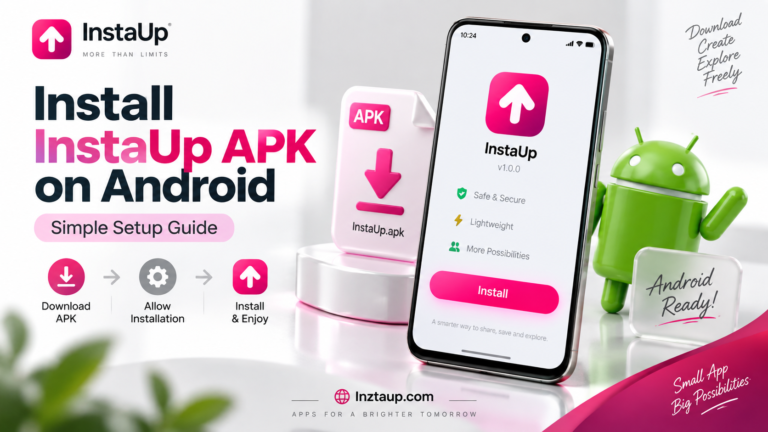
Insta Thunder is not the only modded Instagram client. InstaUp APK, the app this site is built around, is the closest alternative with a similar feature set. InstaUp APK Instander is the veteran pick, known for stability. InstaPro comes from the same developer (SamMods) and is often described as the more stable of the two, while Insta Thunder ships newer experimental features first.
Pick by priority: Insta Thunder for the newest features, InstaPro apk for stability from the same developer, Instander for the longest track record, InstaUp for the mod this community knows best.
How to Download and Install Insta Thunder APK
- Download the Insta Thunder v43 APK file from the download button above onto your Android phone.
- Open Settings, go to Security (or Apps), and enable “Install unknown apps” for your browser.
- Open the downloaded APK file and tap Install. If Android warns you, confirm that you trust the file.
- Once installed, open Insta Thunder and log in with your Instagram account. The com.thunder package keeps your official Instagram installed, so you can use both side by side.
- Grant the permissions it asks for (storage for downloads, mostly) and you are done.
Tip: always re-download from the same trusted source when a new version drops, because updates do not arrive automatically like Play Store apps.
Is Insta Thunder Safe to Use?
Three real risks, stated plainly:
Account bans. Meta’s terms forbid modified clients. Detection is rare but possible, and a ban can be temporary or permanent. Never log into a modded app with your main business account. Use a secondary account.
Malware from bad sources. The APK itself from a reputable source is clean, but fake “Insta Thunder” downloads on shady sites bundle malware. Only download from well-known APK sites, and scan every APK with your phone’s security app before installing.
Credential exposure. You type your Instagram login into a third-party app. SamMods has a decent reputation, but the risk is never zero. Turn on two-factor authentication on your Instagram account so a leaked password alone is not enough.
If you follow those three rules, trusted source, secondary account, two-factor on, Insta Thunder is as safe as any modded app gets.
Common Problems and Fixes
App Not Installing
“App not installed” usually means an old version is conflicting. Uninstall any previous Insta Thunder build first, then install v43 fresh. Also confirm “Install unknown apps” is enabled for your browser.
Login Failed or Session Expired
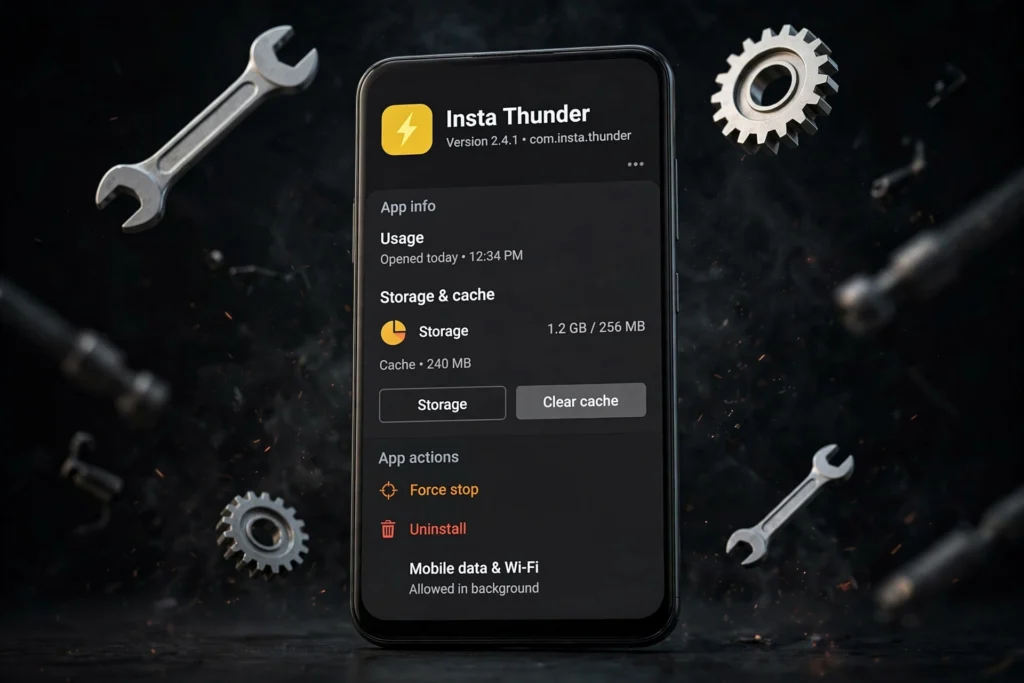
Log out of the official Instagram app, then log into Insta Thunder again. If it persists, clear the app’s cache in Settings, Apps, Insta Thunder, Storage. As a last resort, reinstall.
Downloads Are Slow or Failing
Check your connection first, then make sure the app has storage permission. Large reel downloads can stall on weak mobile data, switch to Wi-Fi.
Features Not Working After an Update
Mod features sometimes break when Instagram changes its API. Wait for the next SamMods release rather than downgrading blindly, and avoid installing random “fixed” APKs from unknown sites.
Pros
- One-tap downloads for reels, stories, photos and IGTV
- Ghost mode privacy controls and built-in PIN locks
- Fully ad-free feed with full-quality uploads
- Runs alongside official Instagram (com.thunder package)
- Free, no subscription
Cons
- Not on the Play Store, manual APK installs and updates
- Possible Instagram account ban, use a secondary account
- Login goes through a third-party app
- Update speed depends on one developer (SamMods)
FAQs About Insta Thunder APK
Is Insta Thunder APK safe?
It is as safe as modded apps get if you download it from a trusted source, use a secondary Instagram account, and enable two-factor authentication. The main risks are account bans by Meta and malware from fake download sites, both covered in the safety section above.
Will my Instagram account get banned for using Insta Thunder?
It is possible. Meta forbids modified clients, though mass bans are rare. The smart move is to use Insta Thunder on a secondary account and keep your main account on the official app.
Is Insta Thunder free to download and use?
Yes. The APK is free and all features are unlocked with no subscription or in-app purchases.
Can I use Insta Thunder alongside the official Instagram app?
Yes. Install the com.thunder package variant and both apps run side by side. Only the com.instagram.android variant replaces the official app.
Why is Insta Thunder not on the Google Play Store?
Google’s Play Store policies do not allow modified versions of other companies’ apps. That is why Insta Thunder is distributed as a direct APK download.
How do I update Insta Thunder to the latest version?
Download the newest APK (currently v43) from the same trusted source and install it over the old version. Your login and settings carry over. Updates never arrive automatically.
Does Insta Thunder work on iPhone (iOS)?
No. Insta Thunder is Android only. iOS does not allow sideloading APK files, so there is no iPhone version and any site claiming one is not legitimate.
Who developed Insta Thunder?
SamMods, an independent developer also known for the InstaPro mod. The app is not affiliated with Meta or Instagram.
Final Verdict
Insta Thunder v43 is one of the most complete Instagram mods available in 2026. The media downloader, ghost mode and ad-free feed solve the exact frustrations official Instagram users complain about, and the com.thunder package means you do not have to give up the official app to try it. The trade-offs are real: manual updates and a small ban risk, so use a secondary account and a trusted source. If that deal works for you, Insta Thunder is worth installing. Pair it with a sharp profile setup: a good display picture from our insta dp for girls collection and an instagram bio for boys to finish the look.


3 Comments