How to See Who Views Your Instagram Profile (2026): What You Can See
You posted a photo yesterday, and this morning something in your activity feels different. A new follower appeared out of nowhere, an old acquaintance liked three posts in a row, and you cannot shake the feeling that a specific person has been opening your profile again and again. Wanting to know exactly who views your Instagram profile is one of the most common curiosities on the app, and it has created an entire industry of apps and websites promising to reveal those names. This 2026 guide on how to see who views your instagram profile starts with the straight answer, then shows you everything Instagram genuinely lets you see: the exact names behind your story views, the visit counts inside your professional dashboard, and the engagement signals that quietly point to your most frequent visitors.
Quick answer: No, Instagram does not show you who views your profile. There is no viewer list, no notification, and no official feature for personal, business, or creator accounts. What Instagram does show is just as useful in practice: the full list of people who viewed your stories and live videos, aggregate profile visit counts in your professional dashboard, and every like, comment, follow, and DM that reveals who is paying attention. Anything promising exact profile viewer names, usually a third-party app, is faking the data or stealing your login. Anyone searching for how to see who views your instagram profile should start here, because the sections below cover the closest real alternatives Instagram actually offers.
What Instagram’s Help Center Actually Says About Profile Viewers
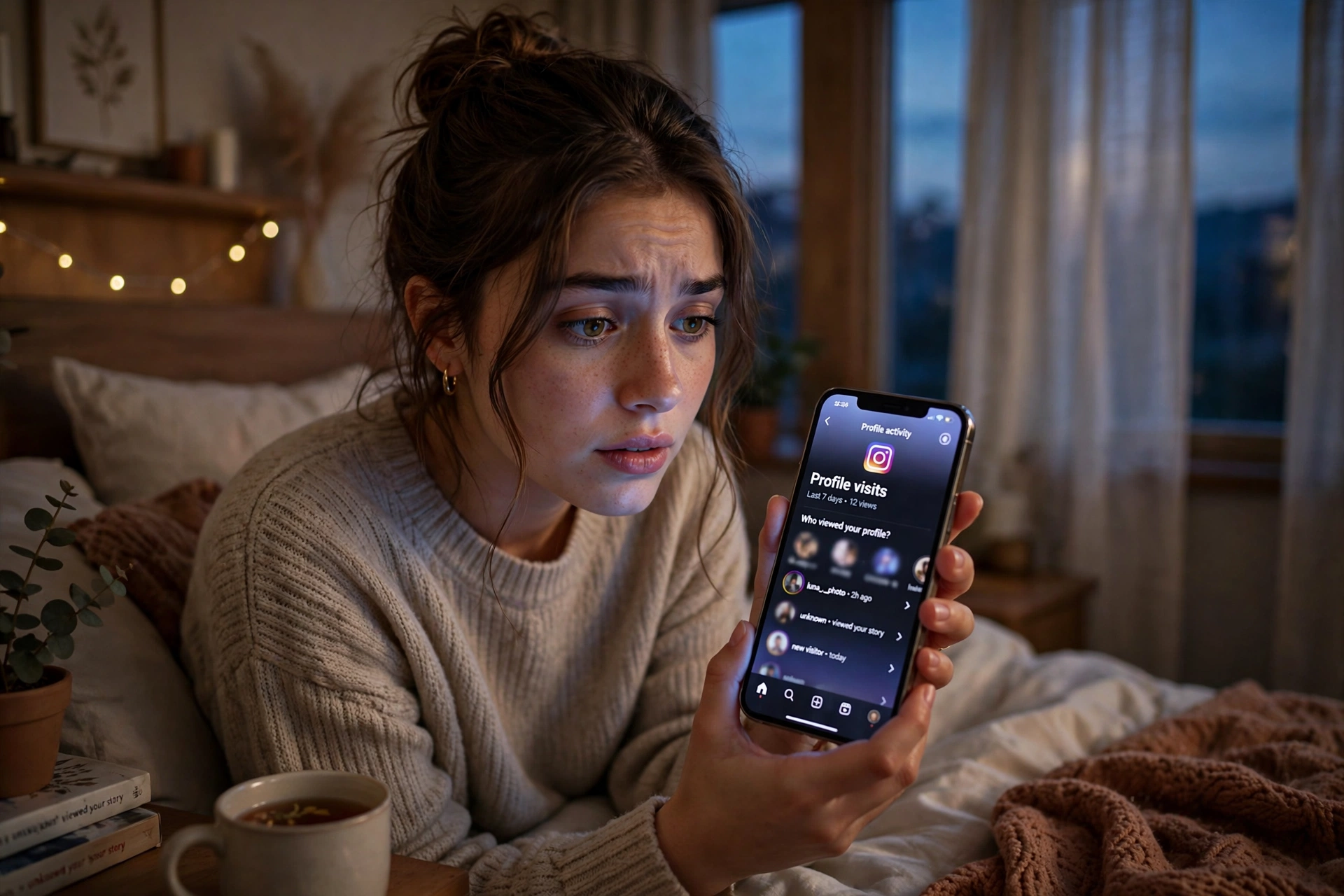
Instagram’s official position has never changed, and Meta has repeated it in its official page on checking profile viewers and through public statements: profile visits are private, and Instagram does not tell profile owners who viewed their profile. This applies to every account type. A personal account, a business account with ten thousand followers, and a creator account with a million followers all get the same rule. There is no hidden toggle to unlock a viewer list, and no setting buried in the privacy menu that turns one on.
Instagram’s head Adam Mosseri has reinforced this stance publicly over the years, framing it as a privacy decision rather than a missing feature. The logic is simple: if Instagram showed you every person who opened your profile, nobody would ever browse profiles freely again. People check out ex-partners, job candidates, old classmates, and competitors, and they do it precisely because no one can see them doing it. Instagram protects that browsing behavior the same way it protects yours when you open someone else’s profile. You leave no trace when you visit a profile, and no one leaves a trace when they visit yours.
The only profile-related notifications Instagram sends are about actions, not views. Someone likes your photo, comments on your reel, follows you, mentions you, or sends you a DM, and you get notified. Someone silently opens your profile and closes it again, and Instagram stays completely quiet. That distinction runs through everything else in this guide: Instagram happily shows you interactions, but never silent visits.
What Instagram DOES Show You About Your Profile Visitors
The no-viewer-list rule sounds disappointing until you see how much visibility Instagram actually gives you through other doors. Between stories, live video, the professional dashboard, and plain engagement, a careful account owner can build a surprisingly clear picture of who is paying attention. None of these are labeled “profile viewers,” but each one names or counts real people who interacted with your presence on the app.
1. Story Viewers: The Only True Named List
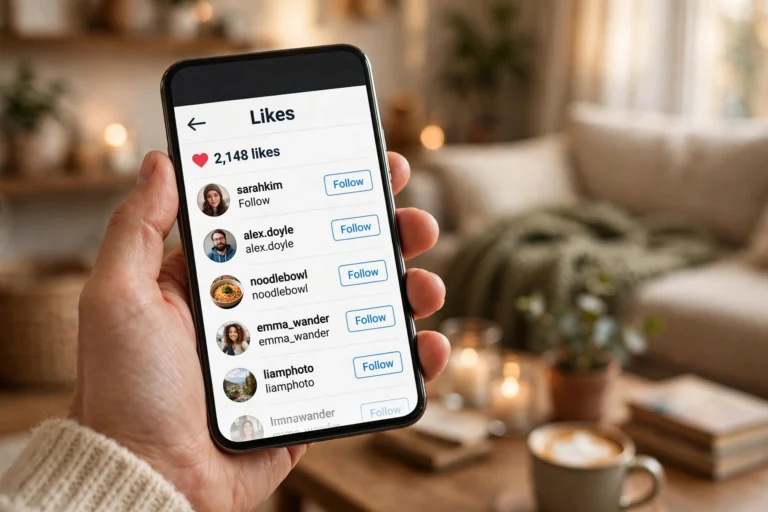
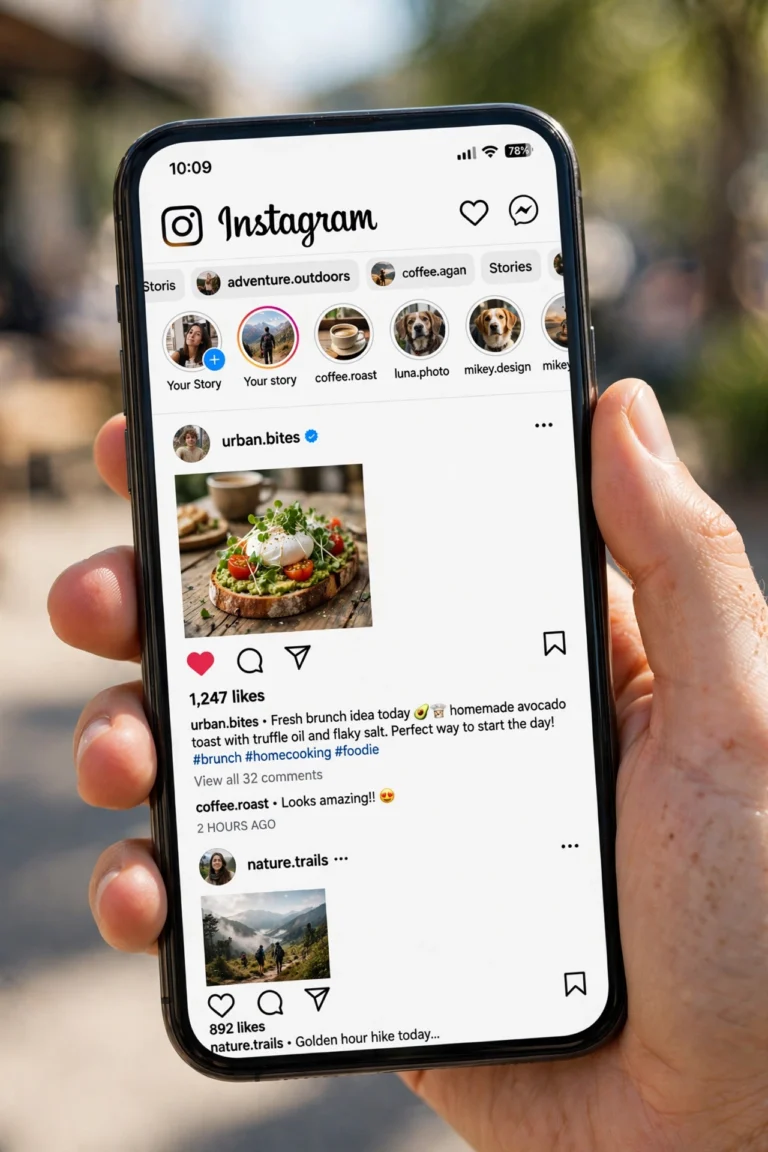
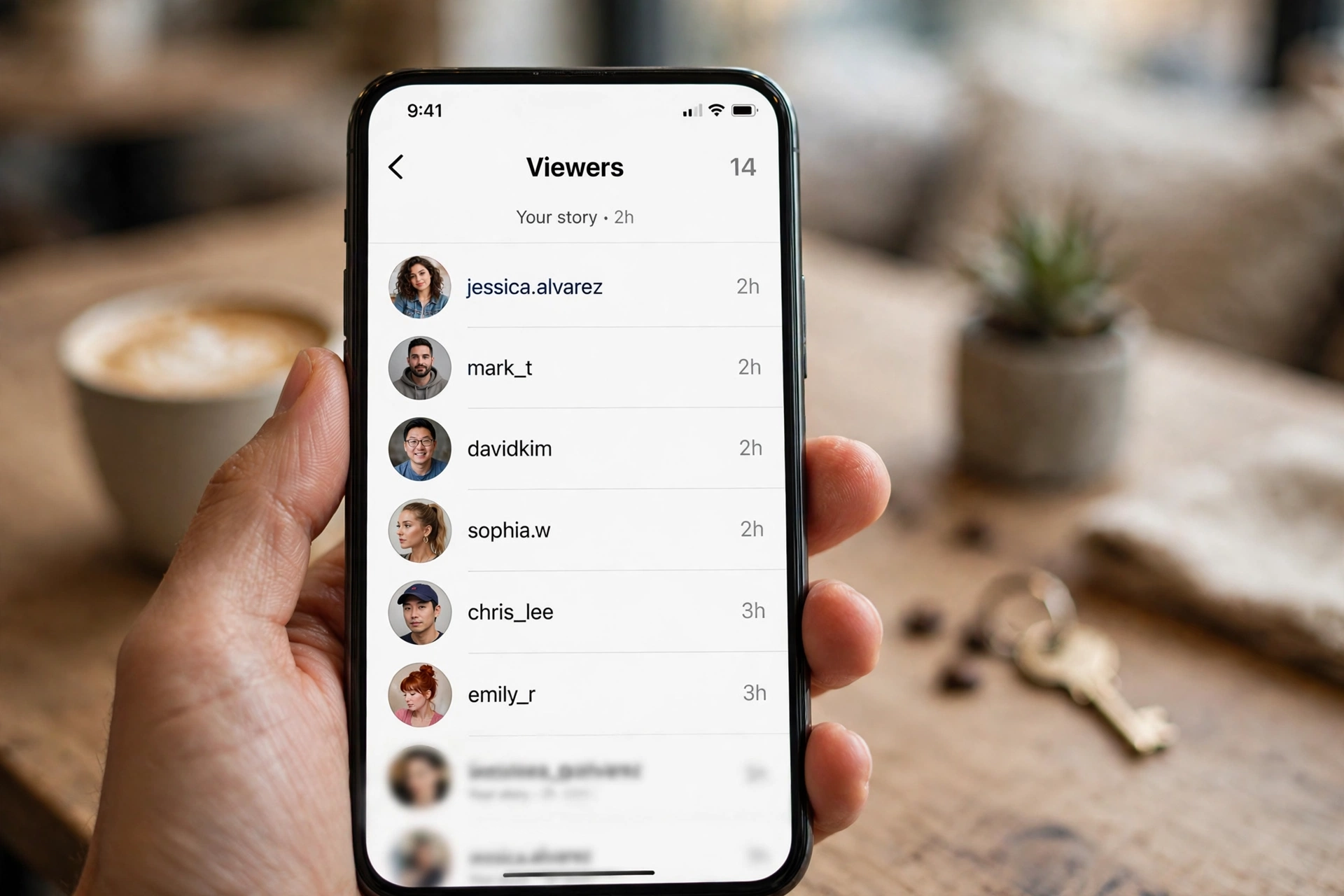
Your Instagram stories are the one place where Instagram shows you exact viewer names with zero ambiguity. Open any story you posted, swipe up (or tap the activity icon), and you see the full list of everyone who watched it. This list is available while the story is live, which lasts 24 hours, and you can revisit it through your Story Archive afterward. Through the archive, Instagram keeps the exact names visible for up to 48 hours after posting, and aggregate view counts for up to 14 days. Highlights only show viewers from when the story was originally live, so check the list before the 48-hour window closes if the names matter to you.
This is why savvy creators treat stories as their real profile-viewer radar. Someone who never likes or comments but appears at the top of your story viewers week after week is, for all practical purposes, a regular profile visitor. The order of the viewer list is driven by your interaction history with each person, not by who viewed your profile most, so do not read too much into who sits at the top. The names themselves, though, are real and complete. People who want to keep these lists handy for offline viewing often pair the habit with an instagram story downloader so their favorite stories stay saved even after the archive window passes.
2. Live Video Viewers
Go live on Instagram and you get the same treatment as stories: the viewer list shows every account currently watching, by name, in real time. The catch is that the list disappears when the broadcast ends. Unlike stories, there is no archive of who watched your live video, so the names are useful only in the moment. Creators who want to spot their most loyal watchers sometimes screenshot the viewer list during a broadcast, since that evidence is gone forever once they tap “End.”
3. Profile Visit Counts in the Professional Dashboard
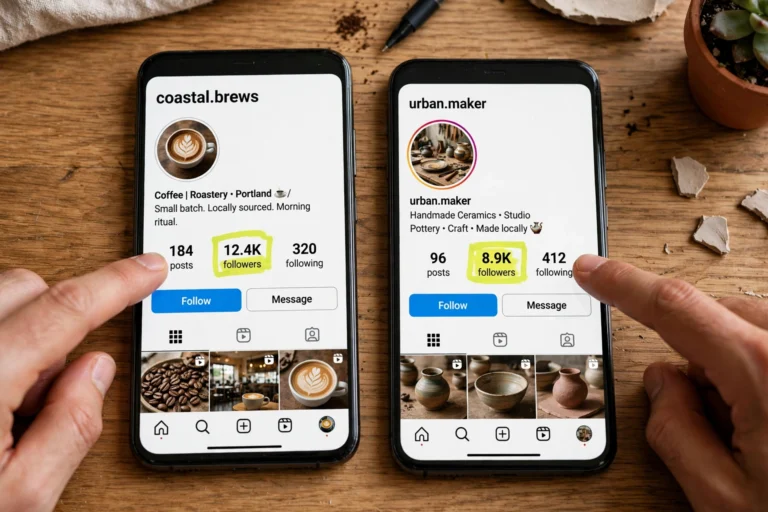
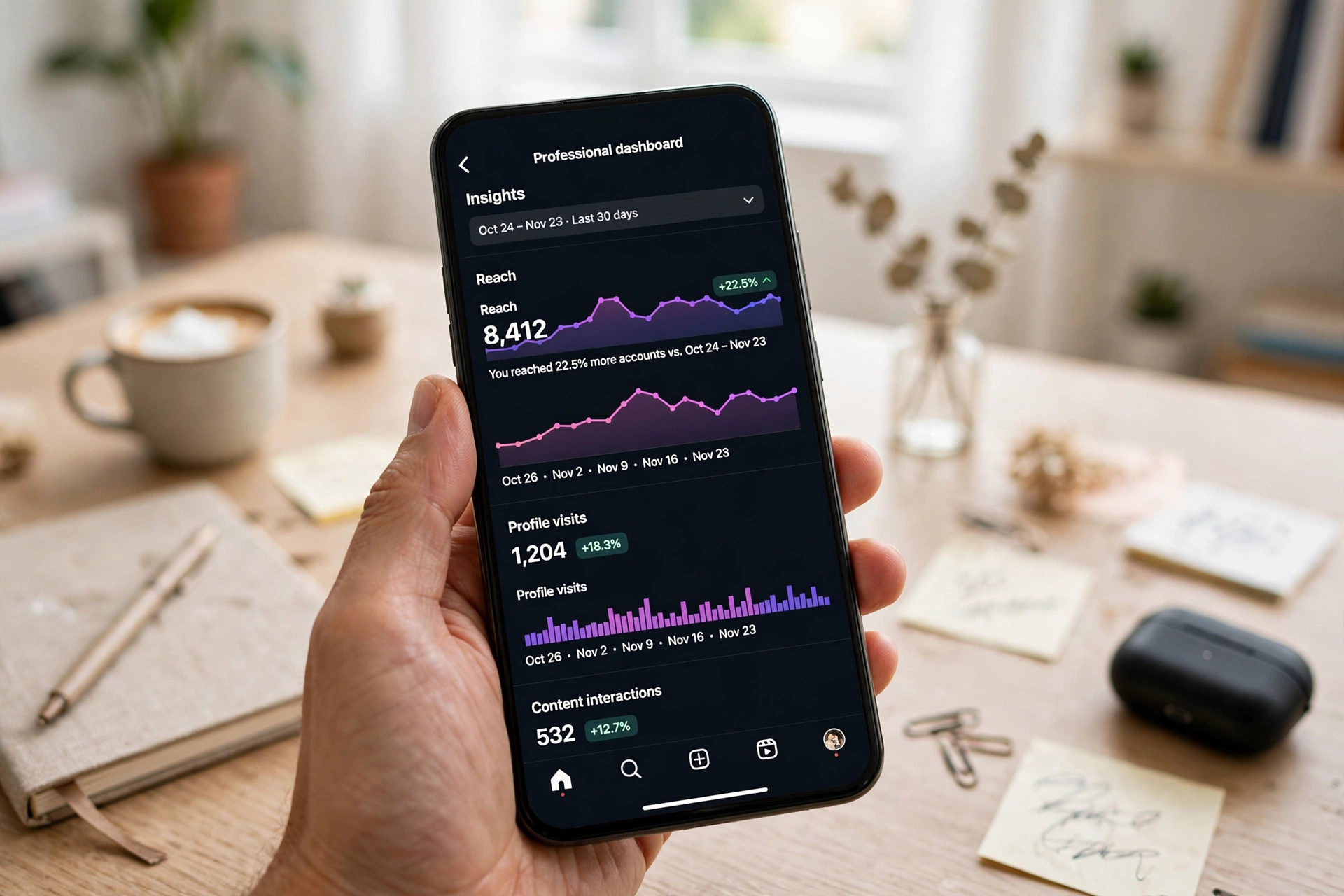
Switch your account to a business or creator profile and Instagram unlocks the Professional Dashboard, which includes a profile visits metric. This shows how many times your profile was visited over a chosen time frame: the last 7, 14, 30, or 90 days. It is a count, not a list. You see that 312 people visited your profile this week, not who those 312 people were. Personal accounts do not get this metric at all, which is one practical reason many curious users switch to a creator account even when they have no business.
To check it, open your profile, tap Professional dashboard, then look under the account insights for Profile visits (sometimes grouped under a “Views” section depending on your app version). The number updates as visits happen, and comparing week-over-week trends tells you when something you posted is driving people to your profile. Users who take audience analytics seriously usually track this number alongside their follower movement, and many run an instagram follower tracker in parallel so they can see whether visit spikes turn into actual follows or just silent browsing.
4. Reach, Impressions, and Follows
The same insights panel breaks your visibility into reach (how many unique accounts saw your content) and impressions (how many total times it was seen), plus how many of those viewers tapped through to your profile and how many hit follow. These numbers never carry names, but they answer the business version of the profile-viewer question: is my profile attracting attention, and is that attention converting? A spike in profile visits with no new follows usually means people are checking you out but not finding a reason to stay, which is a content problem, not a mystery to solve.
What You Can and Cannot See: The Full Picture
| What you want to know | Can Instagram show it? | Where to look |
|---|---|---|
| Names of profile visitors | No, never | Does not exist on any account type |
| Who viewed your stories | Yes, exact names | Swipe up on a live story; archive for 48h |
| Who watched your live video | Yes, exact names | Viewer list during the broadcast only |
| How many visited your profile | Yes, as a count | Professional dashboard, business/creator accounts |
| Who liked, commented, or followed | Yes, always | Notifications and activity feeds |
| Who viewed your profile picture | No | Not tracked or shown anywhere |
| Who searched your name | No | Search activity is completely private |
| Notifications when someone views you | No | Instagram sends none, for views |
The “Who Viewed My Profile” Apps Are a Scam: Here Is the Proof
Search the app store for profile viewer apps and you will find dozens of them with polished icons, thousands of ratings, and promises to reveal your secret admirers. Every single one of them is lying to you, and the proof is technical, not just a warning. Instagram’s public API, the official channel through which third-party apps are allowed to read Instagram data, has no profile-viewer endpoint at all. Not for regular apps, not for business-tier partners, not for anyone. The data these apps claim to show you simply does not exist on Instagram’s side, so nothing they display can be real.
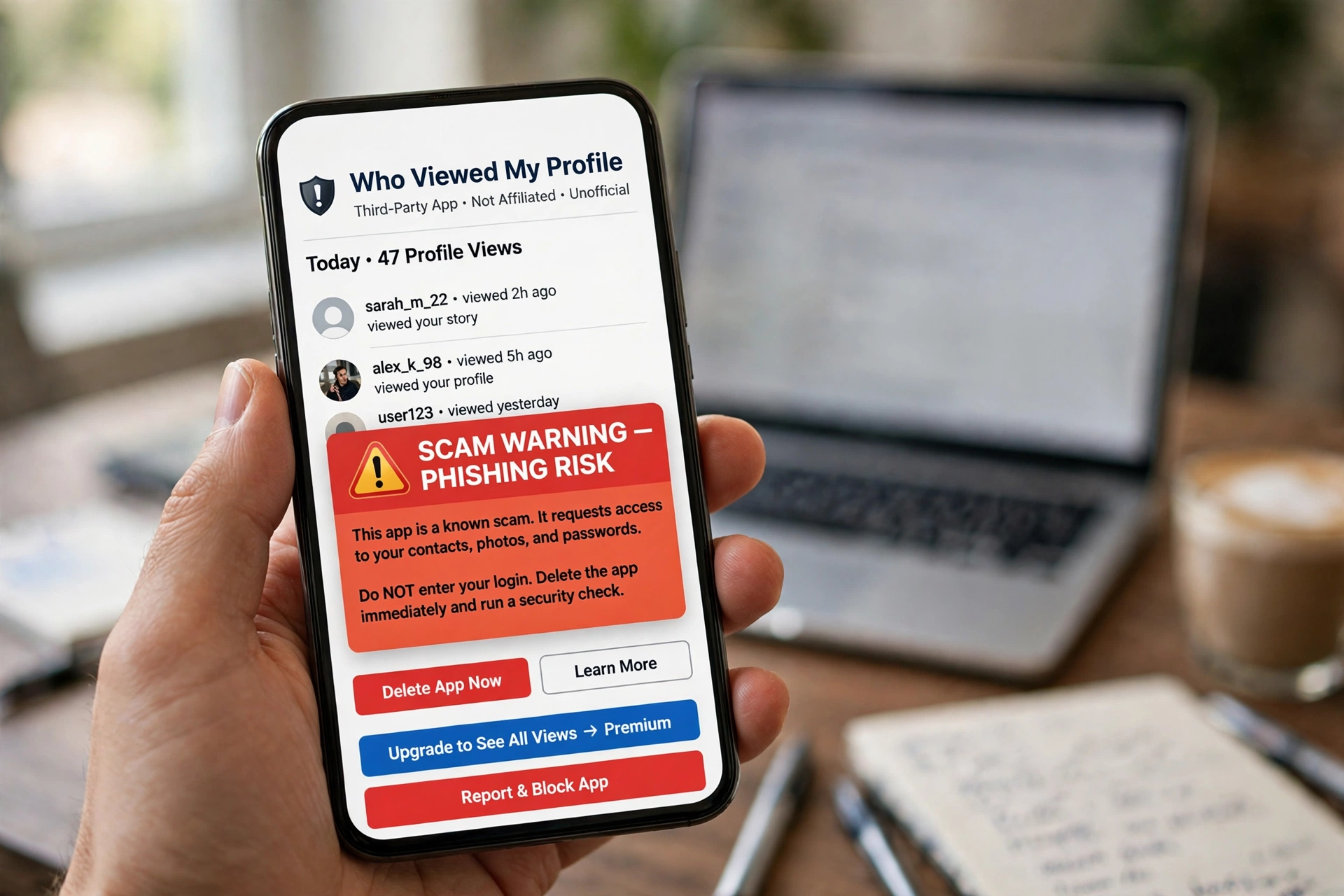
So what do these apps actually show you? Hands-on testing by independent reviewers has found the same pattern again and again. The app asks for your Instagram login or an OAuth connection, then generates a viewer list out of thin air: usually a shuffled selection of your own followers and followings, presented as if it were secret surveillance data. Some lock the “full results” behind a weekly subscription. Others harvest your credentials outright, which is how accounts end up posting spam, sending phishing DMs to friends, or getting locked by Instagram for suspicious activity. Instagram’s third-party app policies explicitly prohibit this category of tool, and using one can get your account flagged or banned.
The strongest proof of all is what the legitimate tools do not offer. Official Instagram partners like Hootsuite, Buffer, Later, and Sprout Social have full, approved access to Instagram’s business data, and not one of them offers a profile-viewer feature. If the data existed anywhere in Instagram’s systems, these companies would be the first to sell it to you. Their silence on this feature is the market telling you the data is not there. Delete any profile viewer app you have installed, change your Instagram password, and revoke its access under Settings and privacy > Website permissions > Apps and websites.
7 Indirect Signs Someone Keeps Viewing Your Profile
Instagram will not hand you a visitor list, but visitors leave footprints. These seven signals are the closest thing to a real answer, and together they paint a reliable picture of who is paying attention to your profile.
1. They keep showing up in your story viewers
The single strongest signal. A person who watches your stories regularly is opening your profile (or at least your story ring) on purpose, and Instagram gives you their name. When the same account appears in your viewer list day after day without ever liking or commenting, you have found your quiet regular.
2. They like or comment on old posts
New engagement on a photo from eight months ago is a dead giveaway. Nobody stumbles onto old posts by accident; that person scrolled deep into your grid, which means they spent real time on your profile. The deeper the post, the stronger the signal.
3. They follow you, then unfollow, then follow again
Repeat follow activity means repeat profile visits, since following requires opening your profile. If someone’s name keeps popping up in your follower notifications, they are checking on you more than they want to admit. Quiet follower churn like this is exactly what people spot when they monitor their audience with an instagram unfollow checker, and the pattern almost always traces back to someone who cannot decide whether to stay connected.
4. You get DMs or message requests from them
Every DM starts with a profile visit. A sudden message request from someone you barely know, or a first message in months from an old contact, means your profile was on their mind recently enough to open and act on.
5. They appear in your Suggested for You
Instagram’s suggestion algorithm weighs mutual connections, contacts, and interaction history, including profile visits from the other side. When someone you have not interacted with starts appearing in your suggestions, there is a good chance they have been looking at your profile, and the algorithm is nudging you to reconnect.
6. Your profile visits spike after you post
Post a reel, check your Professional Dashboard an hour later, and watch the profile visits number. Spikes that line up with specific posts tell you which content drives curiosity. Pair that with the new followers and story viewers from the same window, and you can triangulate exactly which audience segment came looking.
7. They add you to Close Friends or tag you
Being added to someone’s Close Friends list, getting tagged in a meme, or receiving a mention in a story are all deliberate actions that start from your profile. These are the loudest signals because the person chose to make themselves visible to you.
How to Keep Your Own Profile Views Private
The flip side of this question matters just as much: when you view someone else’s profile, can they tell? The answer is no, with a few exceptions worth knowing. Silent browsing leaves no trace. But the moment you interact, you become visible, and some features quietly announce your presence.
Watching someone’s story puts your name on their viewer list; there is no anonymous story viewing inside the official app. This is why tools marketed as an anonymous instagram viewer exist at all, though Instagram’s own app offers no such option and third-party workarounds carry the same risks described above. Watching a live video adds you to the live viewer list. Liking, commenting, following, or sending a DM all create notifications. Viewing a profile, scrolling a grid, zooming a profile picture, or reading old captions creates nothing.
If you want to browse without leaving any trace at all, the safe settings are straightforward: keep interactions at zero, and remember that stories are the one trap. For controlling who can see your side of things, Instagram gives you real tools. Switch to a private account so only approved followers can see your posts. Use Hide Story From to keep specific people out of your story viewer lists. Use Restrict to quietly limit someone’s comments and DMs without the drama of a block. And use Block when you want someone gone from your profile entirely; blocked accounts cannot view your profile, stories, or posts at all.
6 Myths About Instagram Profile Viewers, Busted
Misinformation around this topic spreads faster than facts, because every myth promises the answer people want. Here are the six claims you will run into most, and the truth behind each one.
Myth 1: Business accounts can see who viewed their profile
False. Business and creator accounts get aggregate profile visit counts in their Professional Dashboard, nothing more. The count never comes with names, and switching your account type unlocks analytics, not identities.
Myth 2: The order of your story viewers shows who stalks you most
False. Instagram has confirmed that the viewer order is based on your interaction history with each viewer: whose profile you visit, whose content you engage with, and who you message. It is a ranking of your relationships, not a ranking of who viewed your profile.
Myth 3: Highlights show everyone who ever viewed them
False. Highlights only preserve the viewer list from the original 24-hour story window (plus the 48-hour archive period). Someone who opens your highlight a month later is not added to any list you can see.
Myth 4: You can see who viewed your profile picture
False. Instagram does not track or display profile picture views anywhere. Tapping someone’s profile photo to zoom it leaves no trace, and no tool, official or otherwise, can show you this.
Myth 5: You can see who searched your name
False. Search activity on Instagram is completely private. Neither the searcher nor the searched account sees anything, and no Insights metric covers it.
Myth 6: Airplane mode lets you view stories anonymously
Mostly false. The old trick was to load stories, turn on airplane mode, view them, then close the app before reconnecting. In practice, Instagram usually registers the view the moment the story content loads, before you ever enable airplane mode, so your name still lands on the viewer list. It is unreliable enough that you should never count on it.
Does Instagram Notify You When Someone Views Your Profile?
No, and this deserves its own section because it is the exact fear behind the search. Instagram sends no notification when someone opens your profile, no matter how often they do it. Your ex can check your profile every day for a year and you will never get a single alert about it. The reverse is equally true: you can browse anyone’s public profile as much as you like without them knowing. The only notifications Instagram sends are for actions: likes, comments, follows, mentions, tags, and messages. Views are not actions in Instagram’s eyes, so they generate nothing. If you are still learning your way around these settings, our guide on how to use instagram walks through notifications and privacy controls step by step.
The 2026 Profile Views Test: What Is Actually Changing
One real development is worth knowing about. In 2026, Instagram has been testing a limited profile-views feature with some accounts, and independent testers who checked it in September 2026 confirmed what it shows: a simple total or 14-day profile visit count, visible to the account owner. Usernames are still never shown, and the feature remains a limited rollout rather than a full launch. In other words, Instagram is experimenting with showing you slightly more about your traffic, but the privacy line around identities has not moved. Even if the test reaches your account, you will see a bigger number, not a list of names. So if your search for how to see who views your instagram profile led you here hoping for names, this test is the closest Instagram has come, and it still stops at counts.
Frequently Asked Questions
Can you tell who stalks your Instagram?
Not directly. Instagram provides no stalker list or profile visitor log. The closest evidence is behavioral: repeat story viewers, likes on old posts, follow-unfollow cycles, and frequent DMs or mentions. If someone’s name keeps appearing across those signals, they are paying close attention to your profile.
Can someone tell if I look at their Instagram a lot?
No, as long as you only view and never interact. Opening a profile, scrolling the grid, and zooming photos leaves no trace. The moment you watch their stories, join their live, like, comment, follow, or message, your name becomes visible to them.
Can people see if you view their Instagram profile in 2026?
No. Nothing changed on this point in 2026. Profile visits remain private across personal, business, and creator accounts, and the limited profile-views test only shows aggregate counts to the account owner, never names.
Is there a free app to see who viewed my Instagram profile?
No legitimate one exists, free or paid. Instagram’s API has no profile-viewer data, so every app claiming this feature is fabricating its results. Many also harvest your login credentials or lock fake “full results” behind subscriptions. Avoid them entirely.
Can I see who viewed my Instagram story after 24 hours?
Yes, for a short window. Open your Story Archive, find the story, and swipe up: exact viewer names remain visible for up to 48 hours after posting, with aggregate counts available for up to 14 days. After that, the names are gone.
Does Instagram show profile views on private accounts?
Private accounts get the same rule: no viewer names, ever. A private account does shrink the audience that can view your profile in the first place, since only approved followers can see your posts, but it does not add any visitor tracking.
Why does the same person always appear first on my story viewers?
Because of your interaction history with them, not their viewing habits. Instagram orders story viewers by how much you engage with each person: profiles you visit, posts you like, accounts you message. It reflects your behavior toward them, not theirs toward you.
Can I see who views my Instagram posts or reels?
For posts, no: Instagram shows like and comment counts but not who viewed. For reels, you see a total play count, not viewer names. Business and creator accounts can open View Insights on any post or reel to see reach, profile visits, and follows it generated, but again as numbers, never names.
The Bottom Line
Learning how to see who views your instagram profile ends with accepting one firm no and unlocking everything around it. The no: Instagram will never show you the names of your profile visitors, on any account type, through any setting, in 2026 or any year the privacy stance holds. Everything around it is genuinely useful: your story viewer lists name your most consistent watchers, your live viewer list names them in real time, your Professional Dashboard counts every visit, and likes, comments, follows, and DMs tell you exactly who cares enough to act. Stop chasing viewer-list apps, since they cannot deliver what they promise and many will cost you your account security. Instead, put your energy where the numbers are real: better content turns silent profile visitors into followers, and followers into engagement. If that is the goal, our guide on how to increase instagram followers is the natural next step.