
InstaUp Not Working? Common Problems and Fixes (2026 Guide)
When InstaUp stops working, users usually face problems like the app not opening, APK installation errors, login issues, missing coins, or followers and likes not being delivered. These problems can happen because of outdated versions, Android compatibility issues, internet connection errors, server problems, or incorrect installation files. Understanding the exact cause can help you fix InstaUp not working issues without wasting time trying random solutions.
This guide explains the most common InstaUp APK problems, why they happen, and practical fixes for installation errors, crashes, login problems, coin issues, and other common errors.
Quick Information About InstaUp Problems
| Information | Details |
|---|---|
| App Name | InstaUp |
| Platform | Android APK |
| Main Purpose | Instagram followers, likes, comments exchange |
| Common Issues | Installation, crashes, login, coins, updates |
| Possible Causes | Old version, server issues, compatibility, permissions |
| Requires Internet | Yes |
| Related Platforms | Instagram, Android, iOS searches |
Why Is InstaUp Not Working?
InstaUp may stop working because of an outdated Instaup APK version, unsupported Android device, network problems, corrupted installation files, or temporary server issues.
Before trying advanced fixes, check these basic things:
- Is your internet connection stable?
- Are you using the latest InstaUp version?
- Is your Android version compatible?
- Did you download the APK from a reliable source?
- Does the app have required permissions?
Most InstaUp issues can be fixed by identifying the exact problem instead of reinstalling the app repeatedly.
InstaUp APK Not Installing? Try These Fixes
One of the most common problems users face is that the InstaUp APK does not install properly.
This usually happens when Android blocks installation or the APK file has problems.
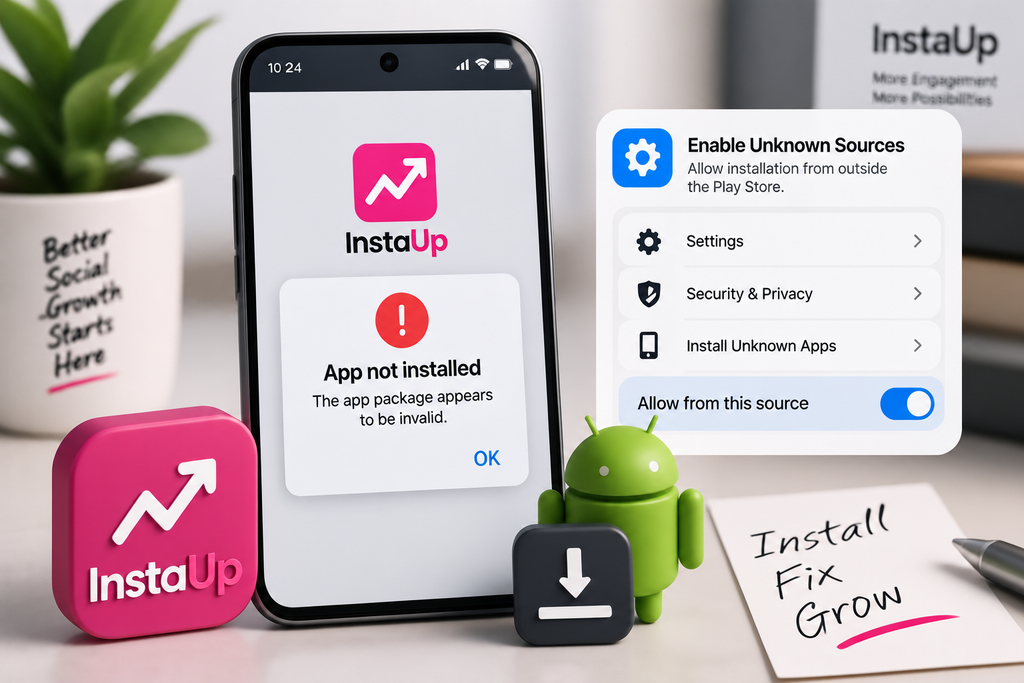
1. Enable Unknown Sources
Android blocks APK installation from outside the Google Play Store by default.
To fix this:
- Open Android Settings
- Go to Security or Apps
- Enable installation from unknown sources
- Try installing InstaUp APK again
The exact steps may vary depending on your Android version.
2. Check APK File Integrity
A damaged or incomplete APK file may fail during installation.
Possible causes:
- Interrupted download
- Modified APK file
- Incomplete file transfer
- Storage problems
Solution:
- Delete the old APK file
- Download the file again
- Make sure enough storage space is available
3. Check Android Compatibility
Older or newer Android versions may create compatibility problems.
Check:
| Problem | Possible Reason | Solution |
|---|---|---|
| Installation failed | Unsupported Android version | Use compatible version |
| App crashes after install | Device compatibility issue | Try another version |
| Features not loading | App version mismatch | Update InstaUp |
InstaUp App Crashing or Not Opening
Sometimes InstaUp installs successfully but closes immediately after opening.
Common reasons include:
- Outdated app version
- Corrupted app data
- Low device storage
- Android compatibility problems
Fix 1: Clear InstaUp Cache
Try clearing temporary app files:
- Open Settings
- Go to Apps
- Select InstaUp
- Clear Cache
- Restart the app
Fix 2: Restart Your Device
A simple device restart can solve temporary system conflicts affecting app performance.
Fix 3: Reinstall InstaUp
If clearing cache does not help:
- Remove InstaUp
- Restart your phone
- Install a fresh APK version
Make sure you use a trusted source.
InstaUp Login Problem: Why Can’t I Access My Account?
Some users report login-related issues when trying to use InstaUp features.
Possible reasons:
- Internet connection problems
- Temporary server issues
- Incorrect account information
- App version problems
Try these steps:
Check Your Internet Connection
InstaUp requires an active connection because engagement features depend on online communication.
Update the App
Older versions may stop working properly when services change.
Avoid Repeated Login Attempts
Multiple failed attempts may temporarily affect access.
InstaUp Coins Not Increasing or Loading
The coin system is one of the main features of InstaUp. Users earn coins and use them for engagement requests.
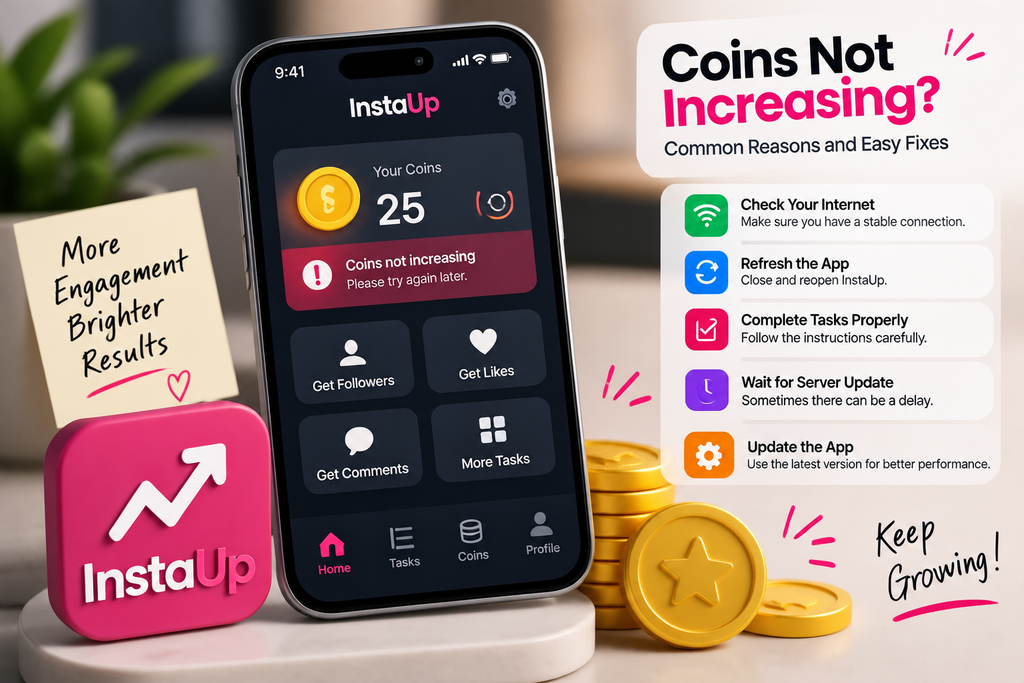
If your InstaUp coins are not increasing, possible causes include:
- Tasks not being completed correctly
- Delayed server updates
- Network problems
- Temporary app errors
Try:
| Problem | Fix |
|---|---|
| Coins stuck | Restart app and check connection |
| Tasks not counting | Complete tasks again carefully |
| Balance not updating | Wait and refresh later |
| App error | Update or reinstall |
InstaUp Followers or Likes Not Arriving
A common question users ask is:
“Why are my InstaUp followers or likes not coming?”
Possible reasons:
- Limited active users
- High demand for services
- Delayed processing
- Insufficient coins
- Temporary server delays
The InstaUp system depends on user participation, so results may not always appear instantly.
Things to check:
- Your coin balance
- Order status
- Internet connection
- App version
InstaUp Update Problem
Using an outdated version can cause several issues:
- App crashes
- Missing features
- Login failures
- Compatibility errors
If InstaUp is not working after an update:
Check Version Compatibility
A new version may require a newer Android version.
Clear Previous Data
Old app data can sometimes conflict with updated files.
Install Fresh Version
Remove the previous version and install the latest compatible InstaUp APK.
InstaUp Server Error or Connection Problem
Because InstaUp works online, server-related problems can affect:
- Login
- Coin balance
- Followers requests
- Likes delivery
Signs of server problems:
- App loads slowly
- Features do not respond
- Requests remain pending
- Error messages appear
If the problem is server-related, reinstalling the app may not help. Waiting and checking again later is usually the better option.
InstaUp Not Working on Android? Compatibility Checklist
Before installing InstaUp APK, check:
| Check | Why It Matters |
|---|---|
| Android version | Ensures app compatibility |
| Storage space | Prevents installation errors |
| Internet connection | Required for online features |
| APK source | Avoids corrupted files |
| App permissions | Helps features work correctly |
Is Using an Older InstaUp Version a Solution?
Sometimes users search for InstaUp apk old version because newer updates create compatibility problems.
An older version may work better on some devices, but it also has limitations:
Advantages:
- May work on older Android phones
- Can solve update-related issues
Possible disadvantages:
- Missing new features
- Compatibility limitations
- Potential security concerns
Always verify the source before installing any older APK version.
How to Prevent InstaUp Problems in the Future
Follow these practices to reduce common errors:
Keep InstaUp Updated
New versions usually include:
- Bug fixes
- Compatibility improvements
- Performance changes
Maintain Device Storage
Low storage can affect installation and app performance.
Use Reliable APK Sources
Avoid unknown files that may be modified or unsafe.
Review Permissions
Only allow permissions that are necessary for the app to function.
Common InstaUp Errors and Quick Solutions
| Error | Possible Cause | Quick Fix |
|---|---|---|
| APK not installing | Blocked installation | Enable unknown sources |
| App crashes | Cache or compatibility issue | Clear cache/update |
| Login not working | Network or server issue | Check connection |
| Coins missing | Sync delay | Refresh and wait |
| Followers delayed | Limited activity | Check order status |
| Update error | Version conflict | Reinstall app |
Frequently Asked Questions
Why is InstaUp not working?
InstaUp may stop working because of outdated versions, installation problems, internet issues, compatibility errors, or temporary server problems.
Why is my InstaUp APK not installing?
The APK may not install because Android blocks unknown apps, the file is corrupted, or the device is incompatible.
Why are InstaUp coins not increasing?
Coins may not update because of server delays, incomplete tasks, or connection problems.
Why are InstaUp followers not showing?
Follower delivery may be delayed because of limited active users, pending requests, or service availability.
Can updating InstaUp fix problems?
Yes, updating InstaUp can fix bugs, compatibility issues, and missing features caused by older versions.
Should I install an older InstaUp version?
An older version may help with compatibility issues, but users should consider missing features and security risks.
Final Verdict
Most InstaUp app not working problems are caused by simple issues such as outdated APK versions, installation errors, compatibility problems, or connection failures. Checking the app version, device settings, permissions, and download source can solve many common problems.
Before switching between different versions, first identify the actual cause of the issue. A reliable APK source, compatible Android device, and proper installation process can help InstaUp run more smoothly. For long-term Instagram growth, remember that tools like InstaUp work best alongside quality content and genuine audience engagement.

2 Comments