
Instagram Follower Tracker: 7 Best Apps to Track Followers, Unfollowers and Growth (2026)
You wake up, open Instagram, and your follower count has dropped by 60 overnight. Who left? Was it a real follower, a spam account Instagram purged, or someone quietly unsubscribing from your updates? Instagram will not tell you. The app shows you a number, not names, and your followers list is not even sorted by who followed most recently.
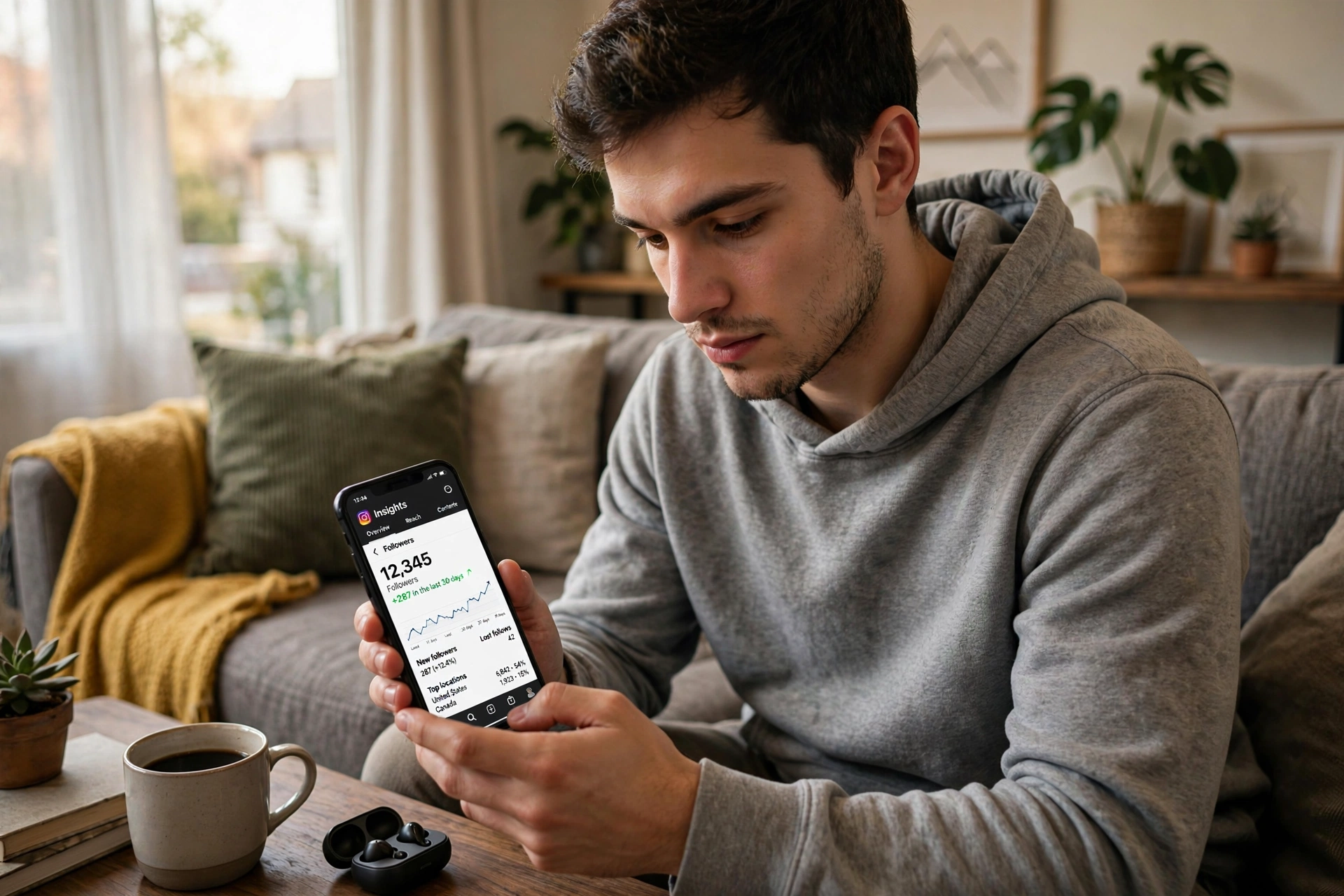
That blind spot is exactly what an Instagram follower tracker fills. Whether you call it an instagram follower tracker, an ig follower tracker, or an instagram followers viewer, the job is the same: these apps and web tools watch your follower list for you, flag who unfollowed, show who never followed back, and chart how your audience grows over time.
Instagram itself removed the Following activity tab back in 2019, and it has never offered a native unfollower list. What follows is a practical comparison of 7 real follower tracker apps for 2026, from the free FollowMeter mobile app to no-login web dashboards like Snoopreport and DolphinRadar, plus Instagram’s own built-in Insights, so you can choose the right tool for your account.
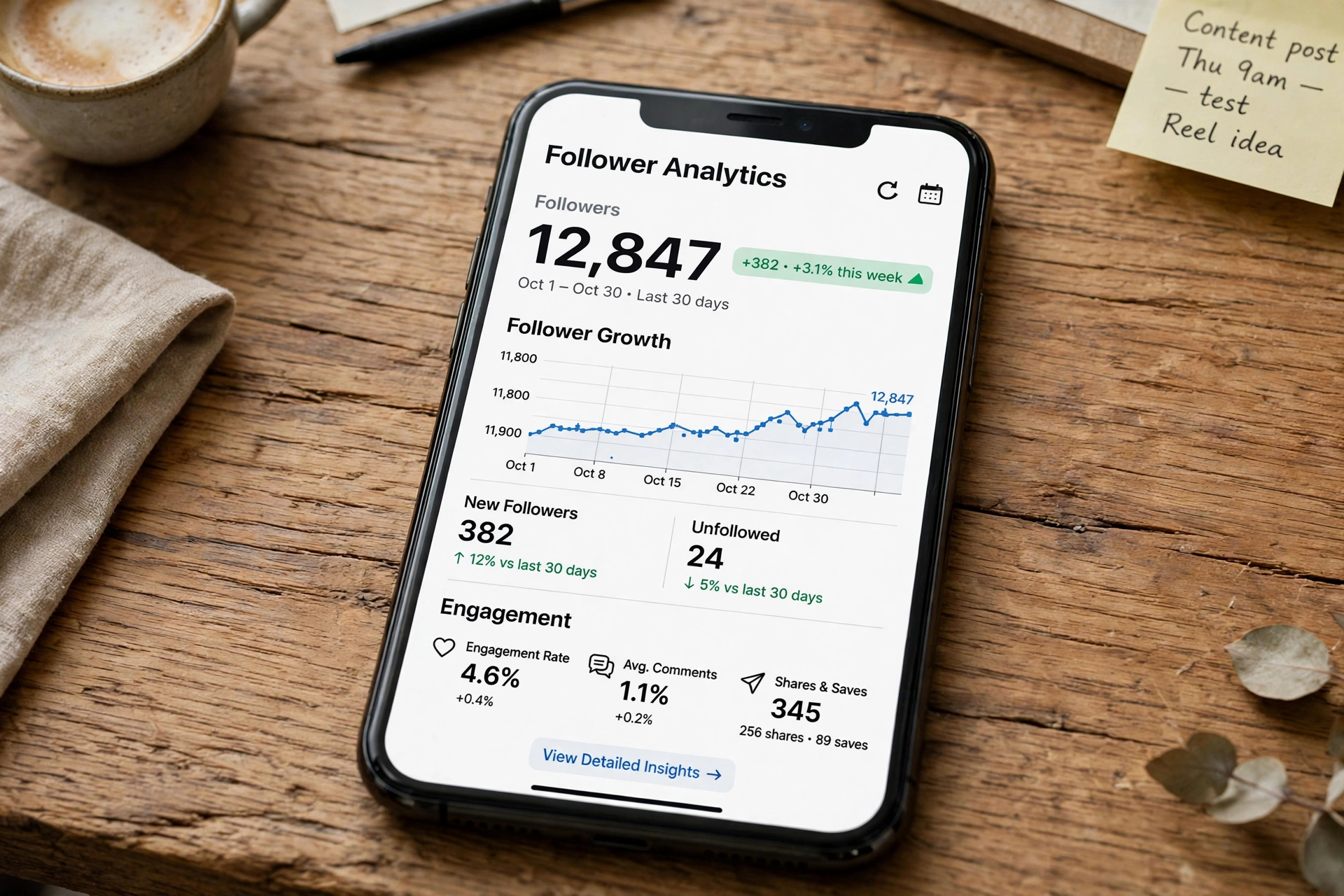
What Is an Instagram Follower Tracker and What Can It Track?
An Instagram follower tracker is an app or web tool that monitors changes in an Instagram account’s followers and following lists over time. Because Instagram does not hand out a neat feed of follow events, these tools work by taking snapshots: they record your follower list once, then compare it against a fresh copy later. Anything that changed between the two snapshots shows up as a new follower, an unfollower, or an account that never followed you back.
Most trackers cover the same core jobs. They list who recently unfollowed you, who does not follow you back, and which accounts are ghost followers that never like or comment. Better ones add follower growth charts, best-time-to-post hints, and engagement stats per post. That is why creators treat a tracker less like a spy gadget and more like the analytics layer Instagram forgot to build.
There are limits worth knowing upfront. No legitimate tracker can show you private accounts you do not follow, reveal who viewed your profile (Instagram simply does not expose that data to third parties), or reconstruct your follower history from before you installed it. The snapshot method only sees forward, so the earlier you start tracking, the more useful the data becomes.
Instagram Followers Viewer: Your Own Audience vs Someone Else’s
People search for an instagram followers viewer with two very different goals, and mixing them up is the fastest way to pick the wrong tool.
The first goal is your own audience. You want to know who unfollowed you, which followers are inactive, and whether your count is actually growing. Tools like FollowMeter, Reports+, and Instagram’s own Insights are built for this. They connect to your account or read your data and report on changes.
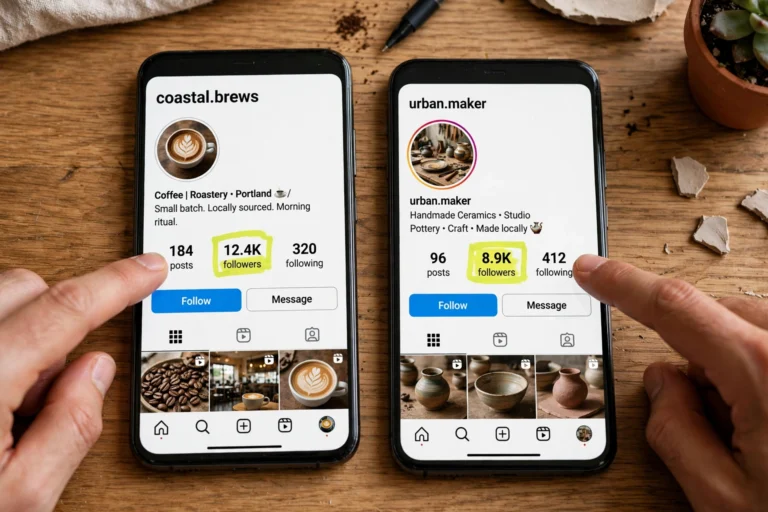
The second goal is someone else’s public account: a competitor, an influencer you might hire, or a brand you admire. You want to see who they recently followed or who follows them. That is a different product category entirely, served by no-login web tools such as Snoopreport and DolphinRadar, which read public data without touching your Instagram login.
Decide which of the two you need before you install anything. An own-audience tracker cannot show you a competitor’s followers, and a public-account viewer cannot tell you who unfollowed you.
IG Follower Tracker: How These Apps Actually Work
Search for an ig follower tracker on the App Store and you will find dozens of apps promising instant answers. Under the hood, almost all of them use the same snapshot method described above, which creates two practical rules.
First, results only start from the day you install. If someone unfollowed you last month and you install a tracker today, no app can tell you who it was. The baseline did not exist yet.
Second, the tools split into two camps on access. Mobile apps like FollowMeter and Reports+ ask you to log in with your Instagram account so they can read your follower list directly and refresh it on demand. Web tools like Snoopreport and DolphinRadar never ask for your password; they monitor public accounts from their own servers and email you reports. The no-login route is safer by design, but it only works for public profiles, not for your own private follower list.
One more thing to keep in mind: Instagram has changed how follower lists are ordered over time, moving away from a simple chronological list. Honest trackers now date new follows by when they first spotted them rather than claiming an exact timestamp. Treat any app promising exact follow dates from years ago with suspicion.
7 Best Instagram Follower Tracker Apps in 2026: Quick Comparison
Here is how the 7 tools compare at a glance, with full reviews below.
| Tool | Best For | Platform | Free Plan | Price |
|---|---|---|---|---|
| FollowMeter | Finding unfollowers | iOS, Android | Yes | Free + premium |
| Reports+ | Deep personal analytics | iOS, Android | Limited | Freemium |
| InsTrack | Creators and brands | iOS, Android | Limited | Freemium |
| Snoopreport | Tracking public accounts | Web | Sample report | From $0.99/week |
| DolphinRadar | Recent-follow tracking | Web | Free search | From ~$4.16/month |
| Social Blade | Free follower count stats | Web | Yes | Free |
| Instagram Insights | Built-in analytics | In-app | Yes | Free |
Still on the fence about installing an instagram follower tracker? Think of it this way: Instagram gives you the what (your follower count), but an Instagram follower tracker gives you the who and the why. Over a few weeks, an instagram follower tracker builds a history that manual checking can never match: which posts cost you followers, which ones gained them, and which accounts quietly slipped away.
The key is picking the right instagram follower tracker for your goal. If you only need unfollower alerts, a free Instagram follower tracker like FollowMeter is enough. If you track clients or competitors, a paid instagram follower tracker with multi-account reports earns its subscription in a single campaign.
7 Best Instagram Follower Tracker Apps in 2026 (Reviewed)
1. FollowMeter, Best Free App to Find Unfollowers
FollowMeter is the long-running mobile favorite for one specific job: telling you who unfollowed you. Install it on iOS or Android, connect your Instagram account, and it shows unfollowers, new followers, accounts that do not follow you back, and ghost followers on a clean dashboard. The free tier covers the basics, which is why casual users keep coming back to it.
The tradeoff is access. FollowMeter needs your Instagram login to work, which is inherently riskier than a no-login web tool, and the free version is ad-supported. For a quick, free answer to who unfollowed you on your own account, though, it remains the most downloaded option in this category.
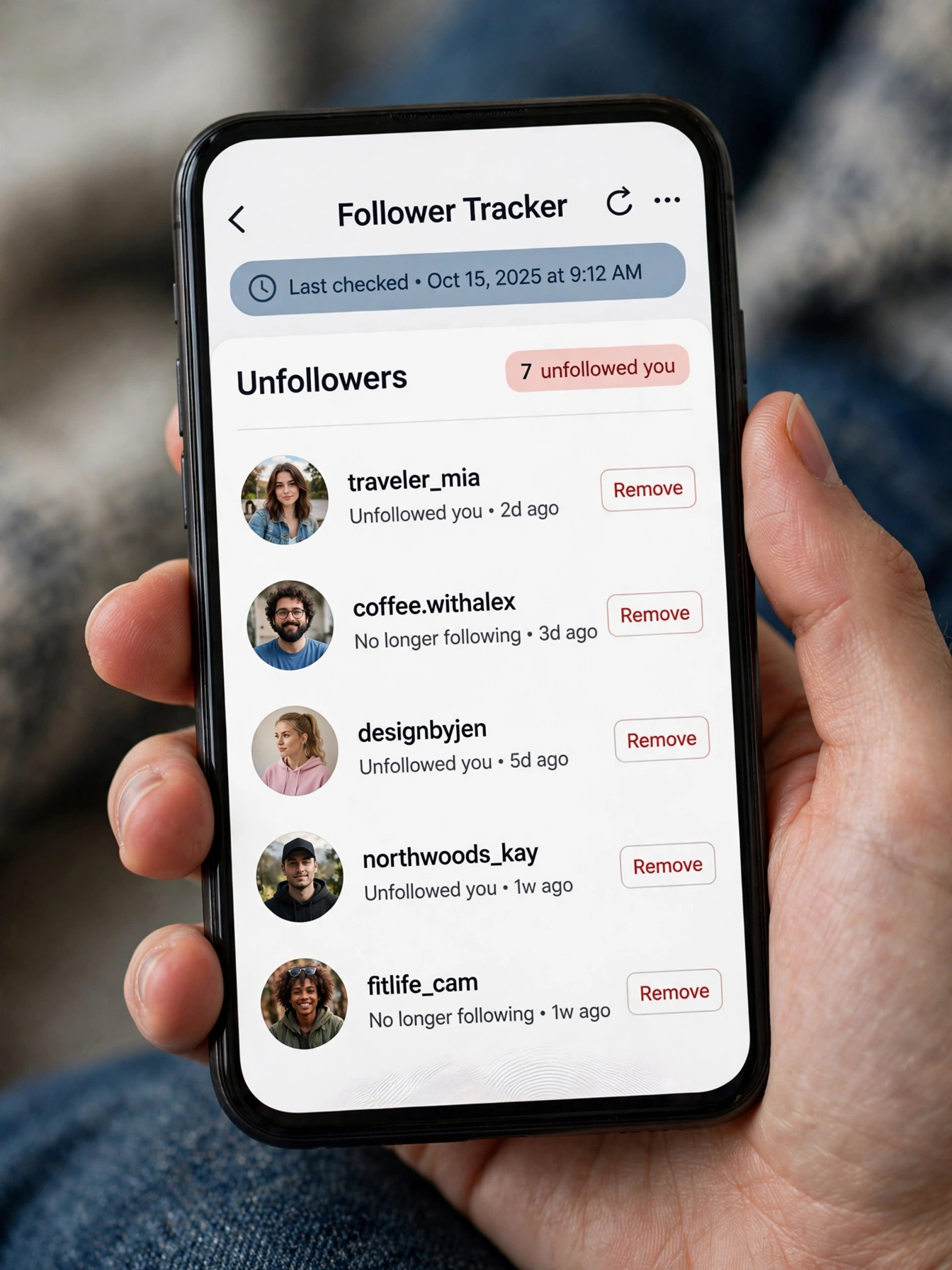
2. Reports+, Best for Deep Personal Analytics
Reports+ goes deeper than unfollower lists. It is built for users who want real analytics on their own account: follower growth over time, who engages most with your posts, story viewer stats, and which followers have gone quiet. With one of the largest rating volumes in this category on the App Store, it is the analytics-first pick.
Like FollowMeter it requires your Instagram login, and the most useful reports sit behind in-app purchases. Pair it with the tactics in How to Increase Instagram Followers to turn those insights into actual growth instead of just interesting charts.
3. InsTrack, Best for Creators and Brands
InsTrack positions itself as the creator’s tracker: unfollower alerts plus reporting features aimed at people who post for a living. It tracks follower changes, highlights your most loyal engagers, and packages the numbers in shareable reports.
It is a smaller app than the two above, with a modest but solid rating base, and it also needs your Instagram login. The free tier is limited, so expect to pay to unlock the full reporting suite. And remember that reports mean little without content that retains: Classy Captions for Insta gives you 240+ caption ideas that lift engagement on the posts your tracker is measuring.
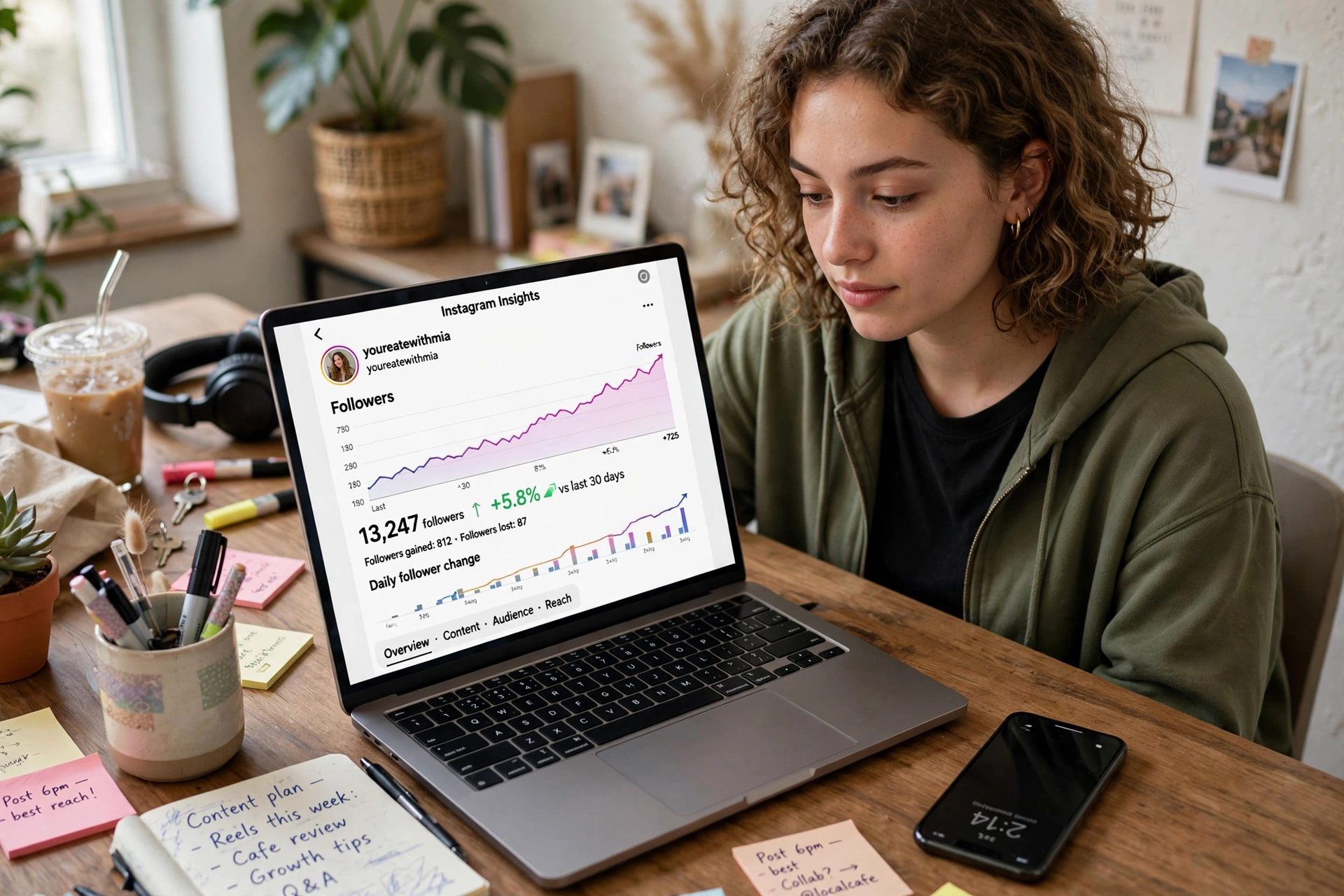
4. Snoopreport, Best for Tracking Public Accounts Without Login
Snoopreport plays a different game: instead of analyzing your account, it watches public accounts you choose and emails you weekly or monthly reports of their likes and follows. No Instagram login, no app install, nothing to connect. You pick a public profile, and the reports show what that account has been liking and following.
That makes it the go-to for competitor research and influencer vetting rather than personal unfollower tracking. Plans start from about $0.99 per week. The weekly cadence is the main limitation: this is a slow-burn research tool, not a real-time alert system.
5. DolphinRadar, Best for Recent-Follow Tracking on Public Profiles
DolphinRadar focuses on the question Instagram makes hardest to answer: who did a public account recently follow? Enter any public username in your browser and it reconstructs recent follows in chronological order, with AI-written summaries of the account’s activity. No login, no install, fully web-based.
It is a paid tool, with plans starting around $4.16 per month on annual billing, and the depth goes beyond follows into likes and comments. If your goal is watching a competitor’s or influencer’s public follow activity as it happens, this is the most purpose-built option of the bunch. And if anonymous story viewing is the only feature you need, Insta Navigation explains a simpler method that needs no third-party app at all.
6. Social Blade, Best Free No-Login Follower Stats
Social Blade is not an unfollower finder; it is a free statistics site that tracks public follower counts over time. Type any public username and you get growth graphs, daily follower change estimates, and grade-style rankings, all without creating an account.
What you will not get is names: Social Blade shows aggregate counts, not who followed or unfollowed. For a free, no-login sanity check on whether an account is growing or shrinking, though, nothing beats it. Power users often check Social Blade stats on desktop, then manage the account from InstaUp APK, the enhanced Instagram client featured on our homepage.
7. Instagram Insights, Best Built-In Free Option
If you run a business or creator account, you already own a follower tracker: Instagram Insights. It is free, built into the app, and shows follower growth, demographics, reach, and when your audience is online. No third-party risk at all.
The catch is scope. Insights shows trends and totals, never names, so it cannot tell you who unfollowed. It also requires switching to a professional account type. Use it as your always-on baseline, and add a dedicated tracker only for the name-level answers Insights will not give. Many readers run Insta Thunder APK, the Instagram mod we reviewed, when they want extra features the official app lacks.
Free vs Paid Instagram Follower Trackers: What You Actually Get
Free trackers answer one question well, usually who unfollowed me, and monetize everything else through ads or upsells. FollowMeter’s free tier and Social Blade’s free stats cover most casual needs without spending anything.
Paid plans buy you three things: speed (real-time or daily alerts instead of manual refreshes), depth (engagement analytics, ghost follower detection, historical charts), and scale (tracking multiple accounts). Snoopreport’s weekly reports and DolphinRadar’s live follow feeds are the clearest examples.
A practical rule: start free, and only pay once you have hit a specific wall, like needing alerts for a client account or tracking more profiles than the free tier allows. Never pay an app that asks for money before showing you a single real result.
Are Instagram Follower Tracker Apps Safe to Use?
Mostly yes, with one big condition: never hand your Instagram password to an app you do not trust. Trackers that ask for your login operate in a gray zone; Instagram has warned users against sharing credentials with third parties, and unusual login activity can trigger a temporary restriction on your account.
Follow this checklist before installing anything. First, check the app’s reviews and rating count on the App Store or Play Store. Established apps like FollowMeter and Reports+ have hundreds of thousands of ratings, while a week-old app with 40 reviews deserves skepticism. Second, turn on two-factor authentication on your Instagram account, so a leaked password alone is not enough to get in. Third, avoid any tool that promises to show private accounts or exact profile visitors. Instagram does not expose profile viewer data, so apps claiming otherwise are guessing or fabricating data to keep you hooked.
The safest pattern of all is the no-login web tool for public accounts. Snoopreport and DolphinRadar never see your credentials because they only read public data. If a tracker has no legitimate reason to ask for your password, do not give it.
How to Choose the Right Instagram Follower Tracker in 3 Steps
- Pick your job. Tracking your own unfollowers? Choose FollowMeter or Reports+. Watching a public account’s activity? Choose Snoopreport or DolphinRadar. Just want free growth stats? Social Blade or Instagram Insights.
- Decide your login comfort. If sharing your Instagram login makes you uneasy, stick to no-login web tools and accept that they only cover public accounts.
- Test before you pay. Use the free tier or free search first, confirm the tool actually tracks the account you care about, and only then consider a subscription.
Every free instagram follower tracker makes money somehow, usually through ads or locked features, while a paid Instagram follower tracker charges upfront. Neither model changes the core job: a good instagram follower tracker answers who followed, who left, and who never came back, without asking for more access than it needs.
Instagram Follower Tracker FAQs
Can I see who unfollowed me on Instagram for free?
Yes. Free apps like FollowMeter show your unfollowers without charging you, and Instagram’s own data export lets you compare two follower lists manually at no cost. Free tools usually show ads or limit advanced analytics, but the core unfollower list is genuinely free.
Can an Instagram follower tracker show private accounts?
No. A private account’s follower and following lists are visible only to approved followers; Instagram enforces this on its own servers. Any tool claiming to reveal private account data is a scam, and it is likely after your money or your login.
Can these apps show who viewed my Instagram profile?
No. Instagram does not share profile viewer data with any third party, so no app can show you a real list of profile visitors. Apps that claim to do this are showing guesses.
Will the person know I am tracking their followers?
No. Lookup-style tools read public data without visiting the profile from your account, so there is no notification and no trace. This applies to public accounts only; private accounts cannot be tracked at all.
Why did my follower count drop suddenly?
Sudden drops usually come from three causes: real people unfollowing after a post they disliked, Instagram purging spam and bot accounts, or accounts being deleted or deactivated. A tracker helps you tell the first cause apart from the other two by showing exactly which names disappeared.
Final Verdict: Which Instagram Follower Tracker Should You Use?
For most people, the answer is simple. If you want a free app that tells you who unfollowed you, install FollowMeter. If you want deeper analytics on your own audience, Reports+ is worth the upgrade. If your job is watching public accounts, a competitor, an influencer, or a brand, Snoopreport’s weekly reports or DolphinRadar’s live follow tracking do what no mobile app can, without ever asking for your password.
Whichever you choose, start tracking today rather than tomorrow. Every tracker only sees forward from the day you install it, so the data you want next month depends on the baseline you create now.
9 Comments